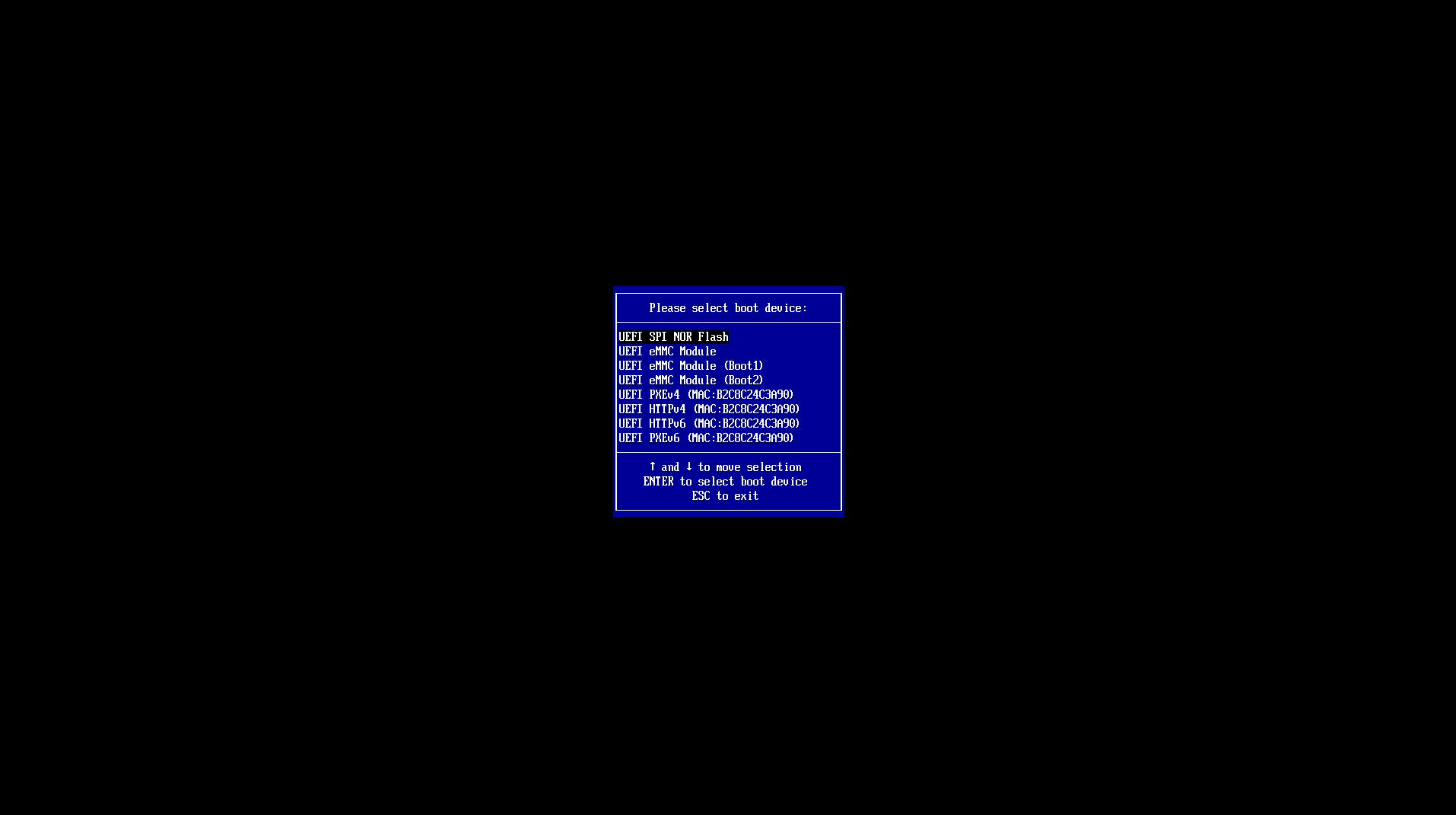
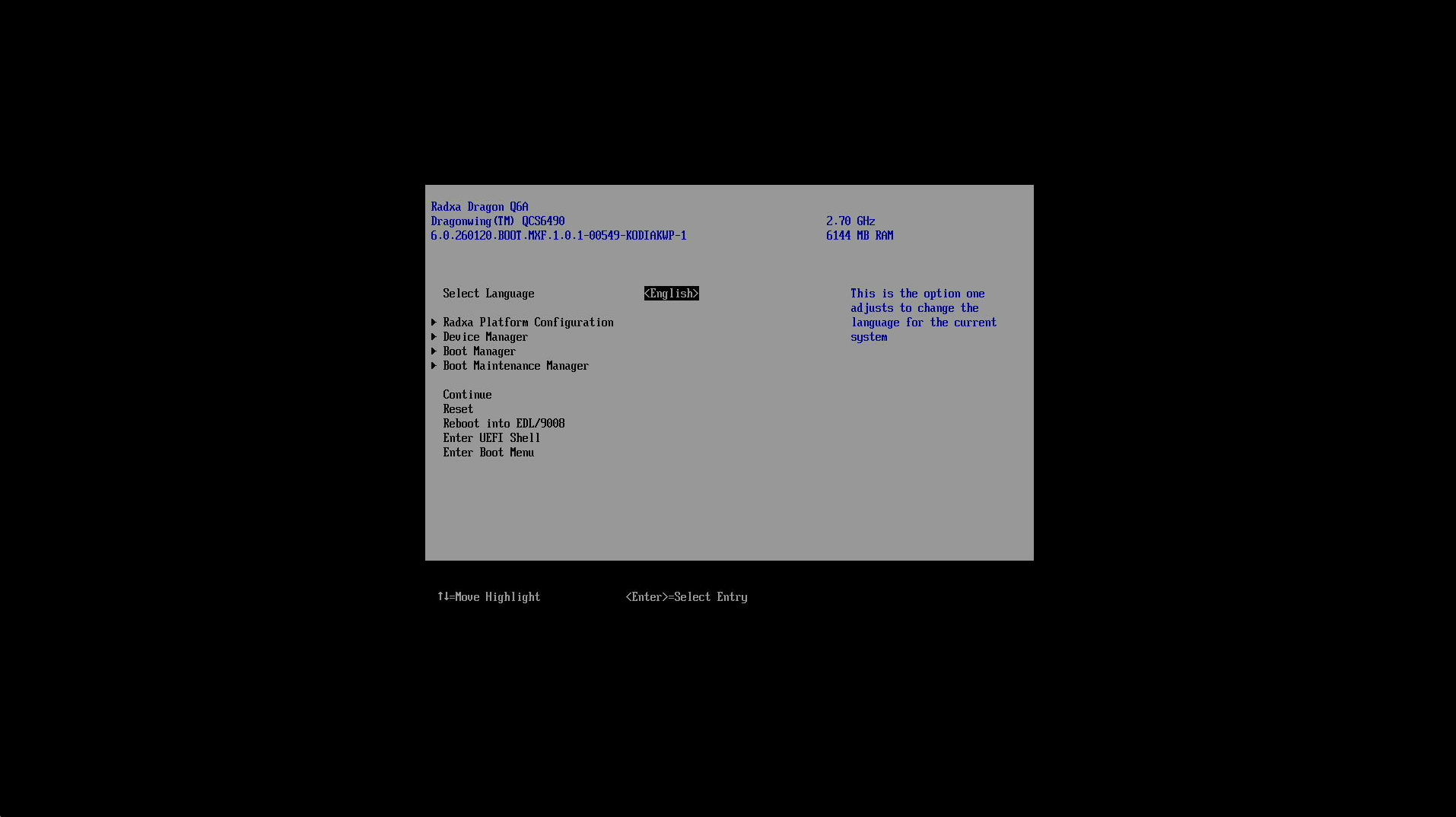
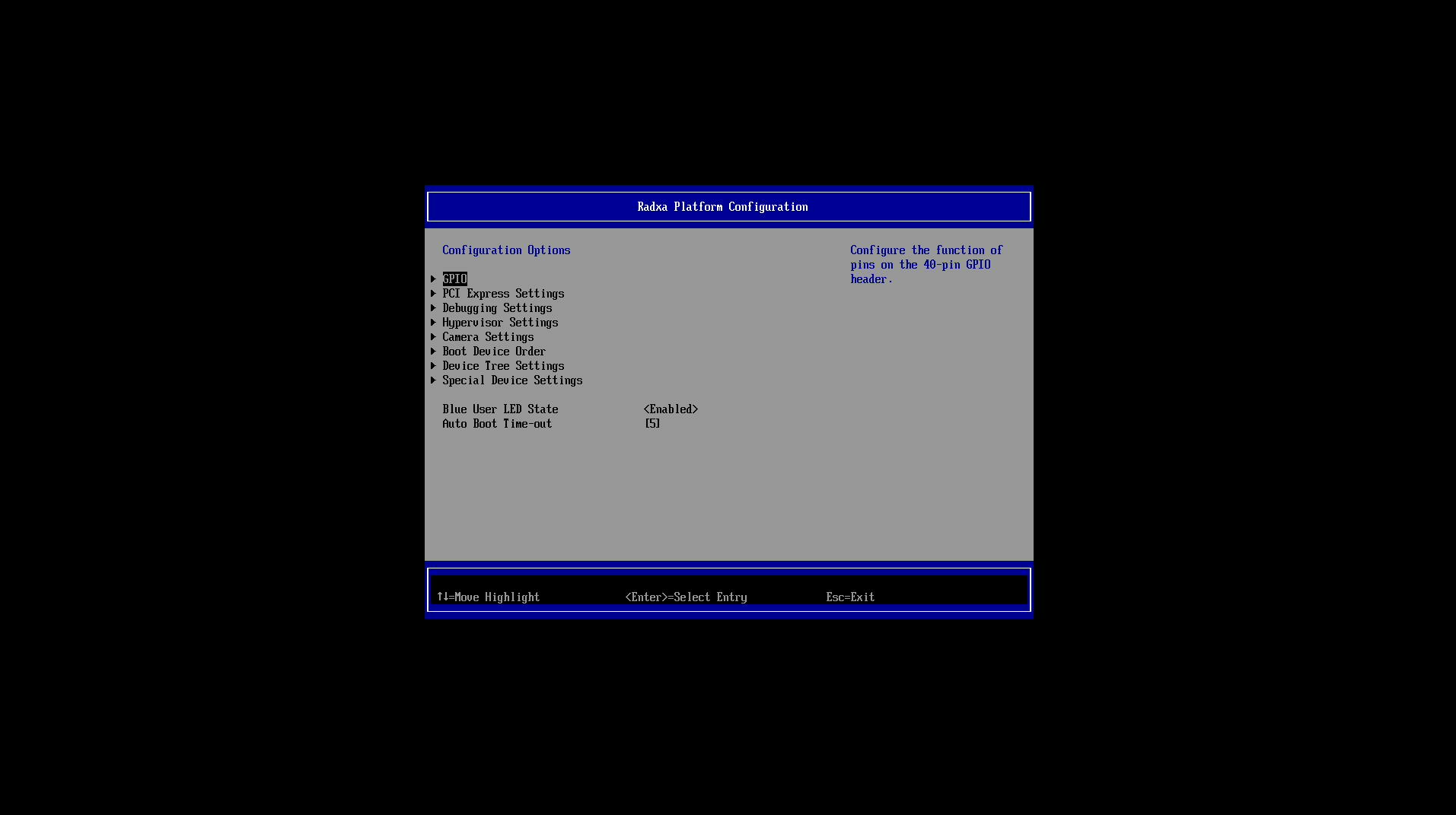
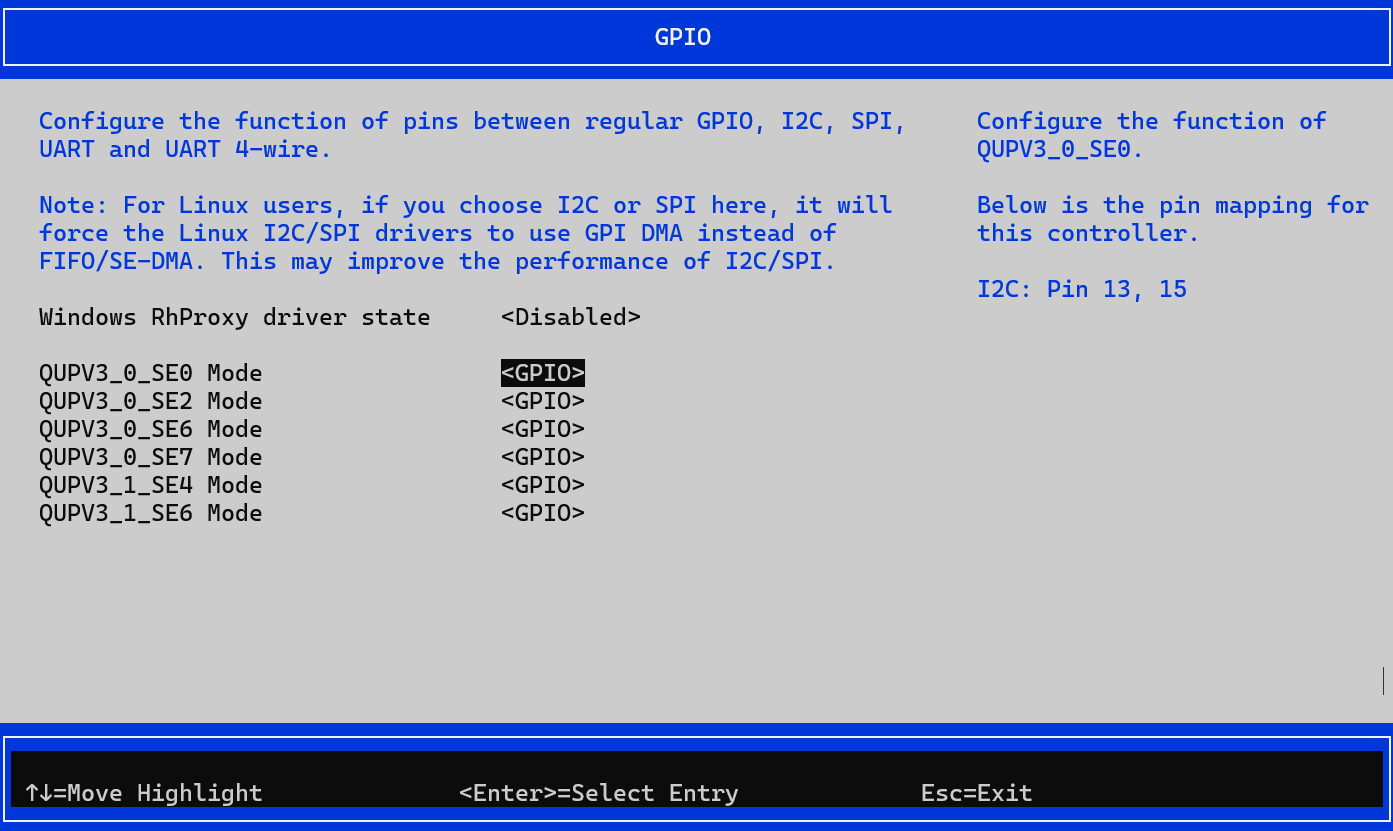
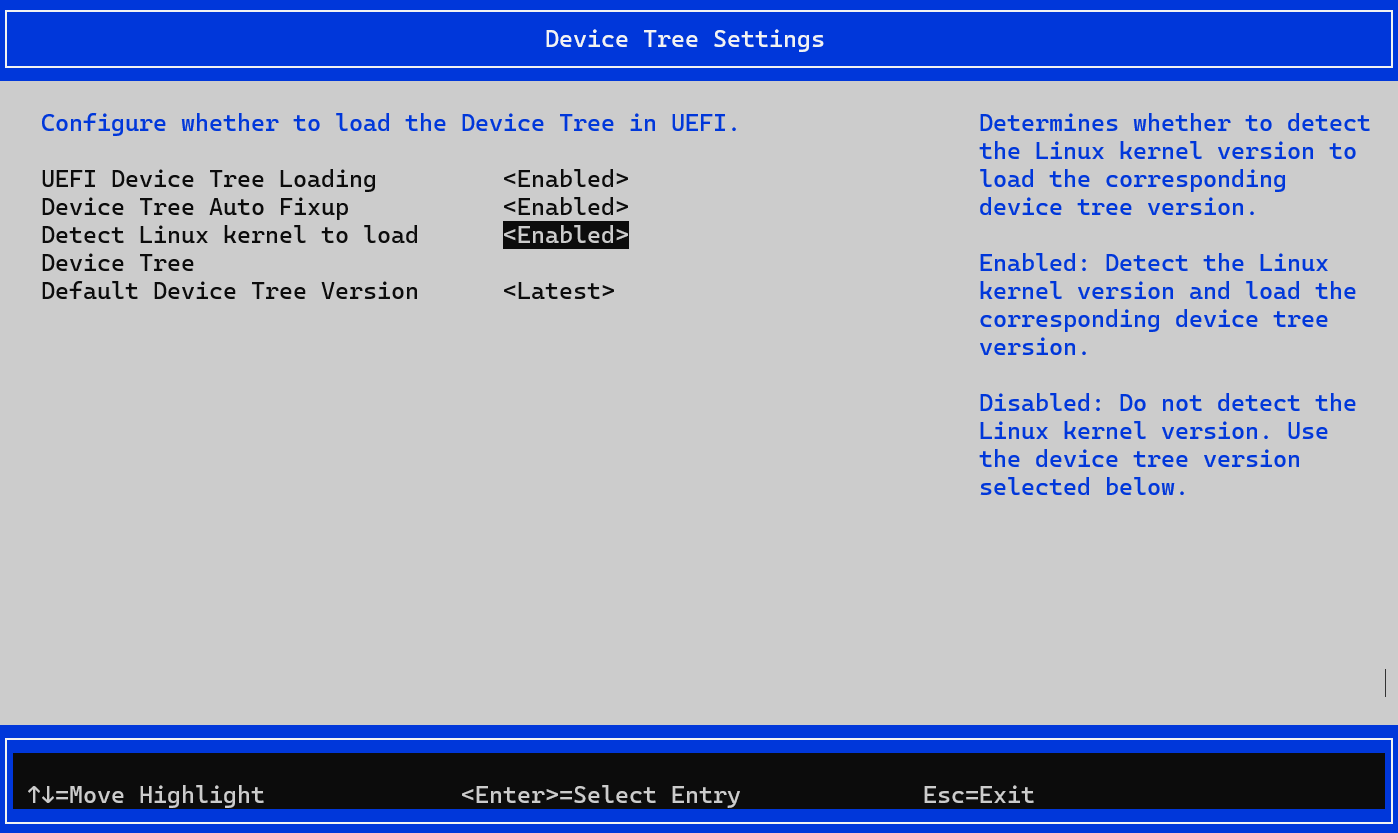
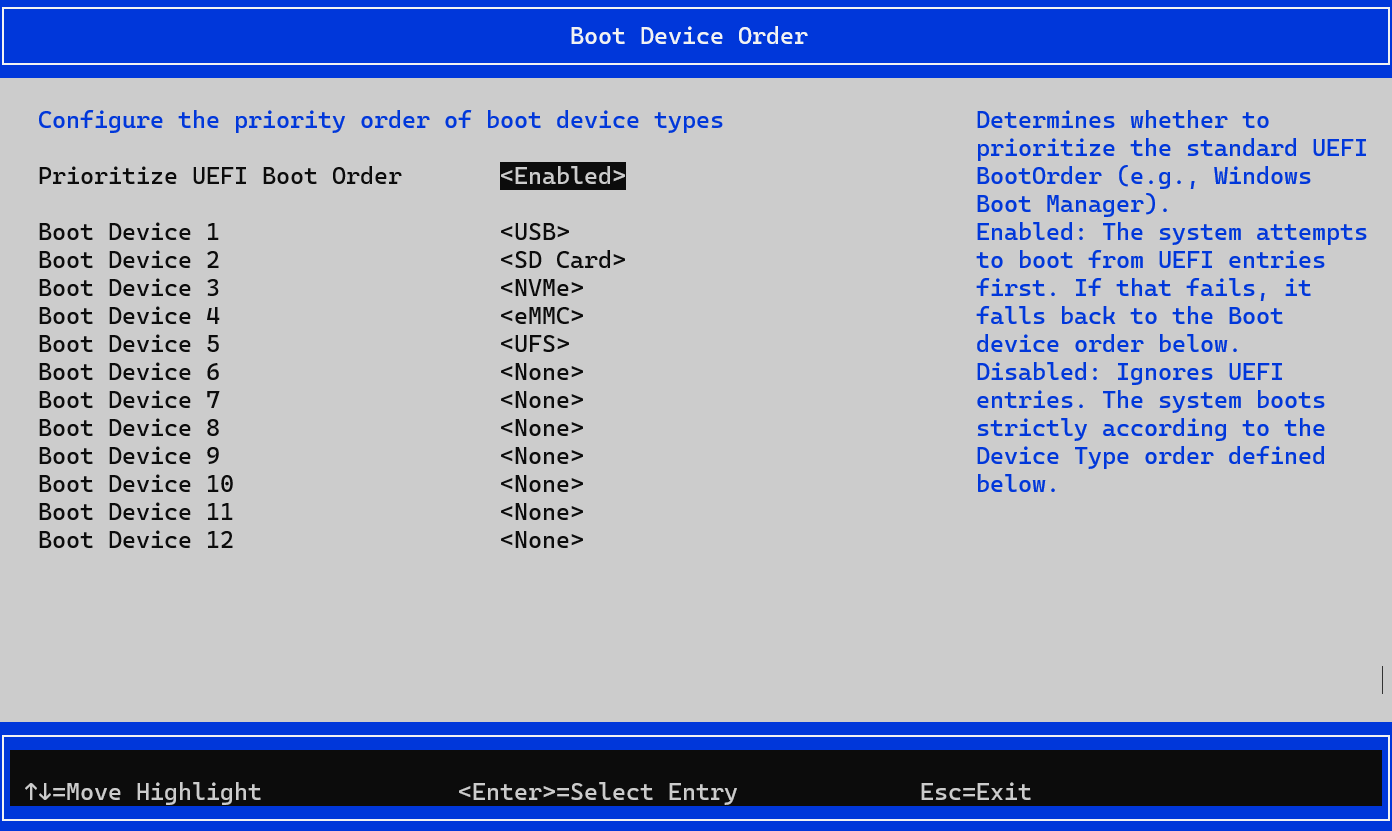
The Dragon Q6A is shipped with the SPI boot firmware pre-flashed. Normally, you do not need to re-flash it. If you are using RadxaOS, the boot firmware could be updated using the rsetup utility.
However, if you are using a third-party Linux OS or Windows ARM64, you may need to update the boot firmware manually.
There are two methods for manually updating the firmware, both of which require the edl-ng tool.
1. On-device update
First, navigate to the directory of the unpacked firmware package (dragon-q6a_flat_build.zip/flat_build/spinor/dragon-q6a). Then, run the following command directly on the device:
I’ve applied exactly that and am now left with a device that no longer boots. I’ve seen “Ubuntu-24.04.3” mentioned and the count down, but it then shows this and stops there:
Start EBS        [ 6476]
BDS: LogFs sync skipped, No Media
App Log Flush : 0 ms
Gunyah based bootup
Exit EBS        [ 6486] UEFI End
My board used to boot from the UFS flash, I’ve flashed it by booting it from it first then issued the edl-ng command above. There might be config changes to perform or any such thing, however at the moment I’m not sure what can be done.
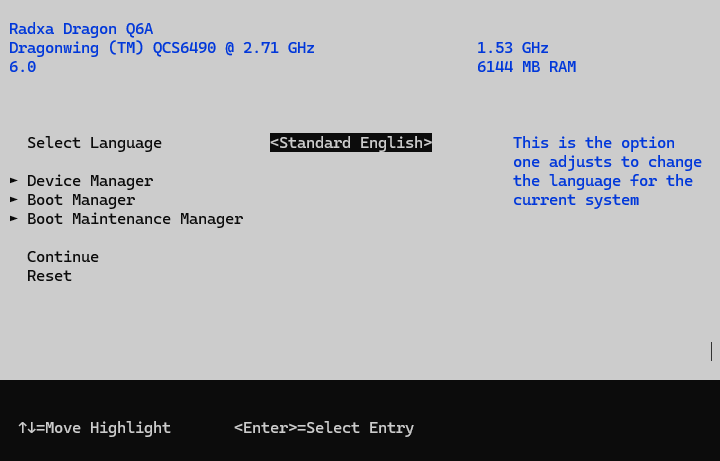
I don’t understand the boot loader. I was recently advised to try Ctrl-C during the countdown. I tried it but it doesn’t say anything. By pressing random keys I’ve seen a succinct help prompt:
I tried to change “quiet” to “debug” but it didn’t change anything different from the copy-paste above, proving that it fails in the boot loader.
Installing the micro-SD install media doesn’t change the result.
Removing the UFS flash lets the SD boot. So it seems thait this firmware upgrade makes the UFS flash unusable. Couldn’t it be this commit which broke the storage ?
The micro-SD was the initial ubuntu install image (from which I cannot recover the password BTW, I remeber having had to change it the first time but I didn’t note it). The UFS was the T2 image you pointed above. Here it’s clear that the BIOS tries to boot from UFS before SD (I already noticed and reported that a few weeks ago), so once it fails to boot on UFS you can’t use nor reinstall the UFS anymore since plugging it prevents the system from booting. I’ll have to reflash the SD with the original ubuntu image and try a future firmware image once one is emitted I guess, but for now it’s almost a brick
In case that’s of any use, I had captured the pre-upgrade and post-upgrade boot messages, and the diff is quite limited, I’m attaching it (I cancelled the few lines that only differed by the boot timestamp). I’m particularly noticing this at the end:
+Start EBS        [ 6476]
 BDS: LogFs sync skipped, No Media
-Model: Radxa Dragon Q6A
-enable-kvm is not set in DTB, booting with EL1
 App Log Flush : 0 ms
 Gunyah based bootup
-Exit EBS        [ 6323] UEFI End
-[    0.763049] msm_dpu ae01000.display-controller: [drm:adreno_request_fw] *ERROR* failed to load a660_sqe.fw
-thermal thermal_zone0: power_allocator: sustainable_power will be estimated
[ sorry for the ZIP attachment, the forum doesn’t let me post a text-only file] q6aboot-old-new.diff.zip (5.5 KB)
After some investigation, we found the problem is that the 250929 firmware does not load the embedded device tree in UEFI properly, while the T2 image does not contain a DTB itself and relies on the firmware provided one.
This has been fixed in the next firmware release. But unfortunately, the next release has updated the embedded DTB to be used with an upcoming v6.17 based Linux kernel. So it will not be compatible with the T2 or earlier images (without specifying devicetree in GRUB2).
However, I think you should be able to see the GRUB menu. Then you can press ‘c’ and type ‘exit’. It will then exit the current GRUB and fallback to launch the GRUB in your SD card.
I just realized that the T2 image uses systemd-boot instead of GRUB2, so the method above won’t work. Sorry for the confusion.
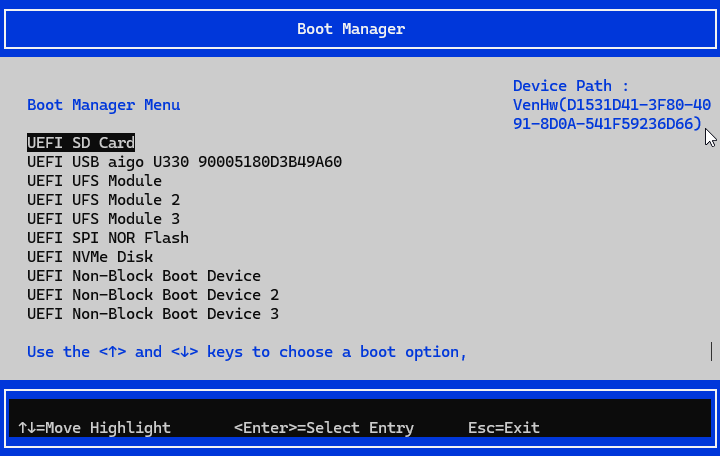
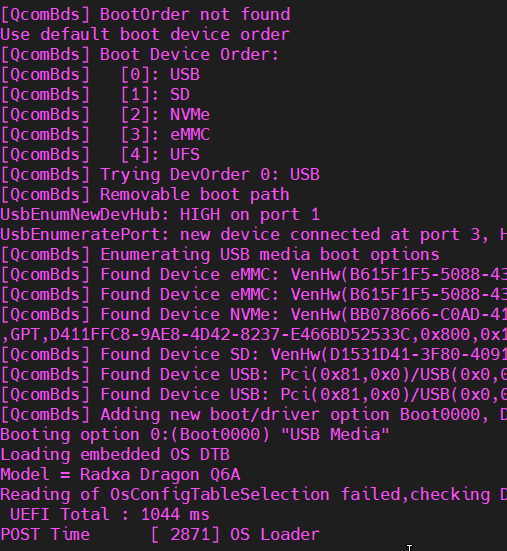
Now this board can boot in a fixed order. The configurable device order will be added later.
Default boot device order: USB > SD > NVMe > eMMC > UFS > USB
Boot: Update UEFI embedded DTB for linux v6.17
Boot: Fix BoardInfoDxe to get rid of the errors about serial number
Boot: Remove code and logging that is known to be unused or harmless
Boot: Reboot after exiting UEFI Shell instead of asserting
Boot: Reduce the waiting time for USB enumeration
Boot: Move SD card detection to SdccDxe init
Boot: Kodiak: Add missing libraries for UiApp
Boot: UefiBootManagerLib: Add boot option description for Misc Device
Boot: QcomBds: Initial boot device order supports
Boot: Add UiApp and BootManagerMenuApp
Boot: QcomPkg: Library: Add BootOrderLib
Boot: Remove unused drivers to reduce size
Boot: SimpleTextInOutSerialDxe: Improve SimpleTextOutput to run UiApp
Boot: DtPlatformDxe: fix LoadDtbOnReadyToBoot to accept buffer size
Cool, great news! What image would you recommend then ? I installed t2 to try more up-to-date kernel, but I don’t have a strong preference. Any image that you consider worth testing will do it. I’d just prefer to use mainline kernel than an outdated BSP since there’s not much value in testing kernels of the past.
I could finally update the firmware to version 251013 above, I could boot again from the SD with UFS connected, I could flash the t4 image on it and I can confirm that works fine now. I’m now on kernel 6.17.1-2-qcom, it’s nice to be running close to mainline. Thank you @strongtz!
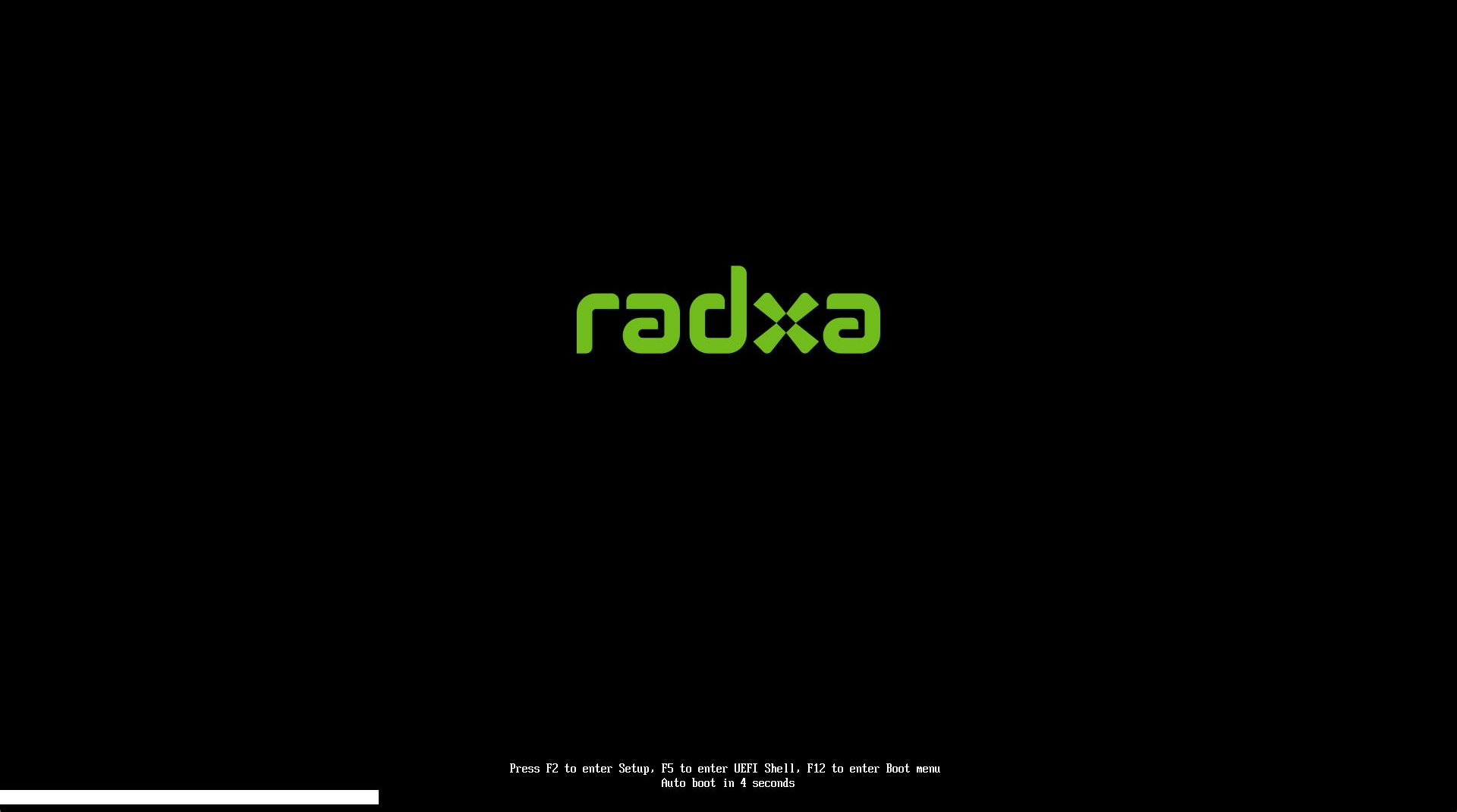
I tested with radxa 8” display and it was black and broke my install when enabled, Windows on Radxa Dragon Q6A firmware ment for windows adds Uefi interface accesable my pressing F2 on Startup
Hi, MIPI DSI displays are not yet supported in UEFI and Windows. But it should work in Linux after the kernel boots up when the DT overlay is properly enabled in rsetup.
mine never did anything other than remaining black, after enabling in rssetup in t6 radxa os i did not get any picture from board without reflash of os image. (maybe i got a dead screen)
Similar issue as the first person here. A bit different, I only used an sdcard, no ufs connected. Using the latest radxa image T6.
I used the patch method 1. On-device update.
My dragon does not boot anymore after patching with 2025_11_13 with the exact command line from my radxa T6. Not happy it seems i have no other option than to seek and purchase a specific USB cable to try and fix.
Please, be very detailed and specific in upgrade firmware procedure, there might be steps skip out of obviousness for you and we may have missed as people May not have as much understanding of firmware update for radxa dragon q6a because we simply just purchased and got one.
Audio is broken after updating to this firmware release (waiting for a new package release in radxa-pkg/alsa-ucm-conf)
If you are using rsdk-t7 or older version, please update the alsa-ucm-conf package to version 1.2.14-1radxa2 or newer for working audio.
OS images using the old v6.17 kernel will no longer be able to access the onboard SPI flash for firmware updates.
Third-party OS
For third-party OS maintainers, please cherry-pick the latest kernel patches from radxa/kernel at linux-6.18.2. These patches have undergone extensive testing and work better with the new firmware.
In order to get working audio, you will need some patches for alsa-ucm-conf as well: radxa-pkg/alsa-ucm-conf