Setting up RTMP (Real-Time Messaging Protocol) to go Live on Youtube:
1. RTMP protocol
We can use RTMP (Real-Time Messaging Protocol) protocol used by Video-on-demand and Youtube and share the link to go Live
2. Configuring Youtube LiveStream
Go to Youtube Studio and click on [Create] and select [Go live],
Fill out the Stream Settings and get the Stream Key, like this
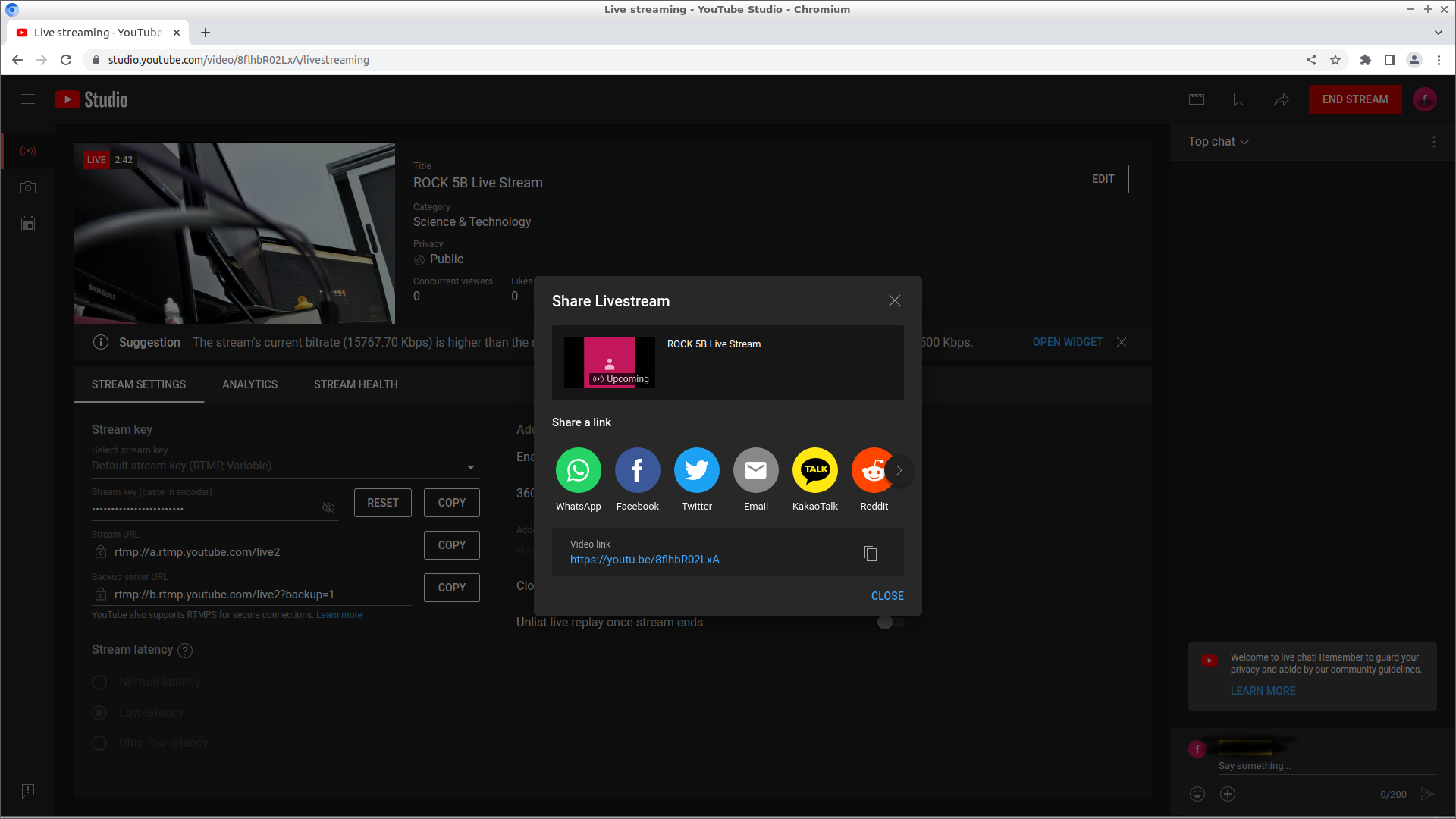
Once you get the URL and the key, fire it on ROCK 5B like this:
rtmp://url/key
sudo gst-launch-1.0 v4l2src device=/dev/video11 io-mode=dmabuf ! 'video/x-raw,format=NV12,width=1920,height=1080,framerate=30/1' ! mpph264enc ! mux. audiotestsrc wave=silence ! voaacenc bitrate=128000 ! aacparse ! mux. flvmux streamable=true name=mux ! queue ! rtmpsink location="rtmp://a.rtmp.youtube.com/live2/zx9z-rw5p-suqy-6vxg-zcpu"
Wait a few seconds for the stream to show up on youtube, and then click [SHARE] to get the URL to share the video.
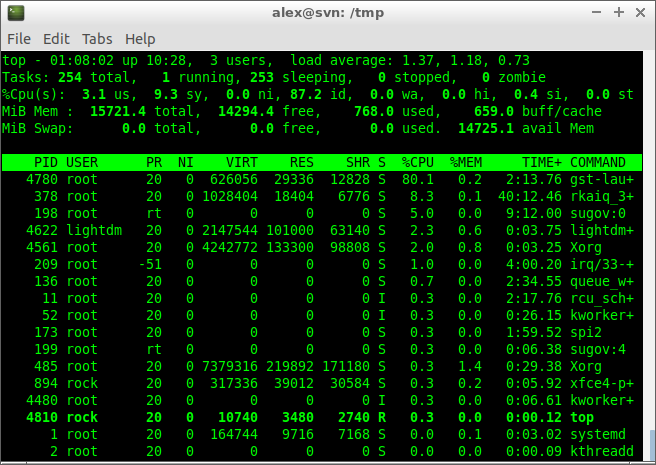
RTMP CPU usage is higher than RTSP, possibly due to the dummy sound required to send the stream to youtube but still fine: