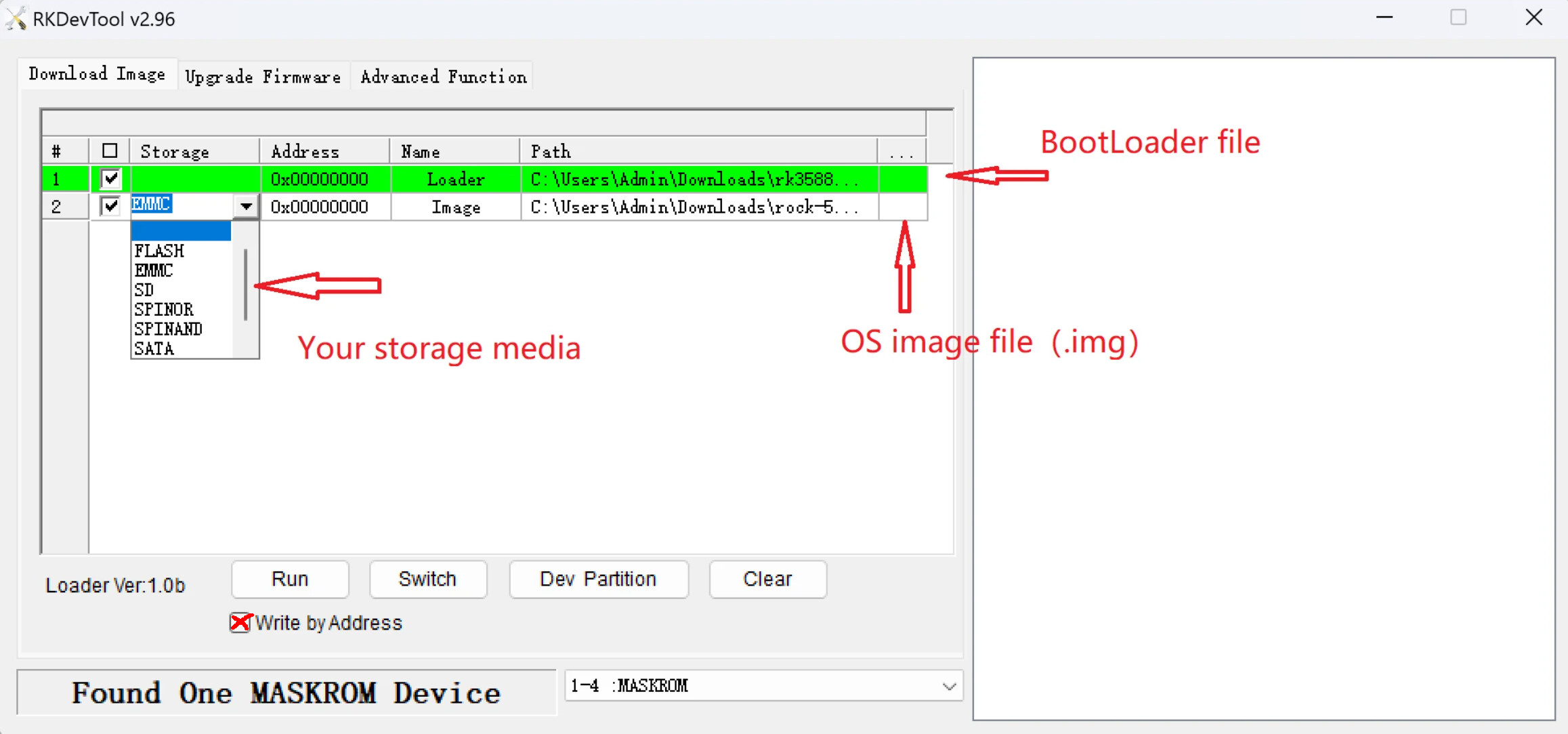
I would boot the SBC from a known to work Linux installation on SD-card and from there write the image to the SPI-flash. Much easier IMO.
RKDevtool needs USB-cable, other computer active at the same time, etc. Many things can go wrong, at least I have no clue what setup you have.
Then something else is probably wrong. From https://www.armbian.com/rock-5b/, the Bookworm minimal IoT should work. But note also the comments and make sure you have a UART serial console cable working.
Also note that standard USB-C 5V will not work, I soldered a fixed 12V to a USB-C pigtail for solid power supply. I have used official Radxa image AFAIR initially, all Linux, I have no good Windows computer.
You also might have bad/fake SD-card, failing USB SD-card adaptor or any other problem. I do not use images normally, I clone working rootfs from other SBC’s mostly, so cannot really help you further.
Its been a long time since you left this post so I hope you resolved this issue, but in case someone else has the same problem I think your problem with the rkdeveloptool failing to write the LBA is probably because you didn’t run it with sudo. The command should be