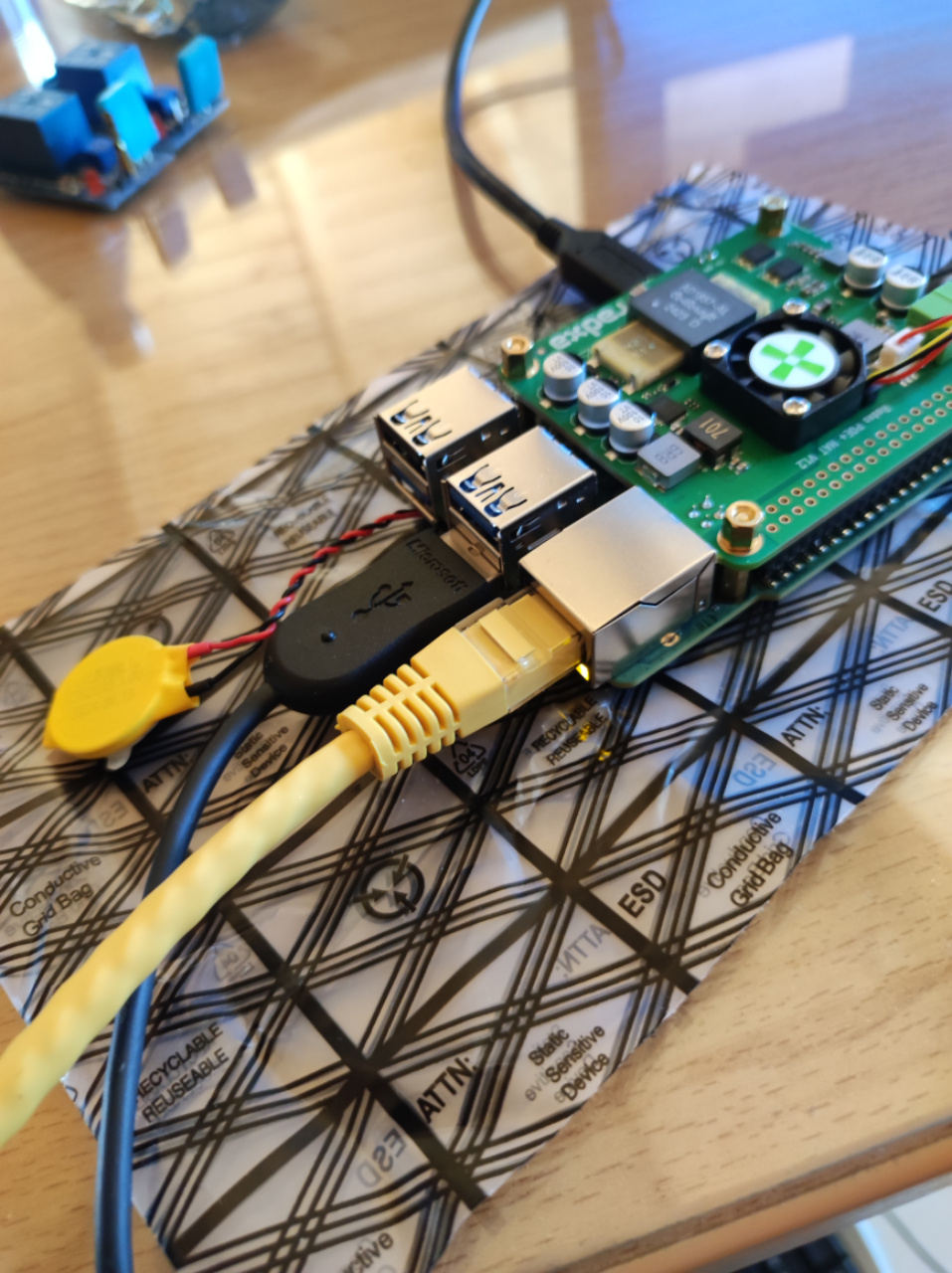
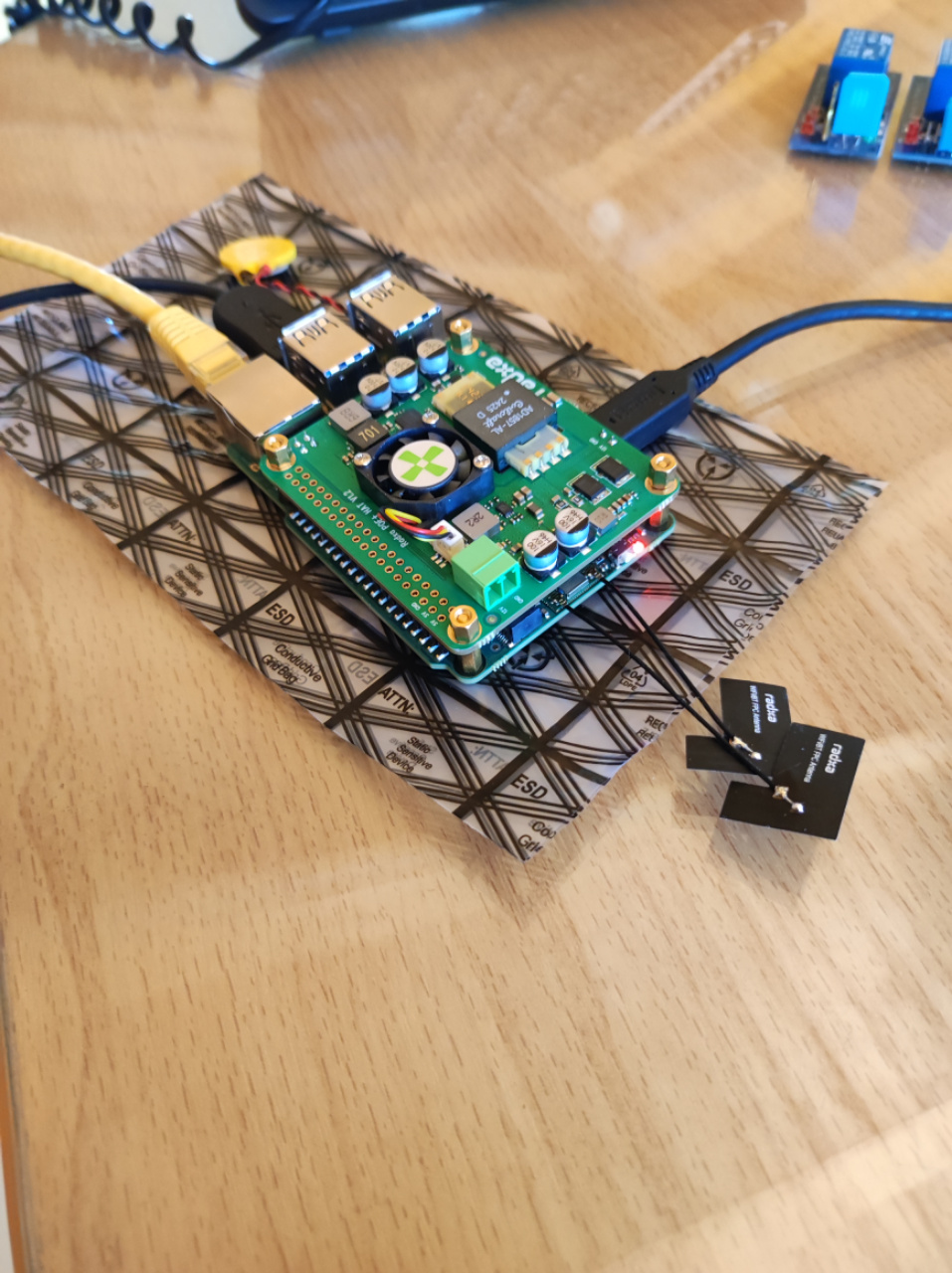
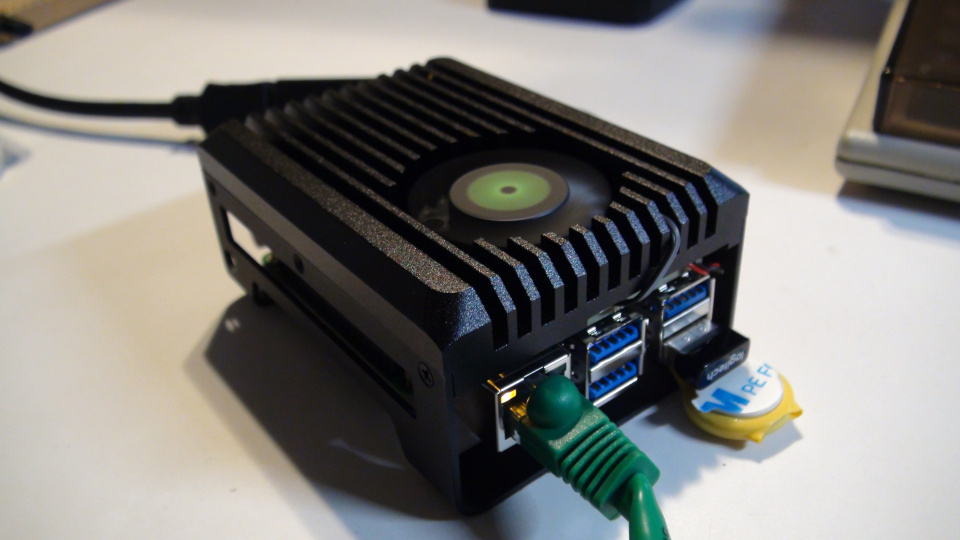
i received X4 and X4-POE before 4 days and today i try to start them.
I plug an ethernet cable from POE-Switch, X4 starts normally, i can see the BIOS
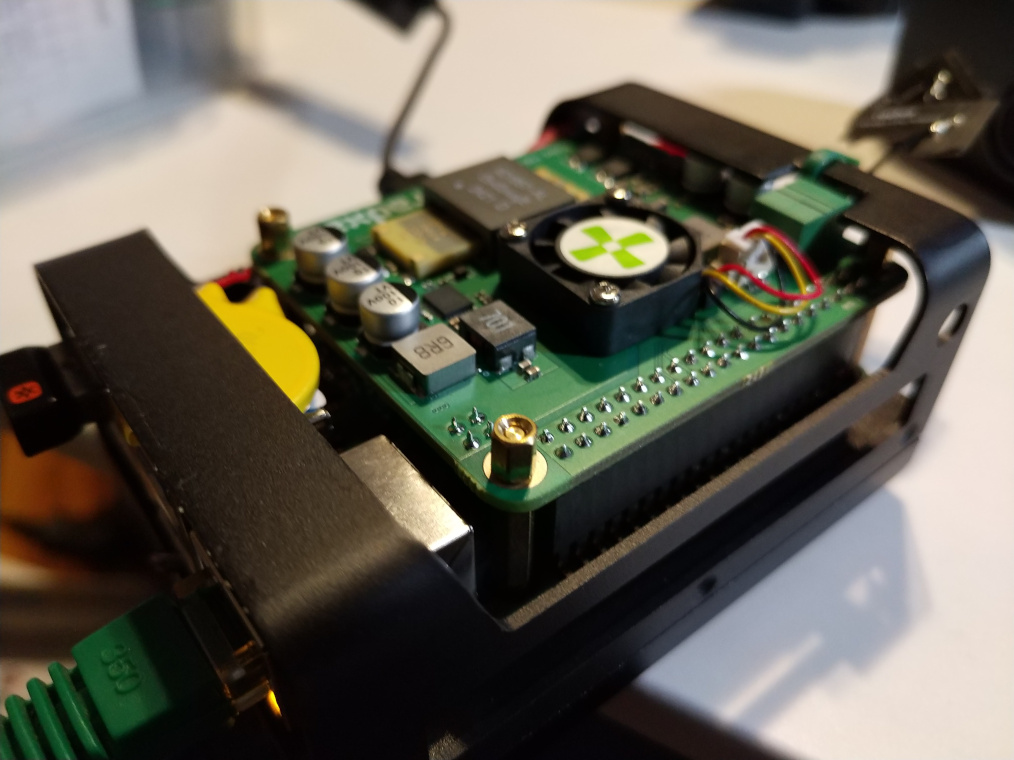
but the cooling fan does not start. After 1 hour starts moving but it stops, start and stop, then stop again completely. I bought it from Arace Tech.
Then i started Windows installation, that stops because Windows can not see the eMMC. I can see the eMMC at BIOS.
Yes i saw it, but i want to install Windows 10 on eMMC (i do not have an nvme ssd) and my USB drive was constructed yesterday, i suppose with the latest version of Windows 10
if it is a must to buy nvme ssd it’s OK, i will buy one
I just think that there must be a way to install on eMMC
Yes i used microsoft media creation tool
Windows version 22H2
But now have another problem beside cooling fan of the poe hat, that does not work
The board does not start
Red light is on
I tested with the poe hat and without the poe hat (with usb-c pd)
N100 becomes a little warm, not so hot, but nothing at the display
i remove the RTC battery 2-3 minutes, put again the RTC battery, boot again, wait, shut down, reboot, wait, nothing on screen or on keyboard
usually i have a big AC fan pointing at the cpu
the poe fan does not work
also i did not manage to install windows to eMMC, so X4 was not a lot of time on
but i have also the AC fan
Now for this test, the CPU was warm not hot
It looks like board is already boot, but not stable
Which power adapter are you using? You can try another one that supports PD12v.
It would be even better if there was a video of the boot process.
now i am using power adapter 12V 2.0A 24.0W
only with 2 plugs, power adapter and monitor, no mouse, no usb, no ssd
i suppose it must start
also with poe hat it has the same behaviour, red light on, no boot
it seems to me that something at the bios prevent it to start (just an idea)
I have a problem with “usually”. If you are not consistently keeping the cpu cooled you are going to destroy the cpu. Maybe you are already there? I brought the radxa heatsink with the board. You could probably make your own. I also used the trick from Chris at Explaining Computers and added a copper shim between the cpu and heatsink. Under stress the x4 never went over 49C
The fan on the POE is for keeping the POE/area cool. If it does anything…really? I have the x4 setup with POE, NVMe and I have never used the fan on the POE. I run Win 11(for fusion) on the eMMC and Debian 12 on the NVMe.
I edited this thread after see you tried board without POE.
with “usually” i mean when i try to install Windows 10 where i use a fan
the trial fails because x4 can not see the eMMC
only for the test that ryann suggests, the x4 was not on more than 2-3 minutes that was also not working
i was checking the temperature during the tests and it was warm not even hot
i have one adaptor 12V 2A from MELE Quiter 4C also with N100 which i tested unsuccessfully
But most of all i believe that RADXA POE hat must do the job, but also do not