Hi @RadxaYuntian, success GPIO_ACTIVE_HIGH on GPIOAO_3 did the trick!
After testing with one sensor, adding two more shows:
$ ls /sys/devices/w1_bus_master1/28-00000d*/temperature
/sys/devices/w1_bus_master1/28-00000db86b33/temperature
/sys/devices/w1_bus_master1/28-00000db8ac16/temperature
/sys/devices/w1_bus_master1/28-00000dca86d3/temperature
And the temp values for these show:
$ cat /sys/devices/w1_bus_master1/28-00000d*/temperature
20250
19687
20000
To clarify for others looking to use 1-wire on the Radxa Zero for DS18B20 temp sensors, the file @RadxaYuntian provided that worked for me is here meson-g12a-w1-gpioao-3-high.zip (457 Bytes) [sha256 for the dtbo: 96cfdbb5f4b1a30a0b54592131a23e118bf142a1e3a4cfaa2dddab24a1fb31f0]. Copy this to: /boot/dtbs/$(uname -r)/amlogic/overlay/
Then add this to /boot/uEnv.txt as such:
overlays=meson-g12a-w1-gpioao-3-high
You will also want to update /etc/modules to include:
wire
w1-gpio
w1-therm
Then rebooting gives access to therm data via the /sys/bus/w1/devices directory.
Here’s a preview of my desktop proof of concept:
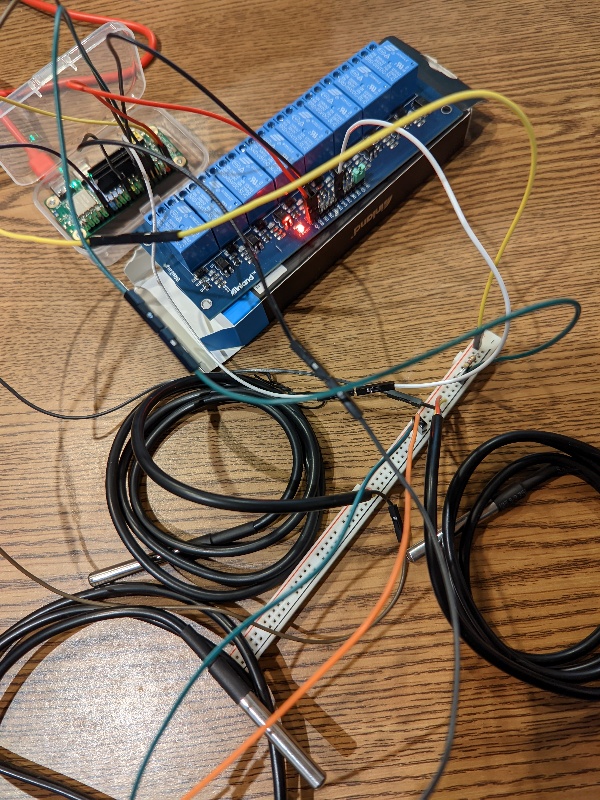
More to come on my implementation with Home Assistant to provide smart thermostat access for a multi-zoned commercial building.