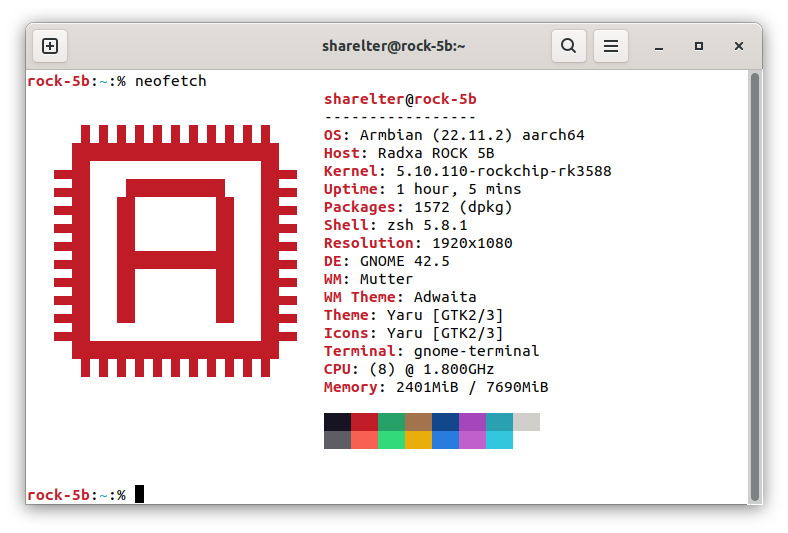
I recently installed the latest Armbian image into my Rock5B,
I used my portable 1080P monitor to finish the install process.
This 1080P monitor works correctly, but when I want to use my Lenovo X24q 2K monitor,
I don’t know how the mechanism works, but it seems that I can use force resolution to solve this.
Any idea about this?
jack
January 9, 2023, 6:44am
2
Which display port do you connect the 5B to? HDMI or USB C?
THX for help
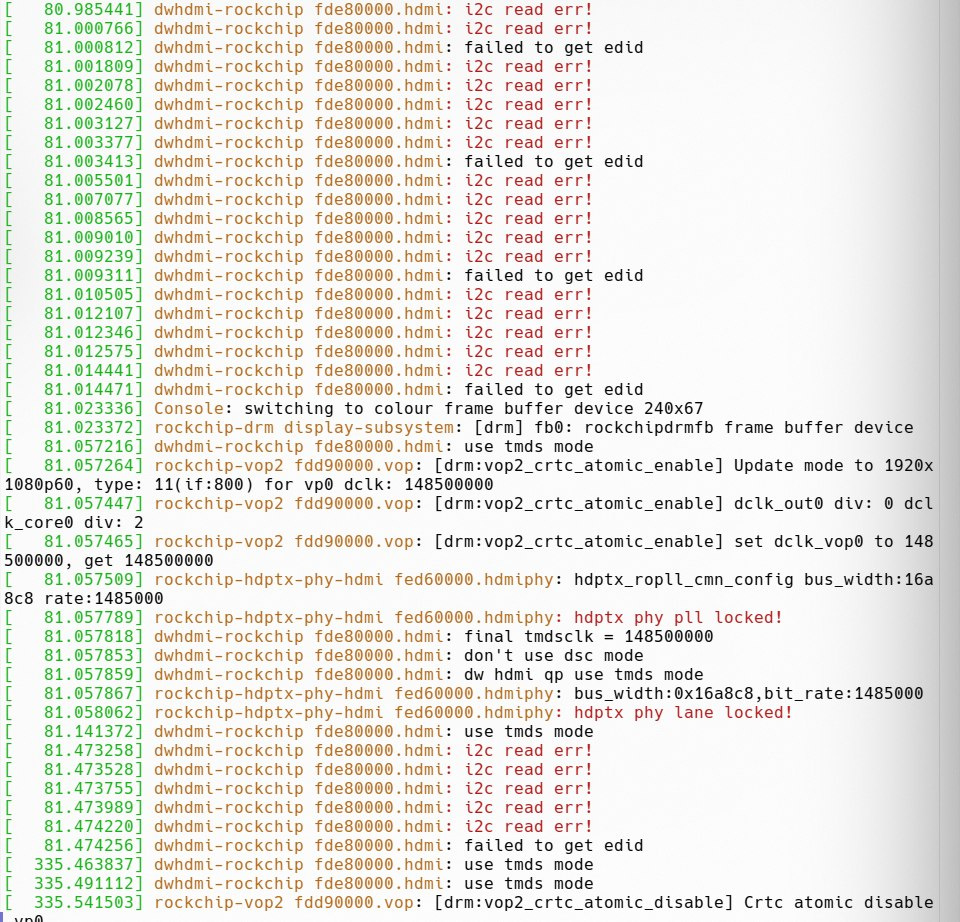
I followed the Rockchip debug manual echo on > /sys/class/drm/card0-HDMI-A-1/statusdmesg
I changed another cable and have no issue with i2c error.
But this monitor still can’t be detected by rock board on startup.
If I use echo on > /sys/class/drm/card0-HDMI-A-1/status to force enable this monitor,
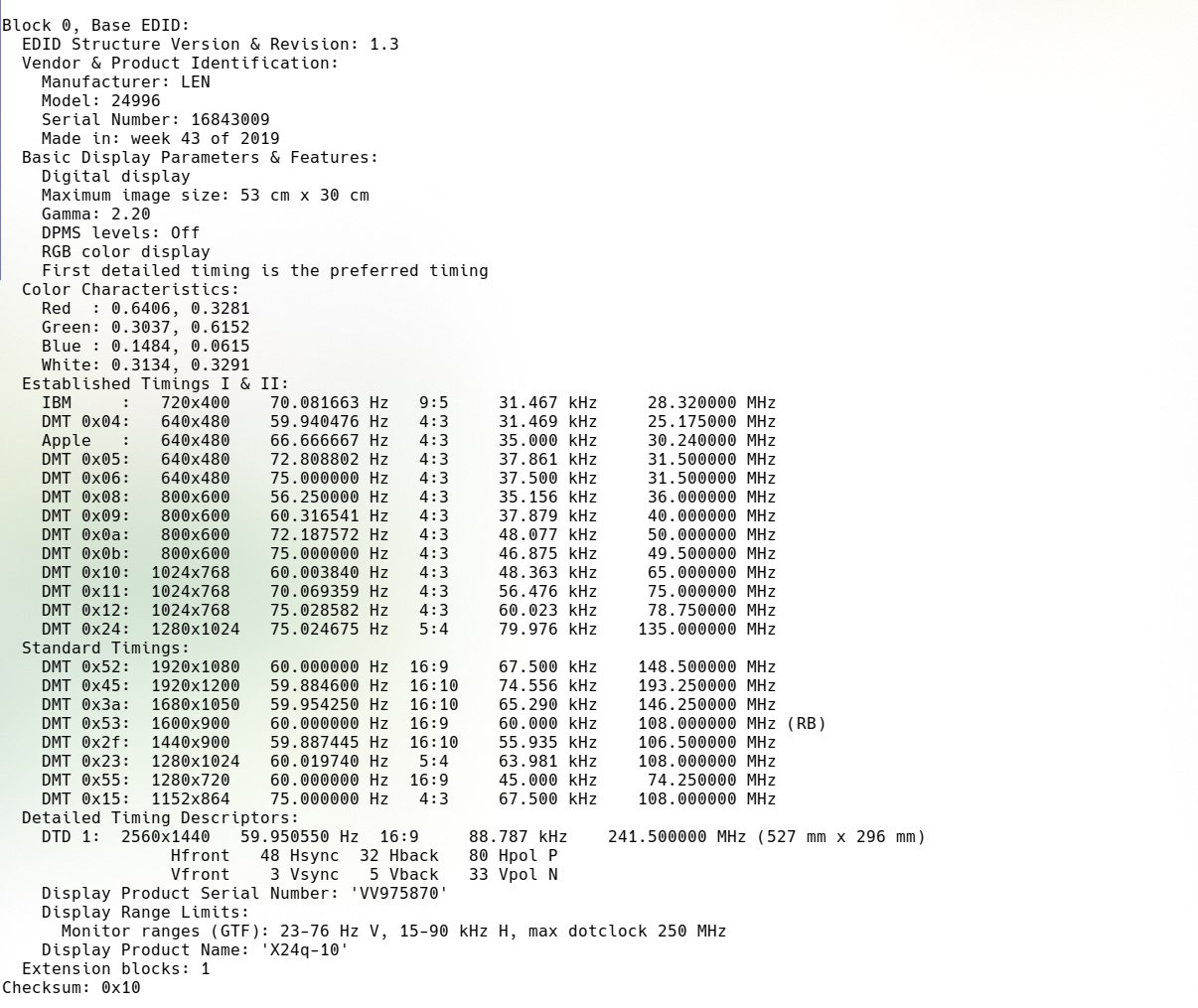
I tried to use my Archlinux machine to decode edid information of this monitor and it looks like below
gnattu
January 10, 2023, 10:28am
6
AFAIK You need a DT-overlay for 2K monitors to work.
Refer to: Ubuntu image with X11 and Resolution 2560x1440
I used this overlay yesterday via armbian-add-overlay command,
And I contected the author of this overlay, got the idea that the newest kernel fixed this issue.
But things still didn’t work
The output of dmesg | grep hdmi is below:
[ 8858.335913] dwhdmi-rockchip fde80000.hdmi: use tmds mode
[ 8858.353924] dwhdmi-rockchip fde80000.hdmi: use tmds mode
[ 8868.856276] dwhdmi-rockchip fde80000.hdmi: use tmds mode
[ 8868.883683] rockchip-hdptx-phy-hdmi fed60000.hdmiphy: hdptx_ropll_cmn_config bus_width:16a8c8 rate:1485000
[ 8868.884071] rockchip-hdptx-phy-hdmi fed60000.hdmiphy: hdptx phy pll locked!
[ 8868.884248] dwhdmi-rockchip fde80000.hdmi: final tmdsclk = 148500000
[ 8868.888597] dwhdmi-rockchip fde80000.hdmi: don't use dsc mode
[ 8868.888615] dwhdmi-rockchip fde80000.hdmi: dw hdmi qp use tmds mode
[ 8868.888642] rockchip-hdptx-phy-hdmi fed60000.hdmiphy: bus_width:0x16a8c8,bit_rate:1485000
[ 8868.888903] rockchip-hdptx-phy-hdmi fed60000.hdmiphy: hdptx phy lane locked!
[ 8868.974189] dwhdmi-rockchip fde80000.hdmi: use tmds mode
[ 8878.012315] dwhdmi-rockchip fde80000.hdmi: use tmds mode
[ 8878.024266] dwhdmi-rockchip fde80000.hdmi: use tmds mode
[ 8878.108232] dwhdmi-rockchip fde80000.hdmi: use tmds mode
I changed my cable and got 2K resolution after force power up my monitor
And the only problem left is the monitor can not light up when the board starts up.