Installed Windows 11 in NVMe drive, installed all the drivers from official Radxa x4 download page, Wifi and BT drivers.
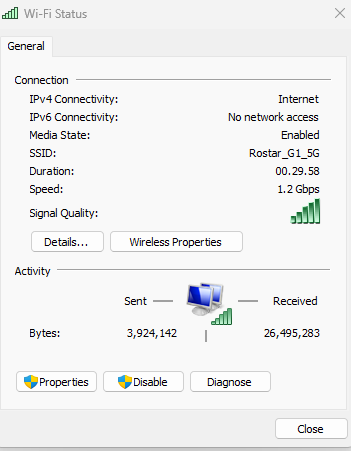
When I connect to a Wireless LAN, device works for a minute are two and then the device disappears from the device manager ( can see them as disabled device when I enable Show hidden device ).
Only on reboot the wifi and bt works for some time and again it repeats.
As long as i don’t connect to the Wireless LAN, the device stays there…
Ethernet LAN works well.
Reinstalled Windows 11 and tried everything.
Any suggestions to solve this?
Note: Tried Linux Mint, everything worked without any driver installation, including WiFi and Bluetooth
I tested yesterday for about 2hrs, running iperf3, without any problem.
Maybe it’s related to the temperature. You may try use an external fan to blow towards the Wi-Fi to see if it helps.
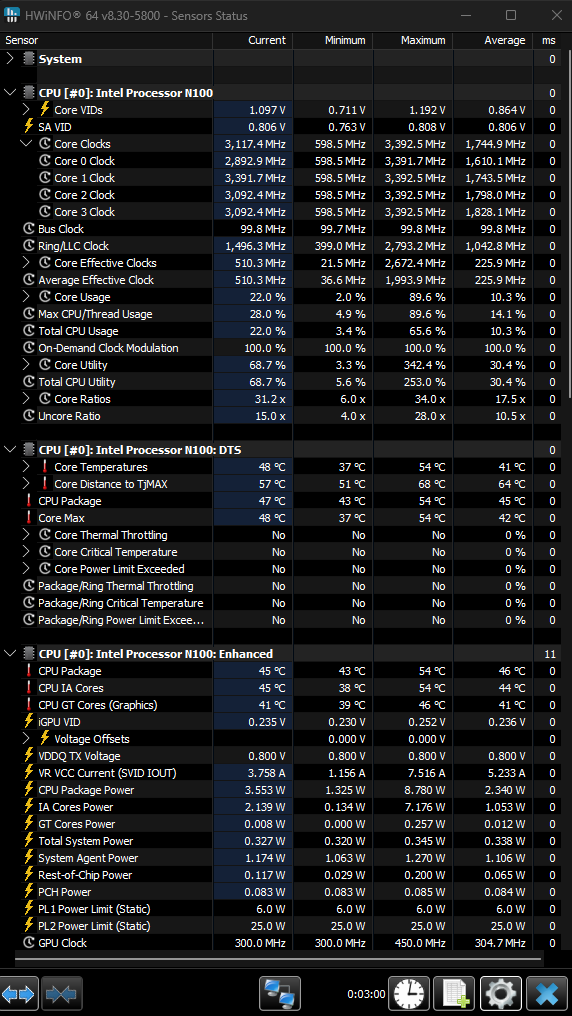
When the WiFi works for initial few minutes, the case (heatsink) gets hot, once the WiFi disables itself, the heat is reduced which I can feel by touching it. I used a external fan to blow air into the radxa x4, no improvement either.
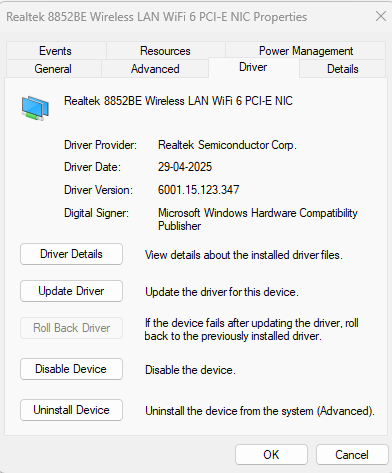
Then I tried latest WiFi driver as follows, then the WiFi starts working with less heat.
Realtek 8852BE Wireless Lan WiFi 6 PCI-E NIC
Downloaded from Radxa version:
6001.15.117.0 (2021)
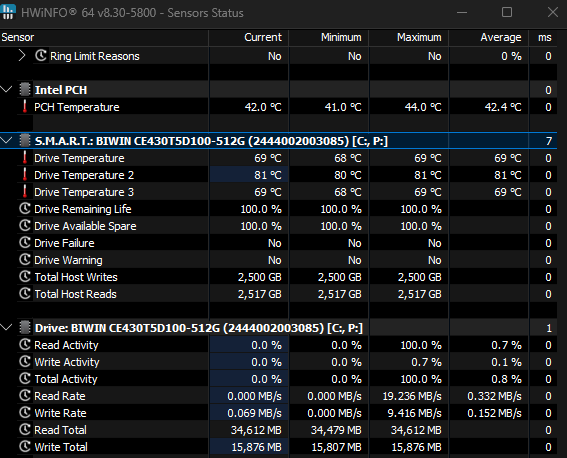
Observed that heat produced by NVMe drive is causing some issues due to its proximity between NVMe and WiFI module. Today when I downloaded a 4 GB file from MS, the WiFi went off…!!!
Please confirm if the SSD drive temperature is normal in minimum read and write situation.
Generally, the SSD temperature is around 40-50 degrees, and about 60-80 degrees when running at full speed. The temperature of the X4 SSD is indeed higher due to the small size. You can consider strengthening the heat dissipation according to your situation.