I was trying to access maskrom mod in my Radxa E20C
Initially I was able to access the maskrom mode by pressing the maskrom button and powering on. I did flash the bootloader rk3528_spl_loader_v1.07.104.bin using the command
sudo rkdeveloptool db rkxxxx_spl_loader_v1.xxx.bin
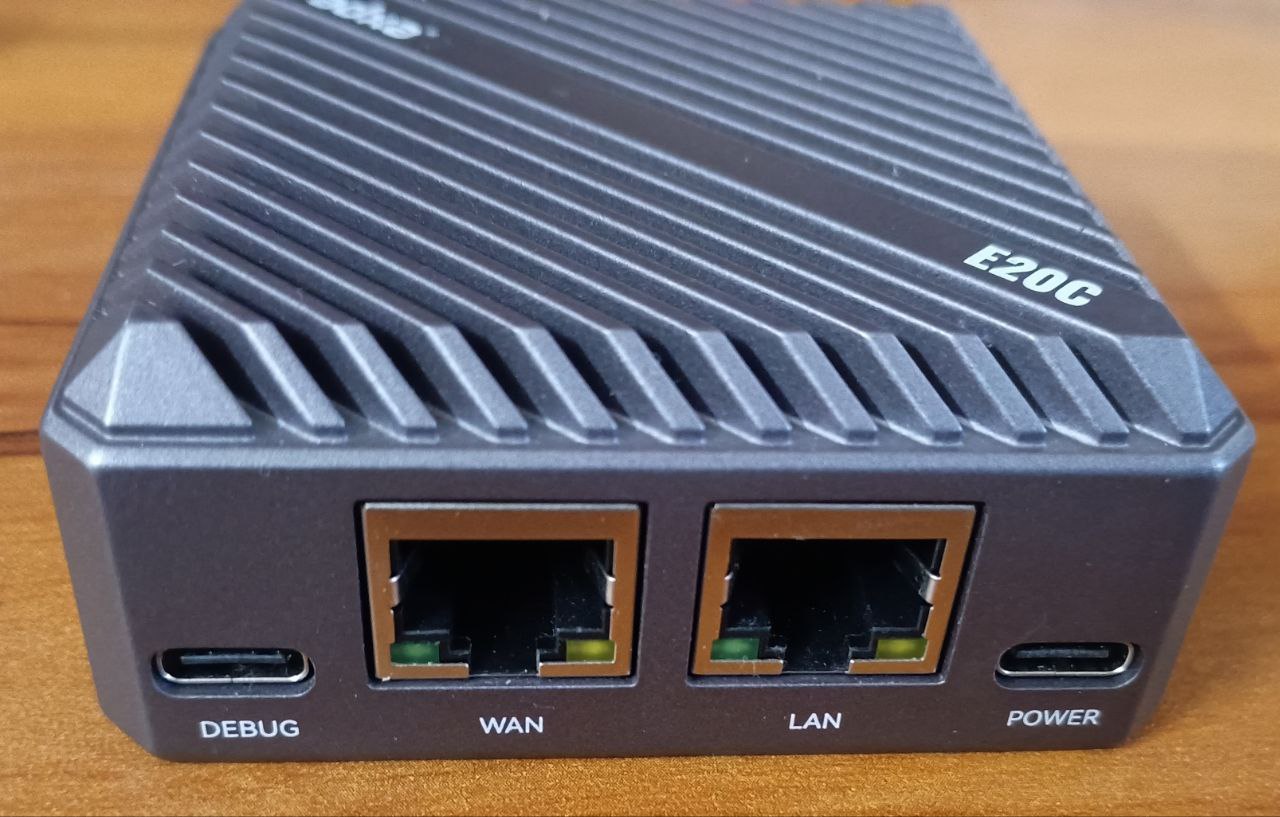
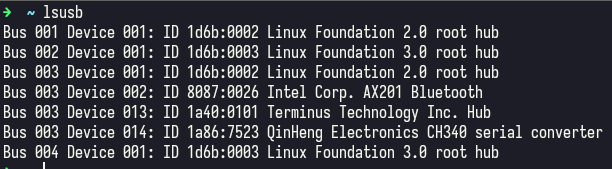
Please try entering maskrom mode again. Make sure to double-check your steps and connect the debug serial port according to the documentation. It’s possible that the system has already booted—if it has, you won’t be able to enter maskrom mode.
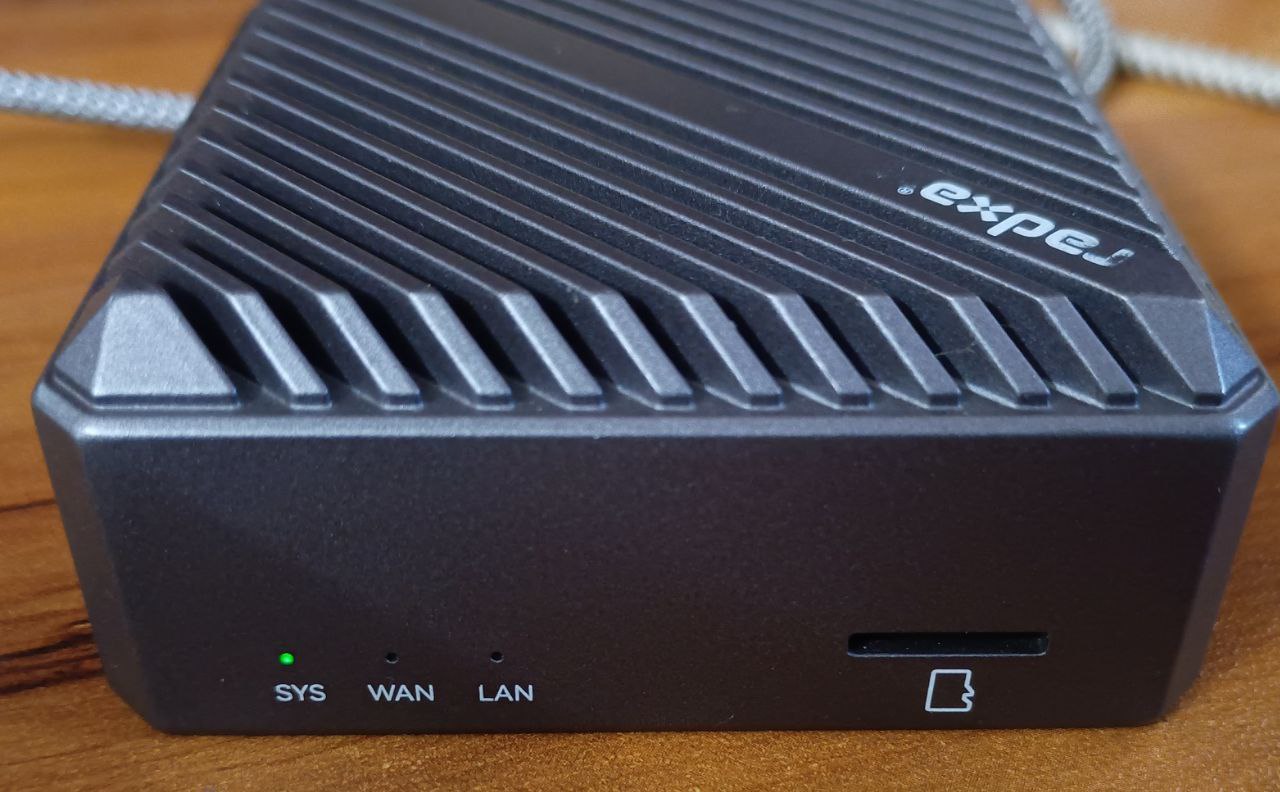
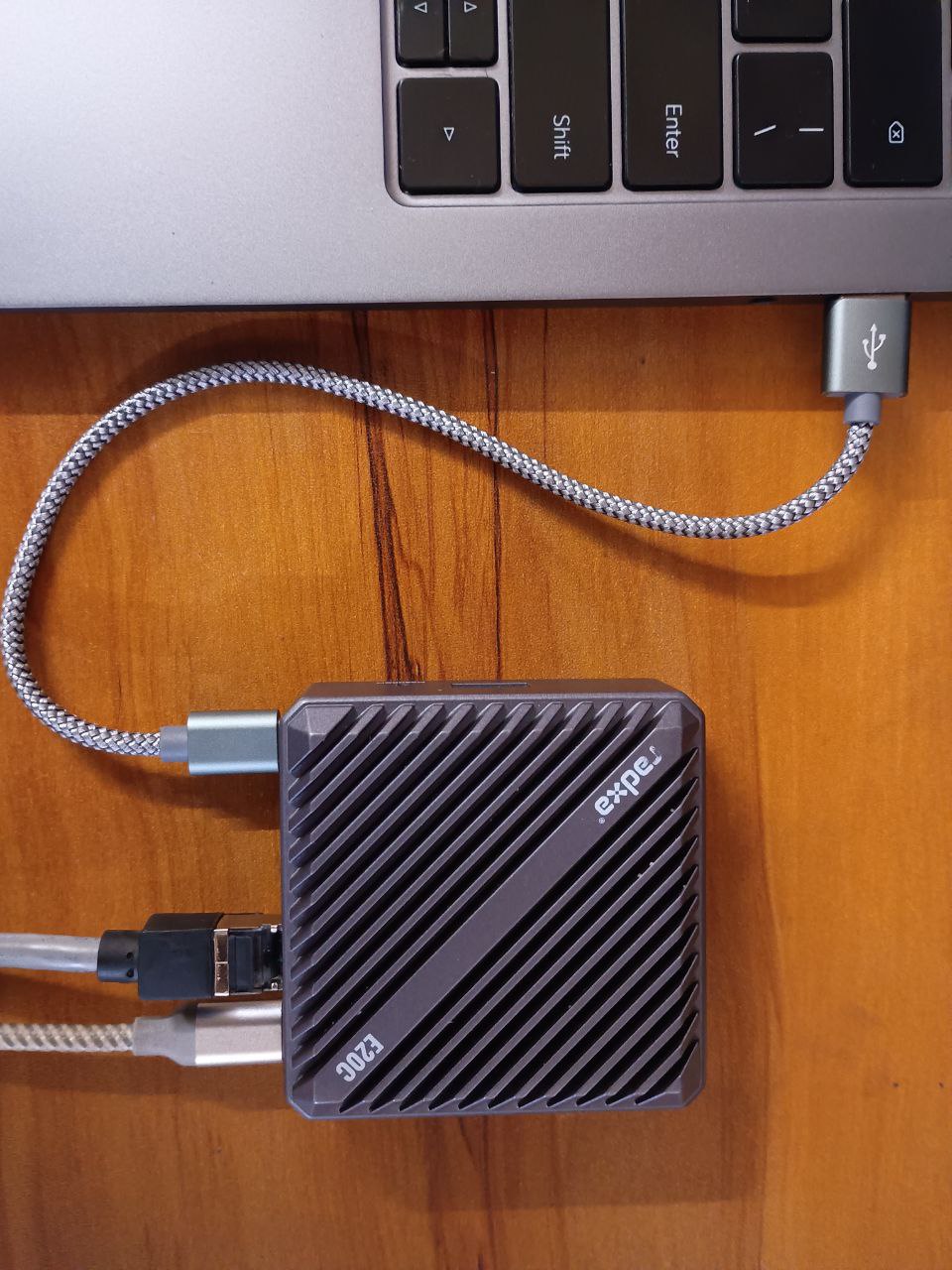
If the system LED is blinking, it indicates that the system has booted up. In this case, it will not be in Maskrom mode. As for the debugging interface, it is the DEBUG port shown in the product overview in the documentation. Connect the board to a computer using a USB Type-A to Type-C data cable, and set the serial baud rate to 1,500,000 to view the logs.
Could you please confirm the sequence: first press and hold the Maskrom button, then power on, and only release the button after the power is fully on?
If only the SYS LED is lit, it should have entered Maskrom mode. Could you try using a different computer? Also, would it be possible to connect the serial port to check the boot logs from a normal startup?