OS Environment
Debian12
GPU Driver
Latest GO from https://developer.cixtech.com/
box64
su root
wget https://ryanfortner.github.io/box64-debs/box64.list -O /etc/apt/sources.list.d/box64.list
wget -qO- https://ryanfortner.github.io/box64-debs/KEY.gpg | sudo gpg --dearmor -o /etc/apt/trusted.gpg.d/box64-debs-archive-keyring.gpg
apt-get update
apt-get install box64
OpenGL Benchmark
Unigne Heaven
- Download the Linux version of Heaven from
https://benchmark.unigine.com/heaven. - Install Heaven by running the command
./Unigine_Heaven-4.0.run. - Since Heaven only has an x86 version, it needs to be launched with
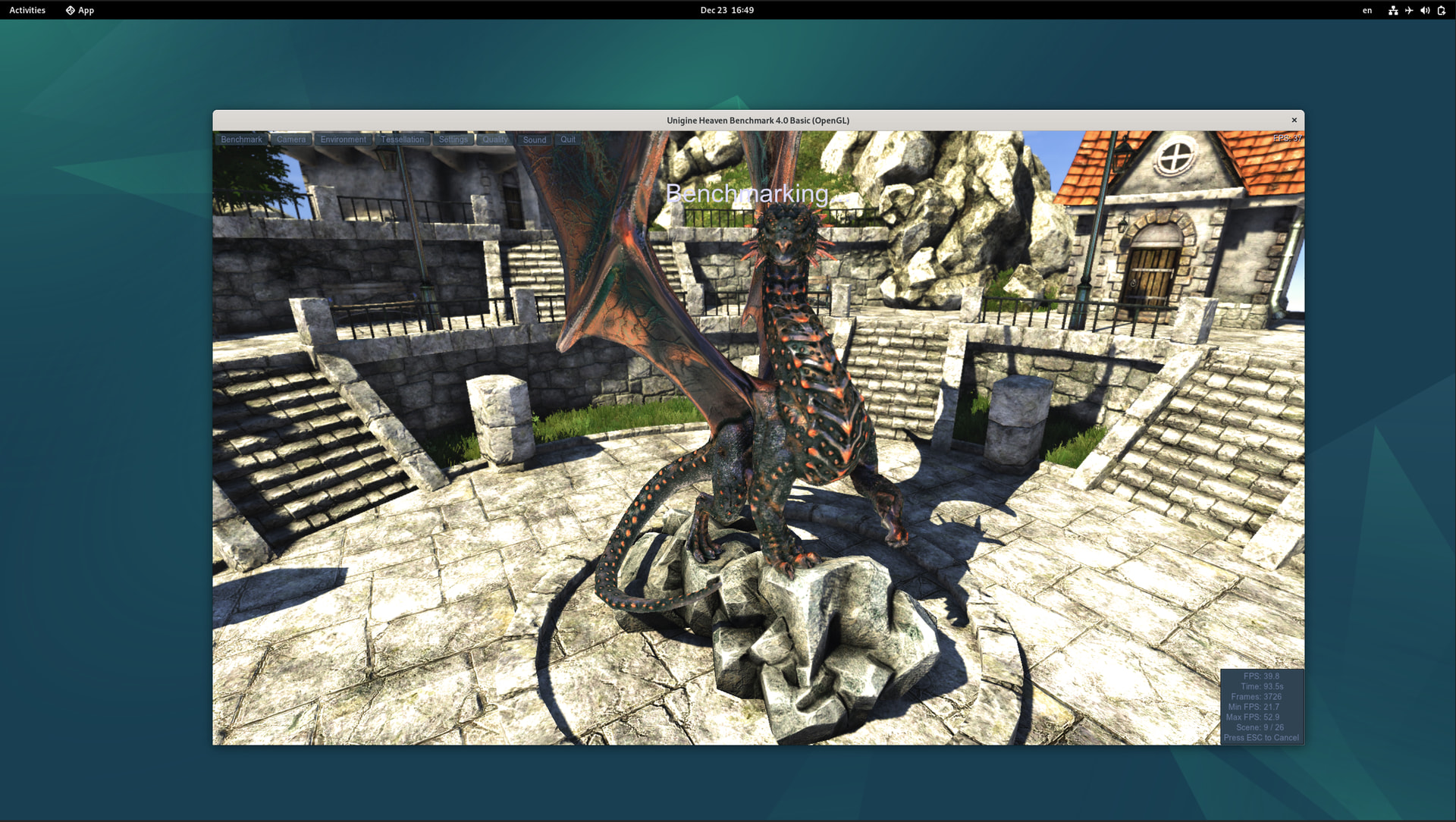
box64 heaven. - The following screenshot shows the result in 1080p window mode.
Unigne Valley
- Download the Linux version of Valley from
https://benchmark.unigine.com/valley. - Install Valley by running the command
./Unigine_Valley-1.0.run. - Since Valley only has an x86 version, it needs to be launched with
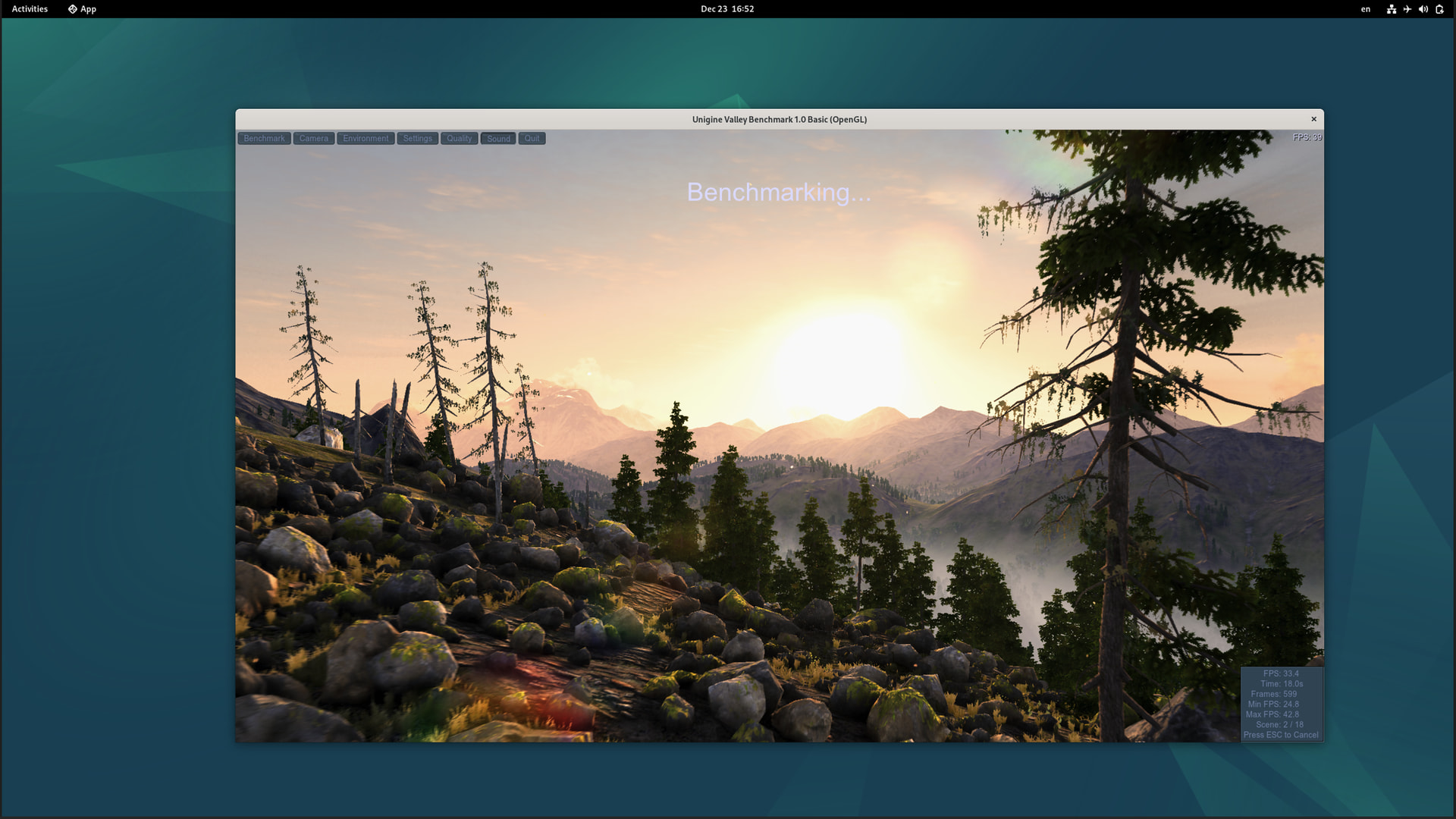
box64 valley. - The following screenshot shows the result in 1080p window mode.
Vulkan Benchmark
FurMark2 2.8.0
- Download the ARM version of FurMark2 from
https://geeks3d.com/dl/get/806. - Unzip
FurMark_2.8.0.0_arm64.7z. - Launch
./FurMark_GUI. - Select
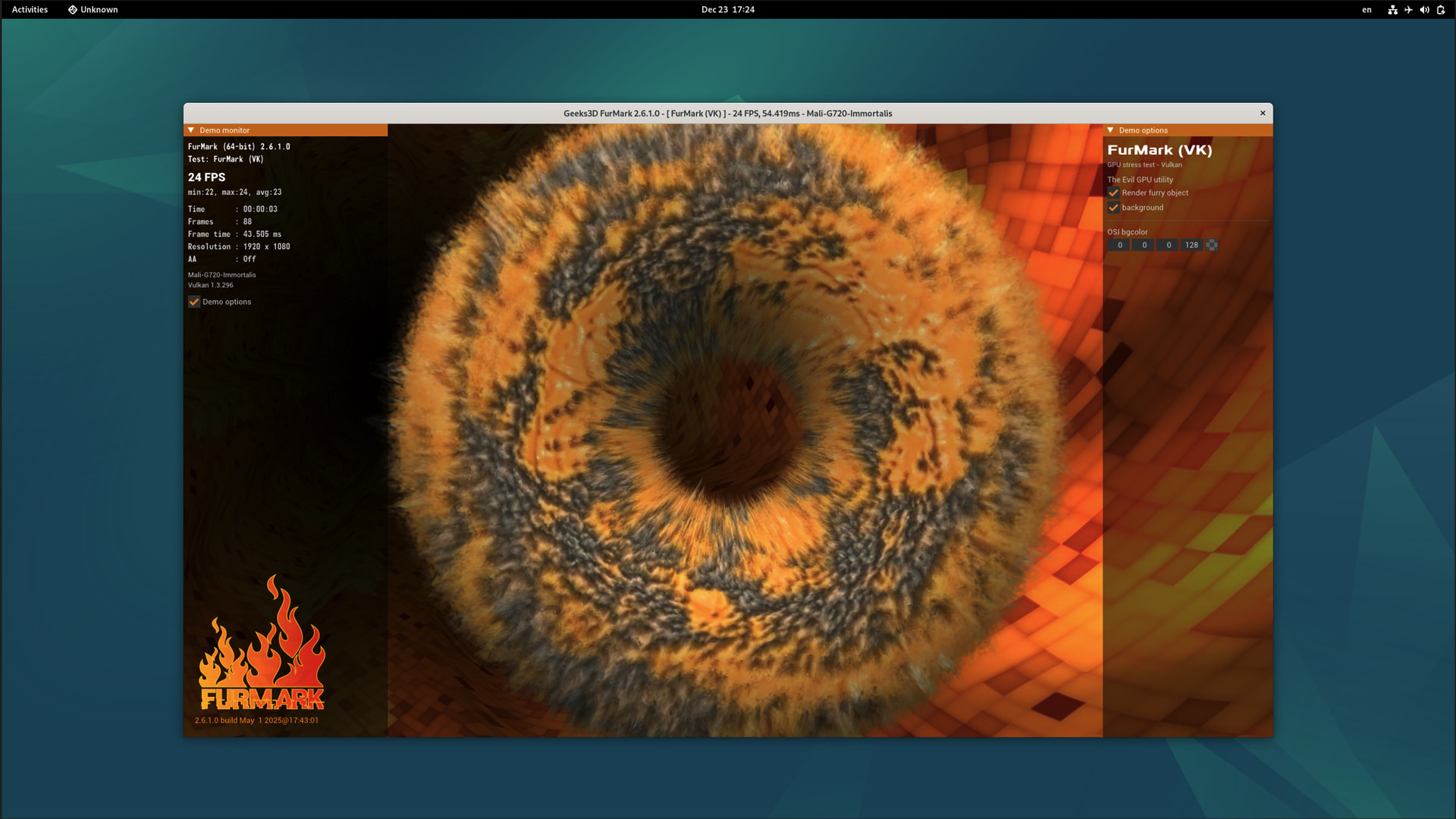
FurMark(VK)underGraphics Test:. - The following screenshot shows the result in 1080p window mode.
GravityMark 1.89
- Download the ARM version of GravityMark from
https://tellusim.com/download/GravityMark_1.89_arm64.run. - Install GravityMark by running the command
GravityMark_1.89_arm64.run. - Run the GravityMark vukan fullscreen benchmark using the command
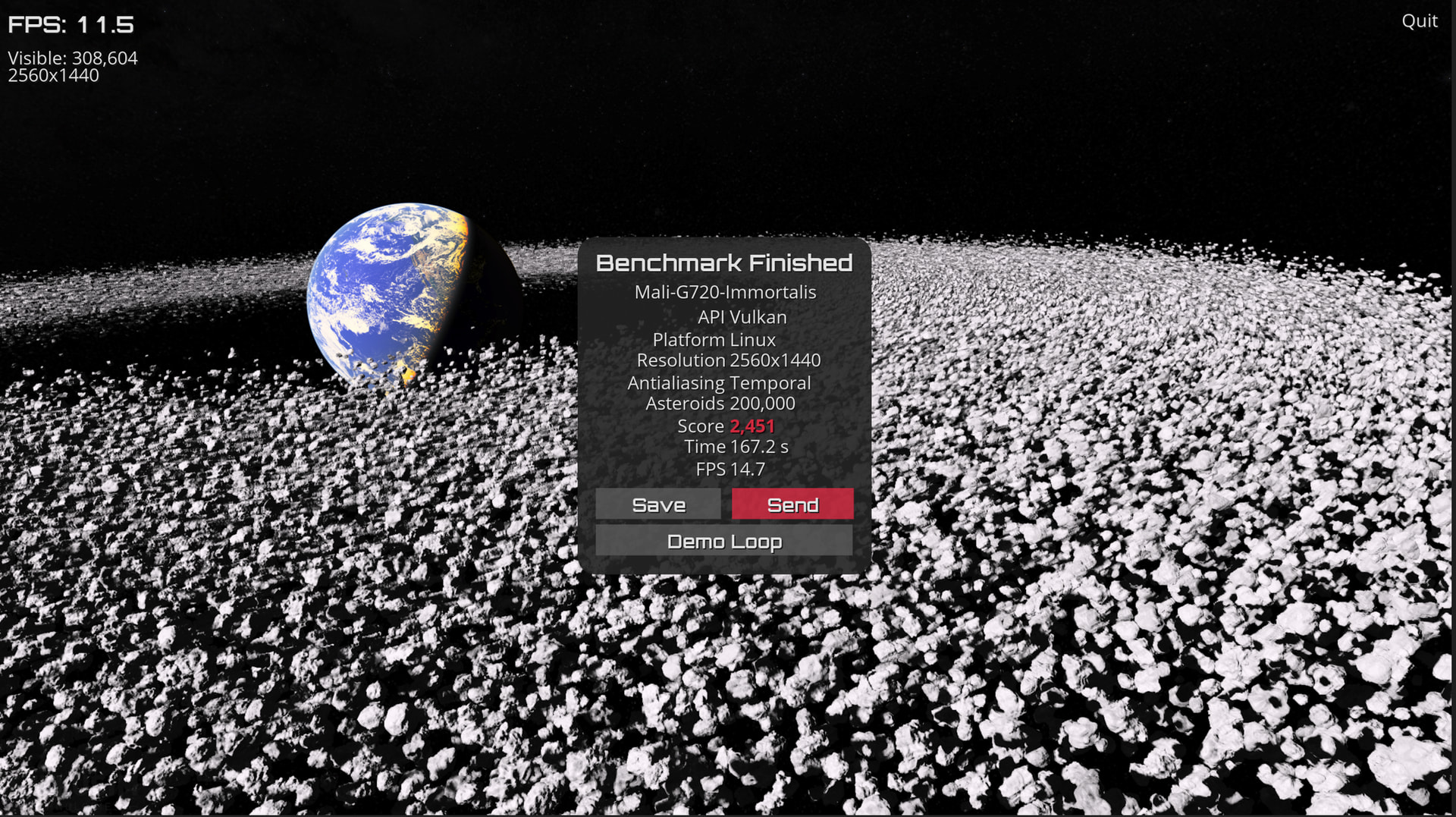
./run_fullscreen_vk.sh. - The following screenshot shows the result of fullscreen mode.