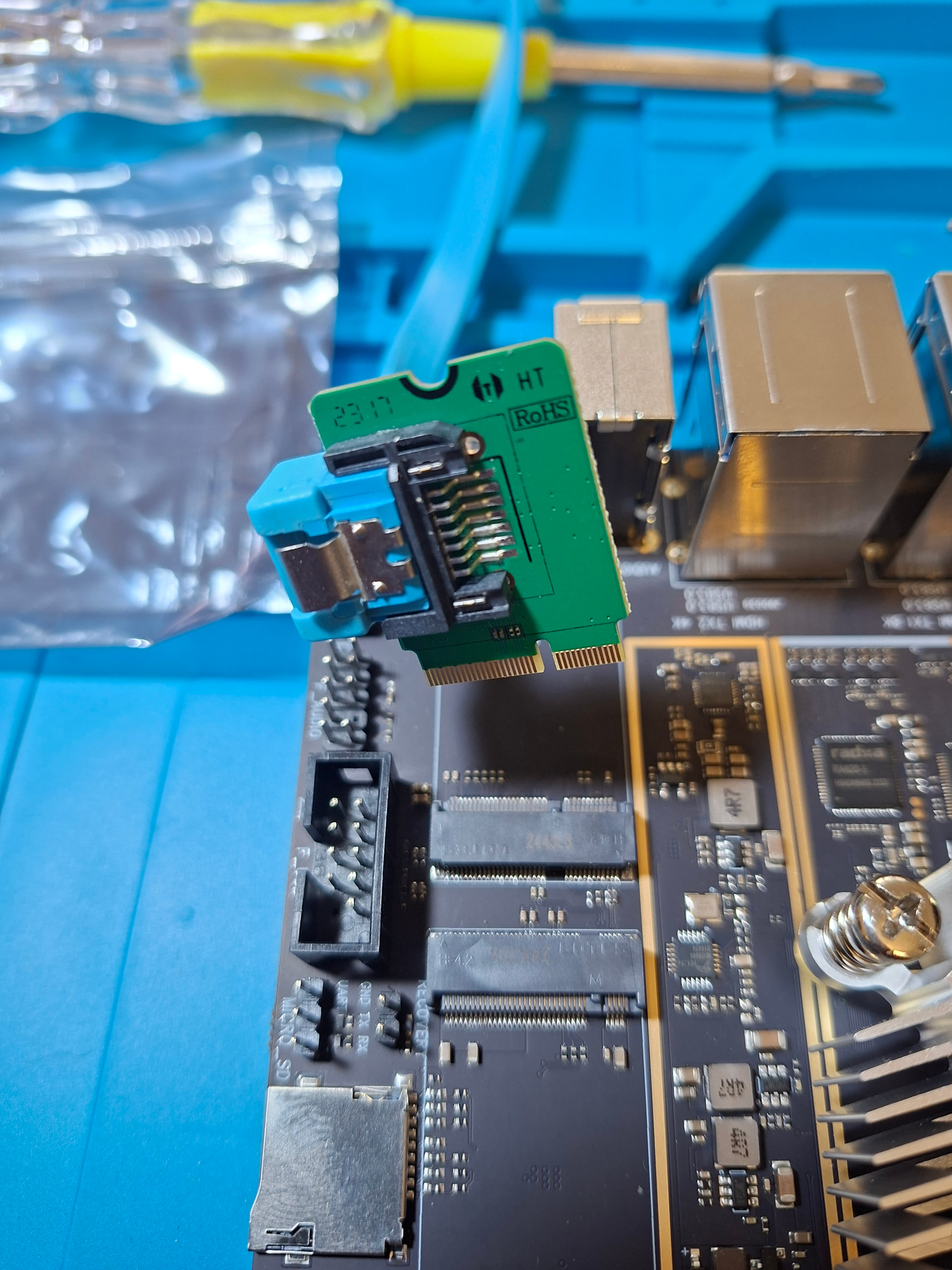
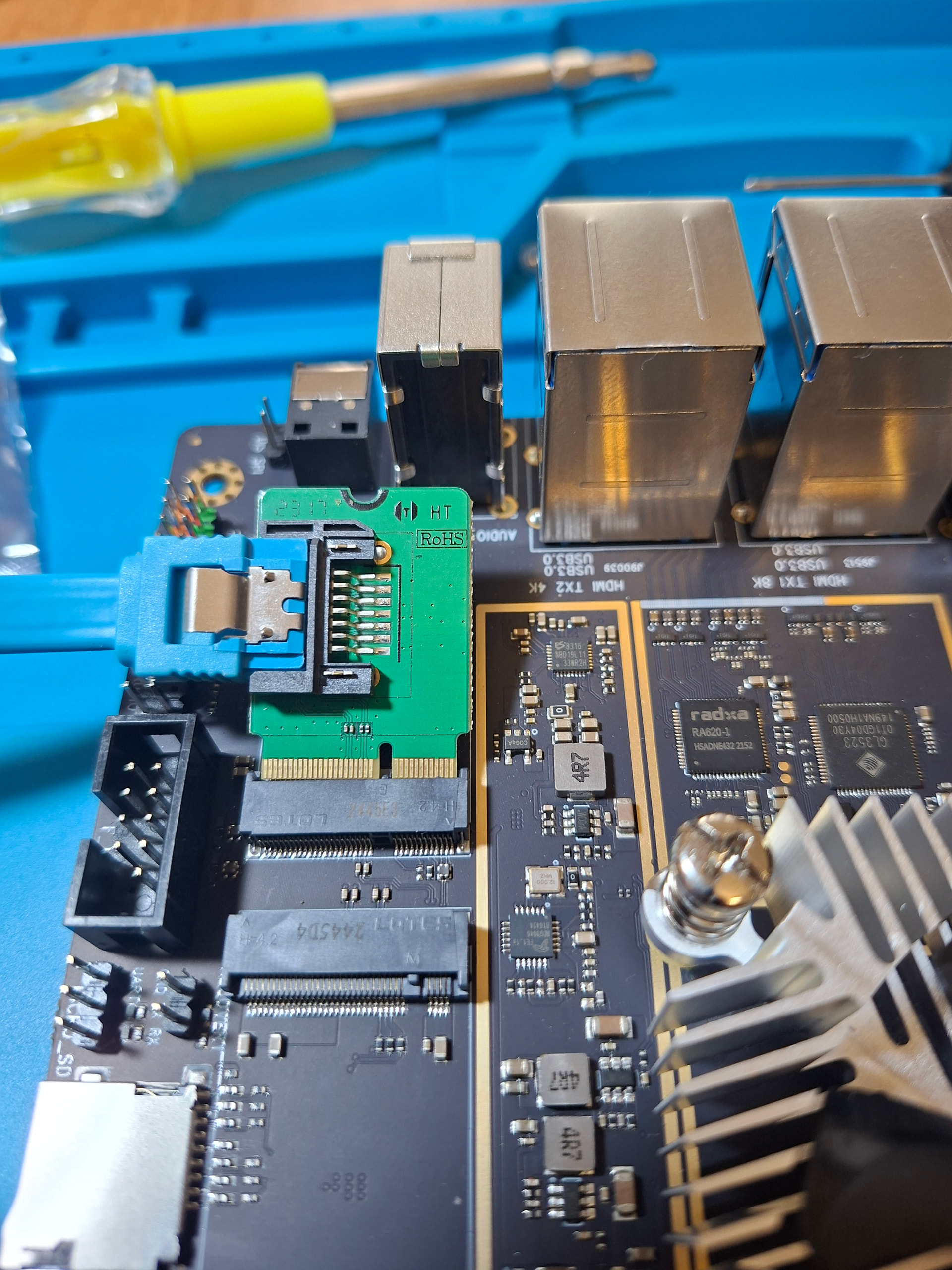
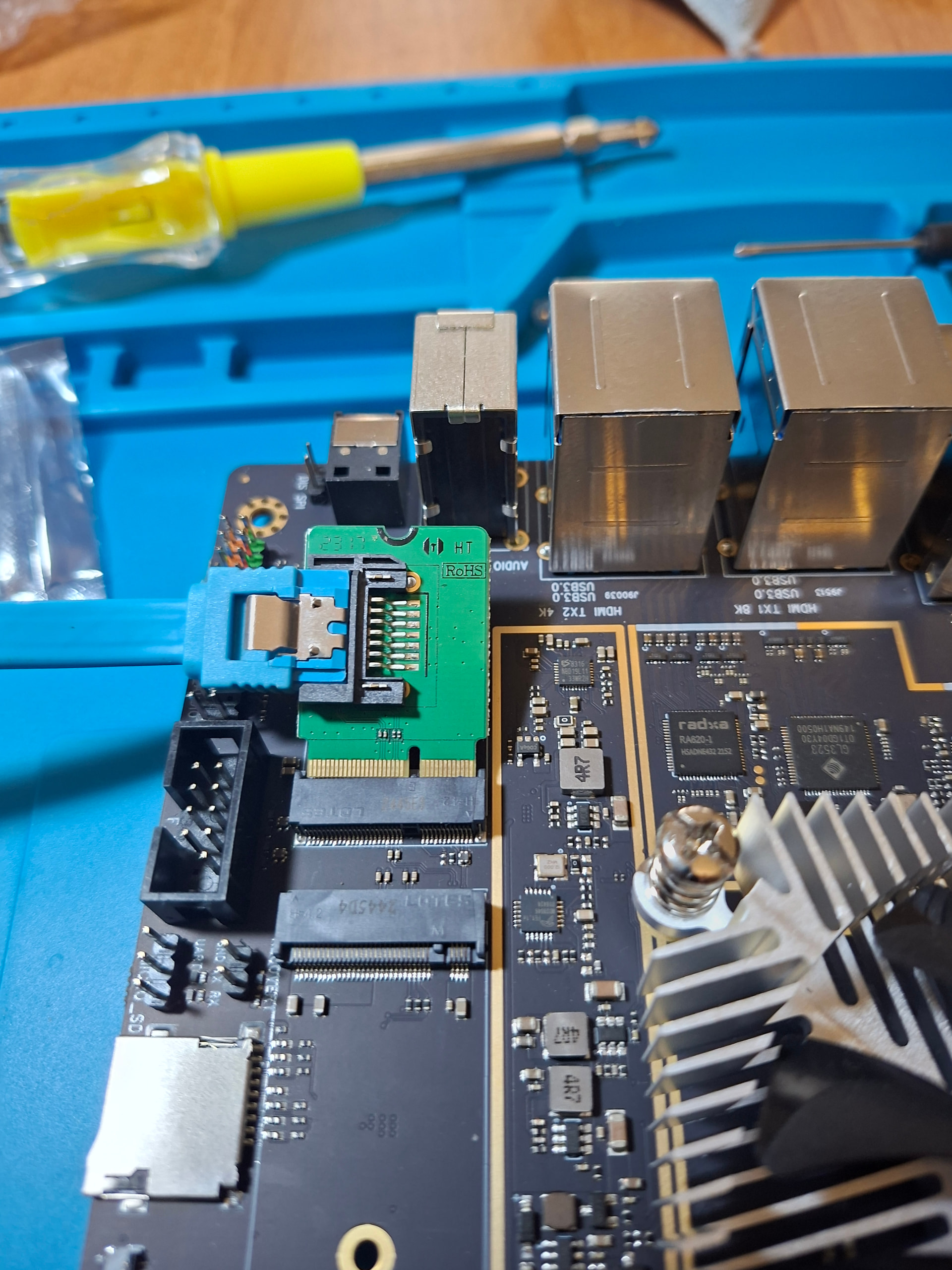
The e-key Radxa Sata breakout board has the Sata connector facing the F_Audio pinouts. This means that a sata cable cannot be plugged into the board once it is inserted into the e-key slot. See attached pics.
My whole NAS architecture hinged on using this e-key sata for an additional ssd drive with 4xHDDs + the nvme using the regular slots. I cannot use the 4th hdd anymore if I switch the ssd to the onboard sata port.
Is there a sata breakout board with the opposite orientation that is compatible with the Rock5?
The other option is to complete de-solder the F-Audio Pinout connector, which was never going to be used for a headless NAS in any case. How risky is that for a non-electronics guy like me who uses a solder for just once every few years?
So I found the Sintech A+E Key adapter with Sata ports facing vertically up and it looks like the original Radxa is a B-Key and wont work anyways. Anyone use this card before? Does it work flawlessly and what throughput to expect with a single ssd?
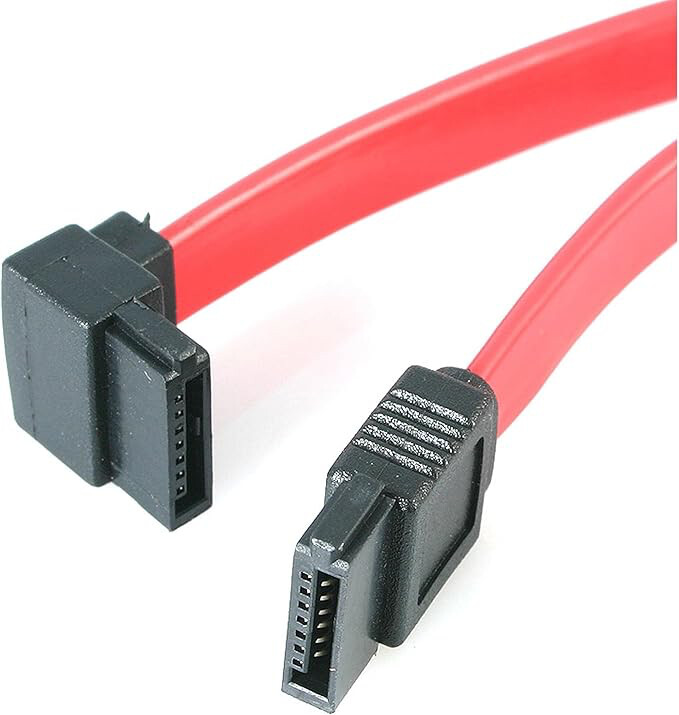
I use the above like tool for decades to cut 2-3 mm wires and/or barbwire for electric fence etc. So that I would use.
The Radxa SATA breakout (targeted for the ‘WiFi‘ slot) is E-Key, but there is also one M-key, but very rare, only China and for ROCK3C. B-key is usually for 4G mobile.
But problem is known to me as well; See some earlier posts from me where the DSI connector prevent SATA connector to be connected (ROCK3A). What I did is de-solder the connector on the breakout board a bit so that I could lift it to a position about 30 degrees. Maybe you can do the same. Or bend all that audio header pins sideways/down with a pliers or so.
I also have a extra 2 port E-Key board, but that is with extra JMicron chip, not the native multiPHY SATA/PCIE/USB/MII on the RK35xx. In my case, the extra chip and ROCK3A made it a bit slower and added power consumption (when idle, when active it does not matter). But all might depend on which kernel and bootloader. It should not be a significant difference if just 1 storage device connected. Of course 2 SATA3 ports sharing 1 PCIE2 is crippled, but if slow HDD’s it might be OK.
Thank your for your experienced insights. I think I got the m-key breakout board by mistake - will it work with the e-key? Maybe I got the wrong part and did not realize it because I did not check properly while ordering.., anyways I already ordered the Sintech A+E Key dual-Sata board for it (which has the sata ports facing upwards) all the way from USA because it seems not available in my country. The catch is (and I only just discovered it now while researching for new breakout board) that it has the JMicron JMB58x AHCI SATA controller - it has a major known hidden silent data corruption bug since 2019 that was only patched in kernel 7.x and back-ported to 6.18 recently. (it was so deadly silent that only ZFS users could spot it due to the filesystem designed to catch corruption). Since JMB58x boards are more common in the SBC world through add-on boards - I am putting it out here, while we are on this topic - in case anyone missed it.
Thankfully I am building my system around the mainline kernel only so I am covered by it. I think even with the pcie2.1x1 lane, if I can get 400MB/s combined data bandwidth after encoding, I am good because I now have an extra port for 1+1 mechanical surveillance drives if required, which will top out at 200MB/sec max for each one, in future with Frigate using the NPU. (My 4 regular sata ports go for RAID array).
This saves me from needlessly doing risky stuff that might damage my motherboard - which is outside the area of my expertise.
PS: The tool pic you shared wont go in between the narrow space between each pin in the 9-pin connector block. it will need a flush cutter but even there I have doubts it will fit in the narrow gaps.