Hi,
What is the recommended external GPU that we can hook up to the PCIe slot on tho o6 system?
Thanks
Hi,
What is the recommended external GPU that we can hook up to the PCIe slot on tho o6 system?
Thanks
Right now, from the Nvidia cards everything up to RTX 3000 works and AMD Polaris GPUs.
RTX4000+ are the ones that are having issues. As well as AMD RDNA gpus (altrought a kernel patch is on the way).
I’ve seen people running RTX 4070Ti and RTX 4090 in 6.1 DT BSP kernel. So it should be another mainline driver issue.
I am using amd rx580. it works well
GT1030 runs well without needing additional power.
I managed to get AMD Radeon RX 6700 XT working - details here.
Using a AMD Pro WX 8200 which works pretty darn good, so everything AMD VEGA based should be fine, be aware though to unplug your board completely after shutdown, there is still a Bios bug that will not turn off your GPU and it will cook it self.
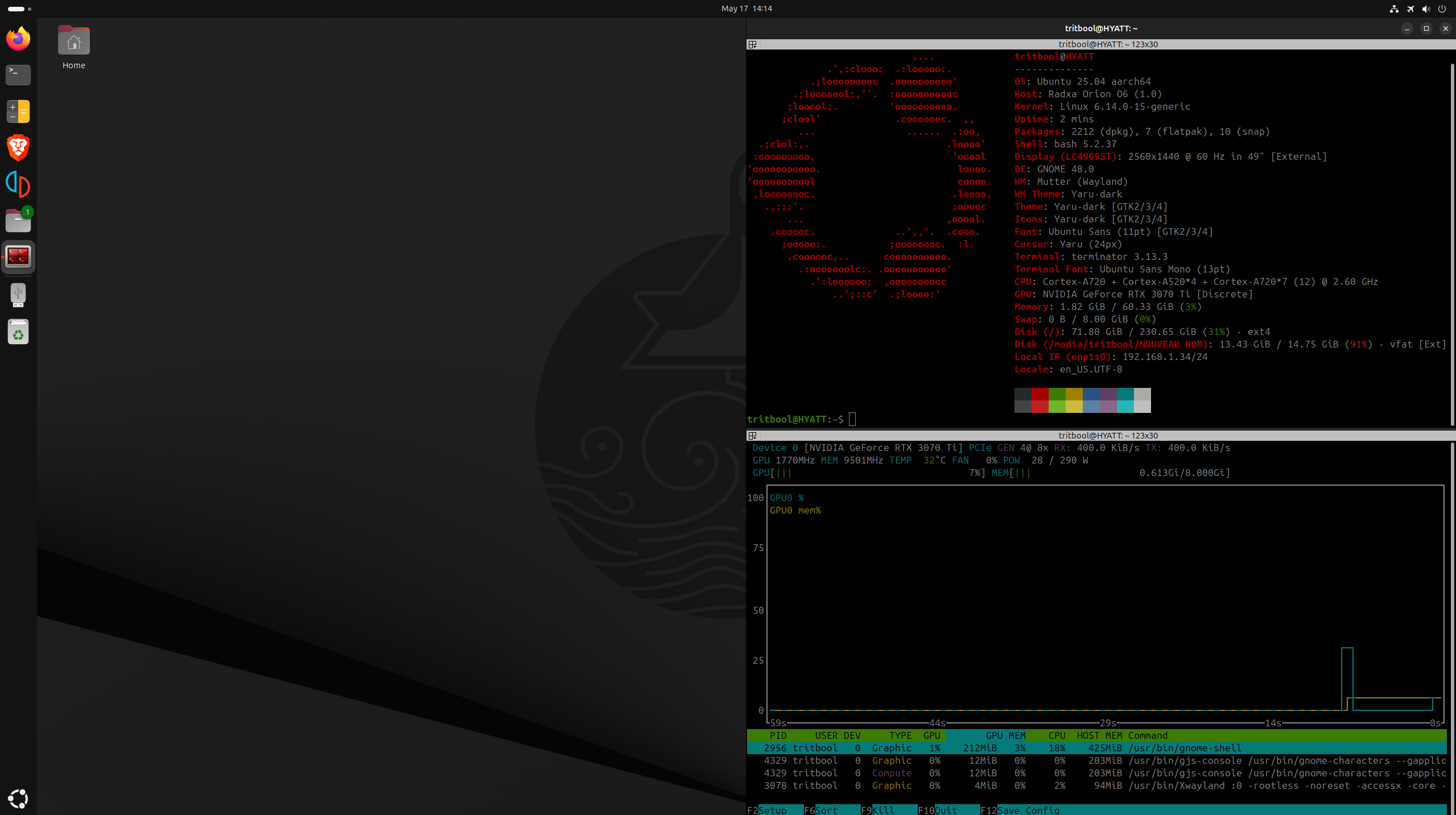
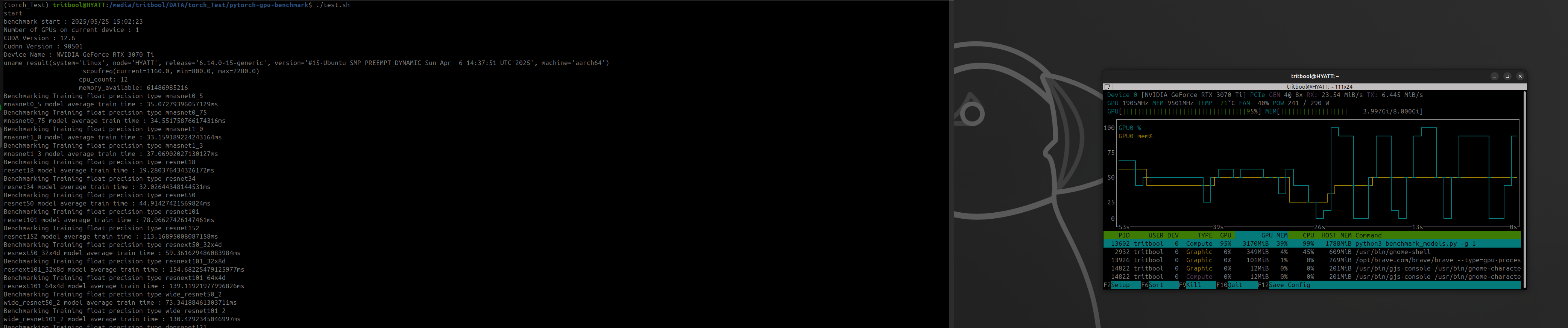
RTX 3070Ti FE works fine with Nvidia drivers. dozens of hours playing yuzu so far. No specific complaints, everything is smooth and pretty.
Cuda computing works too.
Hi,
What was the use case for these GPUs? Did you use it for running models or for graphics?
Thanks
Usecase: Mainline linux with external GPU since integrated GPU driver is not ready yet and no certain date until it’s ready in sight
Recently I bought a NVIDIA GeForce RTX 5080 Founders Edition card for my gaming PC and I decided to try it with the Orion O6 before it makes its way to its ultimate destination. I managed to get it working; in fact it works better than the other discrete GPU that I have tried (AMD Radeon RX 6700 XT), which is not surprising given that NVIDIA supports the Arm architecture officially with their own driver and gives the same quality guarantees as with, say, their Windows x64 driver. For instance, I haven’t experienced any lock-ups such as the ones that I reported here, though I get some spam in the kernel log like this:
[    5.987966] arm-smmu-v3 arm-smmu-v3.0.auto: event 0x10 received:
[    5.994057] arm-smmu-v3 arm-smmu-v3.0.auto: 	0x0000c10000000010
[    5.994059] arm-smmu-v3 arm-smmu-v3.0.auto: 	0x0000020000000000
[    5.994061] arm-smmu-v3 arm-smmu-v3.0.auto: 	0x0000000000000000
[    5.994062] arm-smmu-v3 arm-smmu-v3.0.auto: 	0x0000000000000000
[    5.994064] arm-smmu-v3 arm-smmu-v3.0.auto: event: F_TRANSLATION client: 0000:c1:00.0 sid: 0xc100 ssid: 0x0 iova: 0x0 ipa: 0x0
[    5.994067] arm-smmu-v3 arm-smmu-v3.0.auto: unpriv data write s1 "Input address caused fault" stag: 0x0
As before, I am running the firmware in ACPI mode and I am using Ubuntu 25.04 with the Wayland windowing system, but with the stock kernel release 6.14.0-29-generic. The driver is the proprietary one provided by Ubuntu, in particular the open kernel variant, i.e. nvidia-driver-580-open, which corresponds to version 580.65.06. The upstream driver, nouveau, does not work because the revision associated with my kernel does not support the graphics card. Also, I don’t think that the Mesa 3D graphics software stack is able to function with the driver that I am using. I tried various applications such as GravityMark on top of both the OpenGL and the Vulkan APIs (with ray tracing and the various other render options; results here and there), the Raymarching - Primitives demo from the Shadertoy Web site on Mozilla Firefox, llama.cpp with both CUDA and Vulkan, the Geekbench 6.5.0 GPU benchmark (results here), and others; all of them worked fine.
However, the most complicated detail is the firmware version. The latest release as of this writing, 0.3.0-1, does not work - I think that the board was not even being detected as a PCIe device. Instead, I built revision 5834abe860ab7e38acb266a0e87e749d9f0ff016 manually on another machine (x64-based). Unfortunately, the repository seemed to be in a messy state, so some manual fixes were also necessary. First of all, I removed all occurences of $(PACKAGE_TOOL_ARCH) from the src/Makefile file that the commit that I linked to had added before that. Then I changed to the src/edk2-platforms directory, which is actually a submodule, and I fixed the unsuccessful attempt to add support for resizable BAR. As a side note, the symptoms of that issue were errors such as:
[    8.378753] NVRM: kbusVerifyBar2_GB202: MMUTest BAR0 window offset 0x70e000 returned garbage 0x0
[    8.378773] NVRM: nvAssertOkFailedNoLog: Assertion failed: Generic memory error [NV_ERR_MEMORY_ERROR] (0x00000072) returned from kbusVerifyBar2_HAL(pGpu, pKernelBus, NULL, NULL, 0, 0) @ kern_bus_gm107.c:360
[    8.378786] NVRM: nvAssertOkFailedNoLog: Assertion failed: Generic memory error [NV_ERR_MEMORY_ERROR] (0x00000072) returned from kbusStateInitLockedKernel_HAL(pGpu, pKernelBus) @ kern_bus_gm107.c:465
[    8.378794] NVRM: RmInitNvDevice: *** Cannot initialize the device
[    8.378796] NVRM: RmInitAdapter: RmInitNvDevice failed, bailing out of RmInitAdapter
[    8.378813] NVRM: rmapiReportLeakedDevices: Device object leak: (0xc1e00003, 0xcaf00000). Please file a bug against RM-core.
[    8.378815] NVRM: nvAssertFailedNoLog: Assertion failed: 0 @ rmapi.c:935
[    8.379702] NVRM: rmapiReportLeakedDevices: Device object leak: (0xc1e00004, 0xcaf00000). Please file a bug against RM-core.
[    8.379706] NVRM: nvAssertFailedNoLog: Assertion failed: 0 @ rmapi.c:935
[    8.380777] NVRM: nvAssertFailedNoLog: Assertion failed: listCount(&pKernelBus->virtualBar2[gfid].usedMapList) == 0 @ kern_bus_vbar2.c:346
[    8.381014] NVOC: __nvoc_objDelete: Child class KernelVideoEngine not freed from parent class OBJGPU.NVRM: iovaspaceDestruct_IMPL: 4 left-over mappings in IOVAS 0xc100
[    8.381052] NVRM: GPU 0000:c1:00.0: RmInitAdapter failed! (0x24:0x72:1185)
[    8.383402] NVRM: GPU 0000:c1:00.0: rm_init_adapter failed, device minor number 0
[    8.383734] [drm:nv_drm_dev_load [nvidia_drm]] *ERROR* [nvidia-drm] [GPU ID 0x0000c100] Failed to allocate NvKmsKapiDevice
[    8.396638] [drm:nv_drm_register_drm_device [nvidia_drm]] *ERROR* [nvidia-drm] [GPU ID 0x0000c100] Failed to load device
The machine continued running and remained accessible afterwards, just without any display output.
There are 2 options for the fix:
Just checking out the latest revision doesn’t seem to work and results in build failures. In both cases the firmware version would include support for x86 emulation, so I was able to see the UEFI setup screens, for example.
I also managed to get my hands on an AMD Radeon RX 7900 XTX GPU and to get it working, using the same applications as before. Results:
The software situation has improved tremendously since I tested the previous AMD card - the Ubuntu kernel developers seem to have backported the fixes to the amdgpu driver, so I am able to run the stock kernel version (e.g. 6.14.0-35-generic) and I no longer need to build my own (unless I want to  ). Also, I don’t experience any lock-ups anymore after disconnecting the HDMI cable, but I have to admit that there are some occasional issues such as crashes. On the other hand, subjectively they feel much rarer and they might be due to something that is not related to the GPU.
Unfortunately I still had to update the firmware on the Orion O6 board - even the version that could handle GeForce RTX 5080 seemed to get stuck in a PCIe device initialization loop, judging by the EDK II log coming out of UART2. In the end I settled on the following versions:
radxa-pkg/edk2-cix: e4f0fa10f2bbfde79105c82771a3963c75a14b97
radxa/edk2: 9744ad5917cd5496042b94ecdd30338087bd7ecb
radxa/edk2-non-osi: 90dc2477c7119a8e30964e0f74ccc0230e67beb9
radxa/edk2-platforms: c755a07d8d5f80142fdbeea85aad767ceea256a7
Finally, several months ago when I first received the Orion O6 board, I tried it with an AMD/ATI Radeon HD 4650 card and everything seemed to work fine out of the box with the stock firmware, even though I didn’t test as extensively. I didn’t mention it before because that hardware is positively ancient, doesn’t support 4K display output, Vulkan, and so on - I bought it 16 years ago!
Mine us a Intel Arc Pro B50.
When B50 plugged in, the Borad cannot recognize NVMe drives, just loop into BIOS.
BIOS version: 0.9.0-1
I’ve got an old Radeon RX 560 4G running just fine, even plugging it in a few days after I installed Ubuntu server 25.10 and task-xfce-desktop. The o/s detected the card just fine.
I use glmark2 to benchmark graphics comparisons between different systems. While using the iGPU, came in at 298. This eight-year-old RX knocked it out of the park and sent it into the next state – with a score of 6544.
Running ubuntu server 25.10 with ‘task-xfce-desktop’ for a clean install. 32GB orion o6 with 9.0.0 bios and a 4T nvme.
Probably going to use it for learning 3d modeling, maybe later video editing.
Adding even an old card will do wonders for your video experience. Highly recommended. 
Has anyone tried Radeon HD5xx0-HD7xx0 series GPUs ?
I know that HD4xx0 works (have one booting fine on Orion o6n with fedora 43 right now) but everything else is giving me troubles (tested few HD5xx0 and 7870XT, hangs during boot, boots on mali when amdgpu blacklisted) as well as Nvidia 560Ti (kernel panic).
Did anyone tried such old GPUs ?