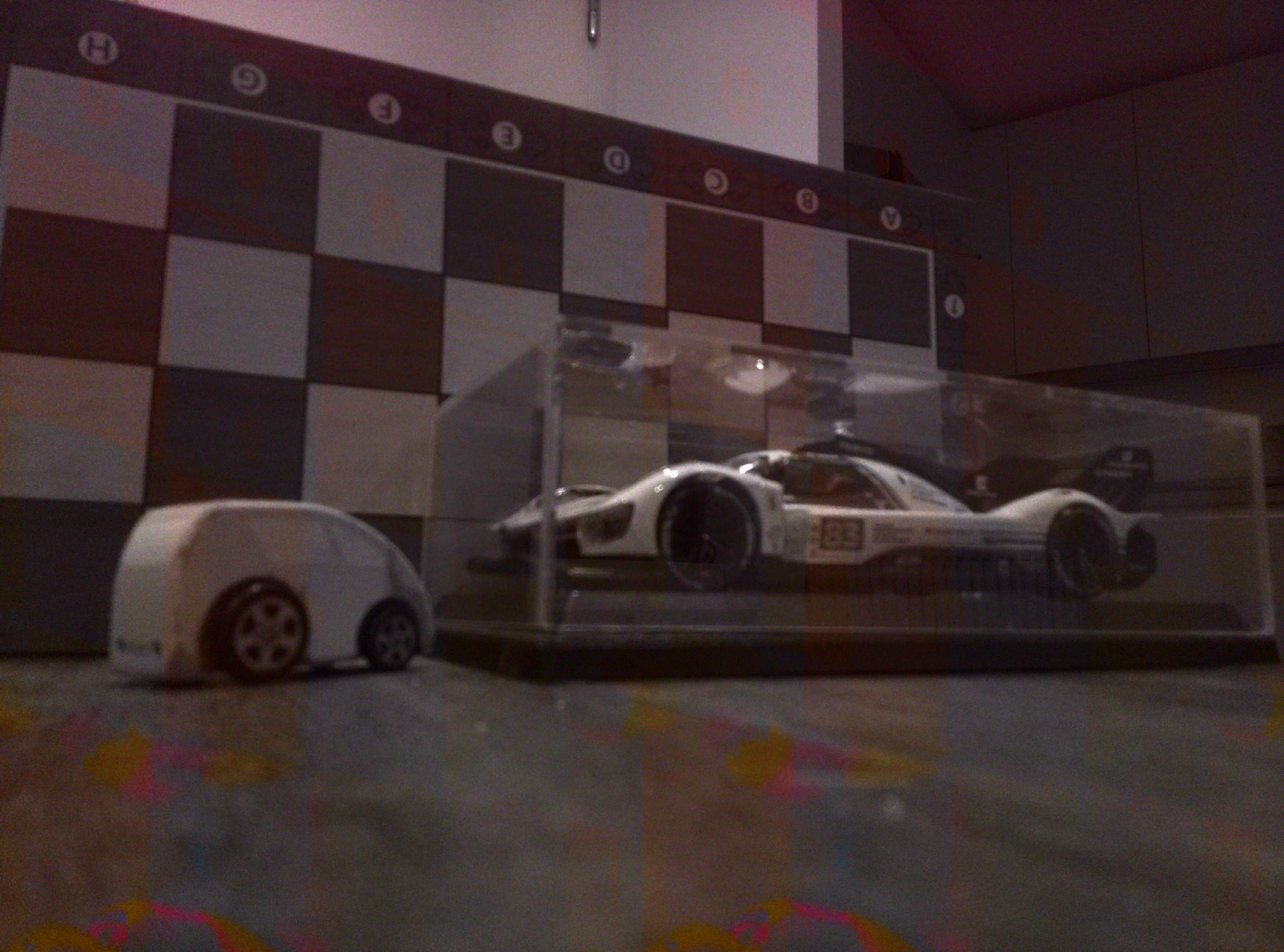
I want to tell you a bad news. Radxa hasn’t pass the the Radxa 13M 214 test on A7A. The official online store service told me this. It is too ridiculous.
What version of gstreamer you use? Version included in official image don1t support en-awisp=1 en-largemode=1 parameters.Whre can I found yours version of gstreamer?
I’ve also tried to run 13M imx214 camera with A7Z a733 board. I’ve tried various system images and about two images that would get some image from the sensor.
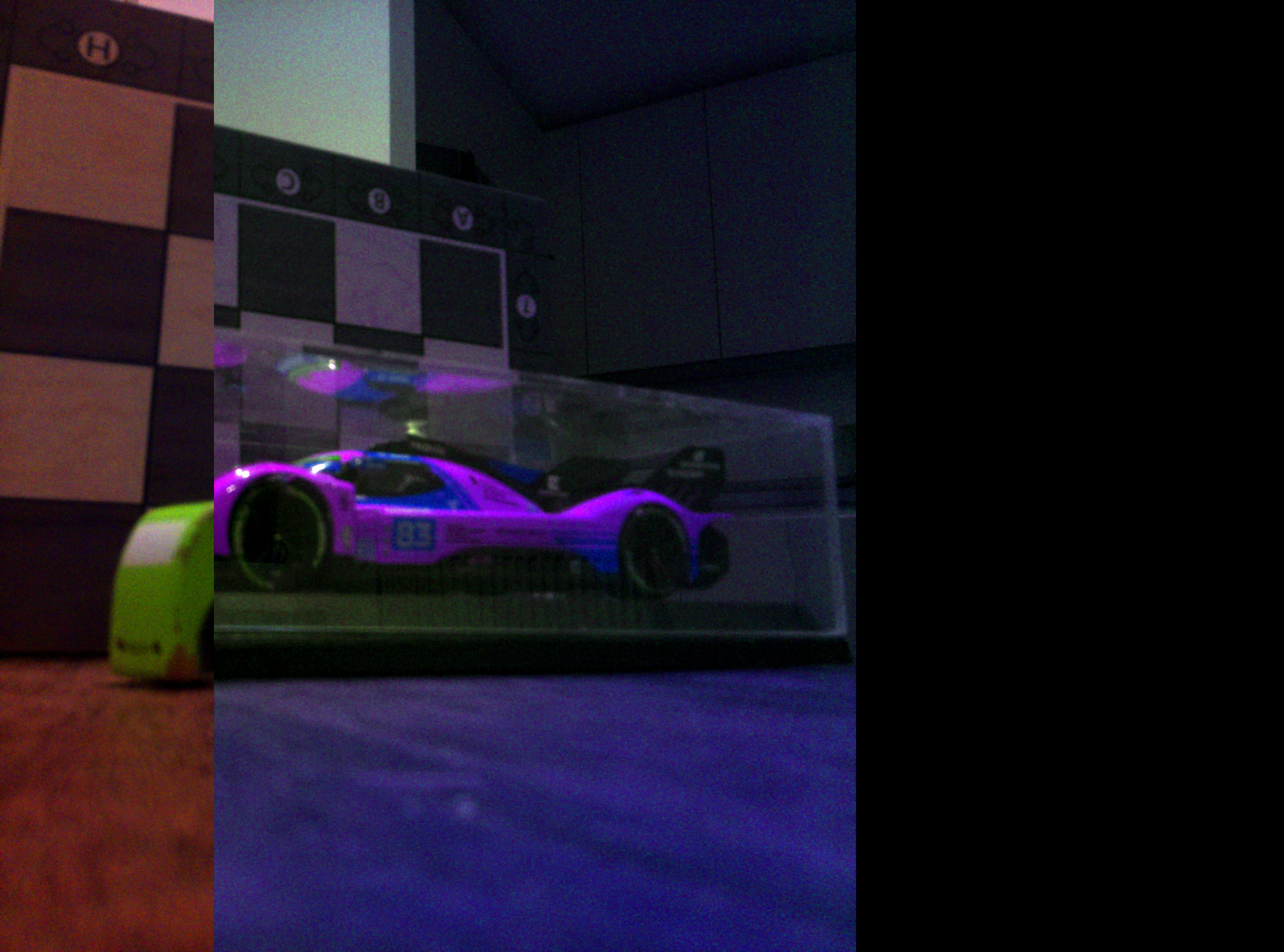
Saving a still frame (or video) from the camera results with an image that seems to have two issues:
incorrect color encoding; NV12 produces near B/W image with some coloration and slight ghosting. I’m getting parts of the image correct when using BGR option, but
then 2nd issue comes in where picture doesn’t seem to be well syncronised; part of picture cut vertically.
NV12 picture:
$ gst-launch-1.0 v4l2src device=/dev/video1 en-awisp=1 en-largemode=1 ! video/x-raw,format=NV12,width=4208,height=3120 ! jpegenc ! multifilesink location=file4.jpg
Setting pipeline to PAUSED …
Pipeline is live and does not need PREROLL …
Pipeline is PREROLLED …
Setting pipeline to PLAYING …
New clock: GstSystemClock
[ISP]>>>>>>>>>>>>>>>>>>>> ISP VERSION INFO <<<<<<<<<<<<<<<<<<<
IPCORE: ISP602
branch: libisp-dev
commit: 665dc2e9613716c25abb6b64af145a73b989271e
date : Wed Dec 18 15:26:13 2024 +0800
author: [email protected]
[ISP]video device name is vin_video1
[AWIspApi]: F:awIspGetIspId, L:104, video1 → isp1
[ISP]STITCH_2IN1_LINNER
[ISP]ISP Set Sync Mode = 0x3, isp_sync_mode = 0x20003
[ISP]tdm_rx device name is sunxi_tdm_rx.0
[ISP]open isp device[0] success!
[ISP]get isp_ctx from /mnt/isp1_4208_3120_2_0_imx214_ctx_saved.bin success!!!
[ISP_WARN]cannot find imx214_4208_3120_2_0_0 isp config, use imx214_mipi_4208_3120_30_0_0 → [imx214_mipi_default_ini_a733]
[ISP]create isp0 server thread!
[ISP]tdm_rx device name is sunxi_tdm_rx.1
[ISP]open isp device[1] success!
[ISP_WARN]VIDIOC_VIN_GET_SENSOR_OTP_INFO return error:Invalid argument
[ISP]ISP1 OTP Disable
[ISP_ERR]isp_dev_start, line: 717,unable to subscribe to tdm event: Inappropriate ioctl for device (25).
[ISP]get isp_ctx from /mnt/isp1_4208_3120_2_0_imx214_ctx_saved.bin success!!!
[ISP_WARN]cannot find imx214_4208_3120_2_0_0 isp config, use imx214_mipi_4208_3120_30_0_0 → [imx214_mipi_default_ini_a733]
[ISP]create isp1 server thread!
[ISP_ERR]isp_dev_start, line: 717,unable to subscribe to tdm event: Inappropriate ioctl for device (25).
[ISP_ERR]isp_stat_process_buffer, line: 265,AEWB: stats error, skipping buffer.
[ISP_ERR]isp_stat_process_buffer, line: 265,AEWB: stats error, skipping buffer.
[ISP_WARN]imx214 get sensor_flip failed: Invalid argument (22).
[ISP_WARN]imx214 get sensor_temp failed: Invalid argument (22).
[ISP_ERR]isp_sync_debug_info, line: 857,VIDIOC_VIN_ISP_GET_INFO error!
[ISP_WARN]isp debugfs node not support!!!
[ISP_WARN]can not use sync mode.(buffer0 = 0xffffb0045110, buffer1 = (nil))
[ISP_WARN]imx214 get sensor_flip failed: Invalid argument (22).
[ISP_WARN]imx214 get sensor_temp failed: Invalid argument (22).
handling interrupt.:99.
Interrupt: Stopping pipeline …
Execution ended after 0:00:03.924666631
Setting pipeline to NULL …
[ISP_ERR]isp_ctx_save_exit, line: 125,open /mnt/isp1_4208_3120_2_0_imx214_ctx_saved.bin failed, err:Permission denied.
[ISP_ERR]isp_ctx_save_exit, line: 125,open /mnt/isp1_4208_3120_2_0_imx214_ctx_saved.bin failed, err:Permission denied.
Freeing pipeline …
What can we do, what debug info, etc would you need to get this resolved?
I’d appreciate developers help here, especially as 13M 214 camera is sold as supported.
Are you saying that the photos taken through the camera have incorrect colors? Is it okay to directly capture the camera’s preview effect? First, please refer to the example in our official documentation: Radxa Camera 13M 214 | Radxa Docs