Hello guys!
I had my Raspberry Pi 4 stored away for a long time without using it, and one day I thought: I need to do something with it! And that’s how my story with the Radxa SATA HAT began 
I was thinking about building my home NAS using this setup:
- Raspberry Pi 4B 8GB
- Radxa Quad Sata HAT
- 4x Seagate Ironwolf 4TB.
I also bouth:
- an 8A 12V AC/DC adapter to power this setup,
- 12V 120mm fan to cool disks when they get hot,
- and a PWM Regulator to control 120mm fan speed.
I installed Debian Trixie, then OMV, and created a software RAID 10 (mdadm, ext4). And BUM! My first surprise was the stability – which turned out to be very poor. My drives were disconnecting randomly, and there was about a 90% chance of a disconnect whenever I tried to read SMART information.
I started searching this forum and other sites for solutions, and the things i did were:
- updated the firmware of the JSM561 module,
- changed the USB driver from UAS to usb_storage using this tutorial,
- overclocked Pi to 2,147Ghz.
After this my system started to be partially stable.
However, when I tried to read SMART information, there was still around an 80% chance that the disks would disconnect.
To resolve this problem, I searched more intensively and found this tutorial in which someone awesome from here describes how to create a hardware RAID on JSM561 controllers. Within an hour or two, I created a hardware RAID 0 on the JSM561 controllers and then a software RAID 1 using mdadm.
After that, my NAS finally became stable – SMART checks stopped disconnecting the disks and everything started to look good.
To monitor disk temperatures, I needed to create a JSM561 controller manager wrapper, and then two services:
- the first one reads disk data using the wrapper and periodically writes the data to a file,
- the second one reads data from this file and controls the PWM regulator to adjust the fan speed.
(If someone wants instructions how to do it - say it - i can share my work)
And now we are here.
I have a working setup with my RAID, and now I’m wondering if it is running at 100% of what I can achieve using this platform.
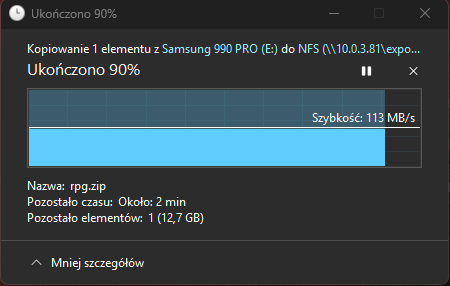
Currently I can achieve about 30–40 MB/s when writing ~5 MB files over NFS, and a maximum of around 70 MB/s when transferring a single large file. iostat shows that the RAID is not being fully utilized, but I can’t achieve anything more.
When I read these files, the speed is only about 50% of the write speed, which surprises me. And now my questions:.
And now my questions:
- Should I switch from hardware RAID 0 + software RAID 1 to hardware RAID 1 + software RAID 0? Would this help increase speeds? I can’t reach the 120 MB/s read and 80 MB/s write speeds mentioned by some people here.
- I had read that on the Raspberry Pi all four USB ports and the Ethernet port are connected through a single PCIe x1 Gen 2 lane (with a theoretical speed of about 5 Gb/s). Would switching to Wi-Fi be worth considering to free up the PCIe bandwidth used by Ethernet port and leave more for the USB devices (SATA HAT)?
- Do you have any other tutorials that could help achieve better speeds with Samba (which in my case is about 50% of the NFS speed)?
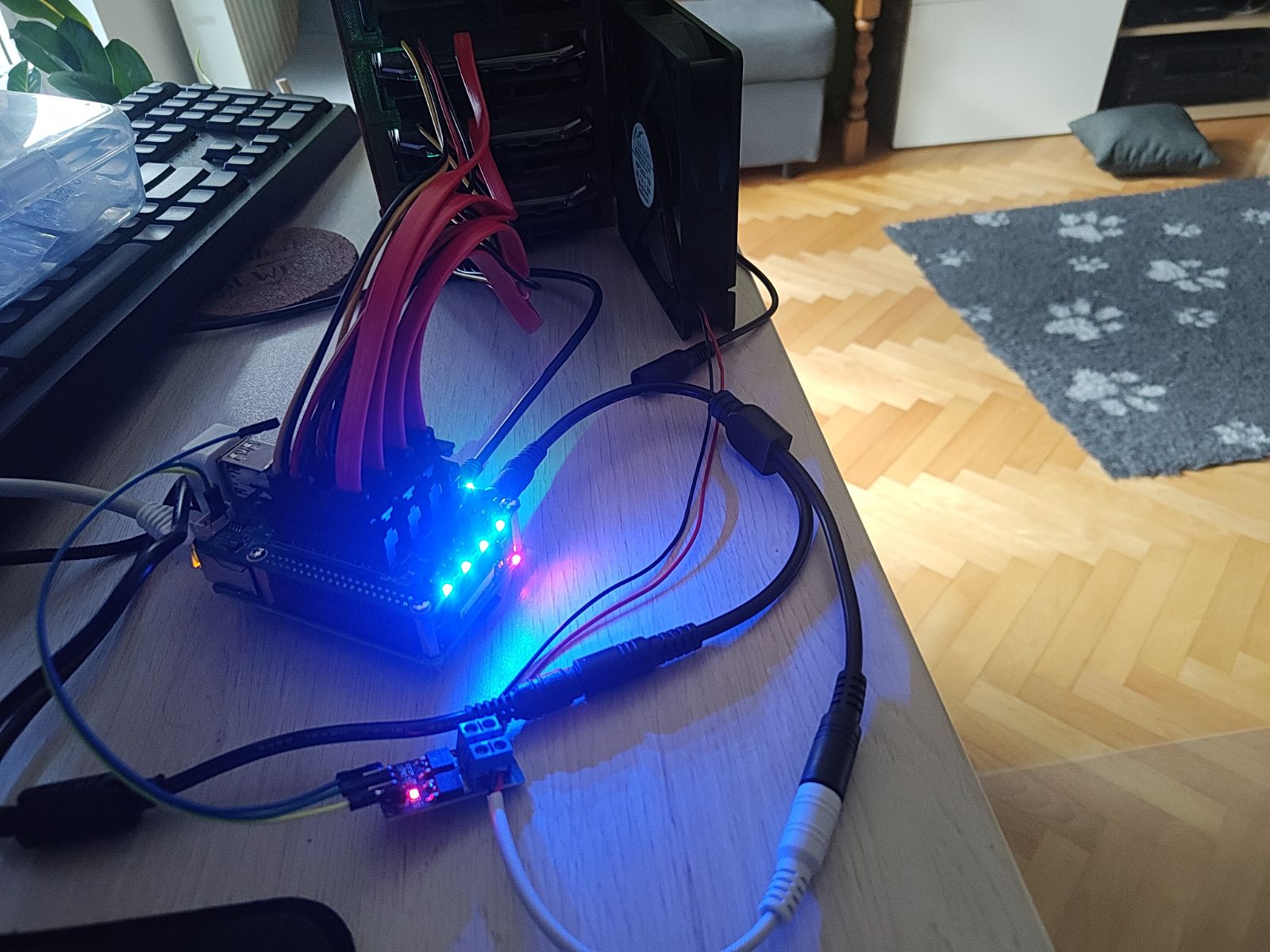
For everyone who read my entire post to the end - picture of my setup when work was in progress