Ok.
Within the “rsetup” update on the freshly installed Radxa Debian distribution, I was asked this:
Setting up libfdisk1:arm64 (2.38.1-5+deb12u3) ...
Setting up liblzma-dev:arm64 (5.4.1-1) ...
Setting up libubsan1:arm64 (12.2.0-14+deb12u1) ...
Setting up libsrt1.5-gnutls:arm64 (1.5.1-1+deb12u1) ...
Setting up mount (2.38.1-5+deb12u3) ...
Setting up libhwasan0:arm64 (12.2.0-14+deb12u1) ...
Setting up radxa-desktop-branding (0.1.3) ...

Configuration file '/etc/skel/.face'
 ==> Deleted (by you or by a script) since installation.
 ==> Package distributor has shipped an updated version.
   What would you like to do about it ?  Your options are:
    Y or I  : install the package maintainer's version
    N or O  : keep your currently-installed version
      D     : show the differences between the versions
      Z     : start a shell to examine the situation
 The default action is to keep your current version.
*** .face (Y/I/N/O/D/Z) [default=N] ?
I just pressed enter and it continued with other stuff:
update-alternatives: using /usr/share/images/radxa-logos to provide /usr/share/images/vendor-logos (vendor-logos) in auto mode
update-alternatives: using /usr/share/desktop-base/radxa-theme to provide /usr/share/desktop-base/active-theme (desktop-theme) in auto mode
Setting up libqt5dbus5:arm64 (5.15.8+dfsg-11+deb12u3) ...
Setting up libtiff6:arm64 (4.5.0-6+deb12u2) ...
Setting up libasan8:arm64 (12.2.0-14+deb12u1) ...
Setting up libxslt1.1:arm64 (1.1.35-1+deb12u1) ...
Setting up linux-image-6.1.84-6-rk2410 (6.1.84-6) ...
dkms: running auto installation service for kernel 6.1.84-6-rk2410.
I guess that was the right thing to do. If not let me know.
At the end it said this:
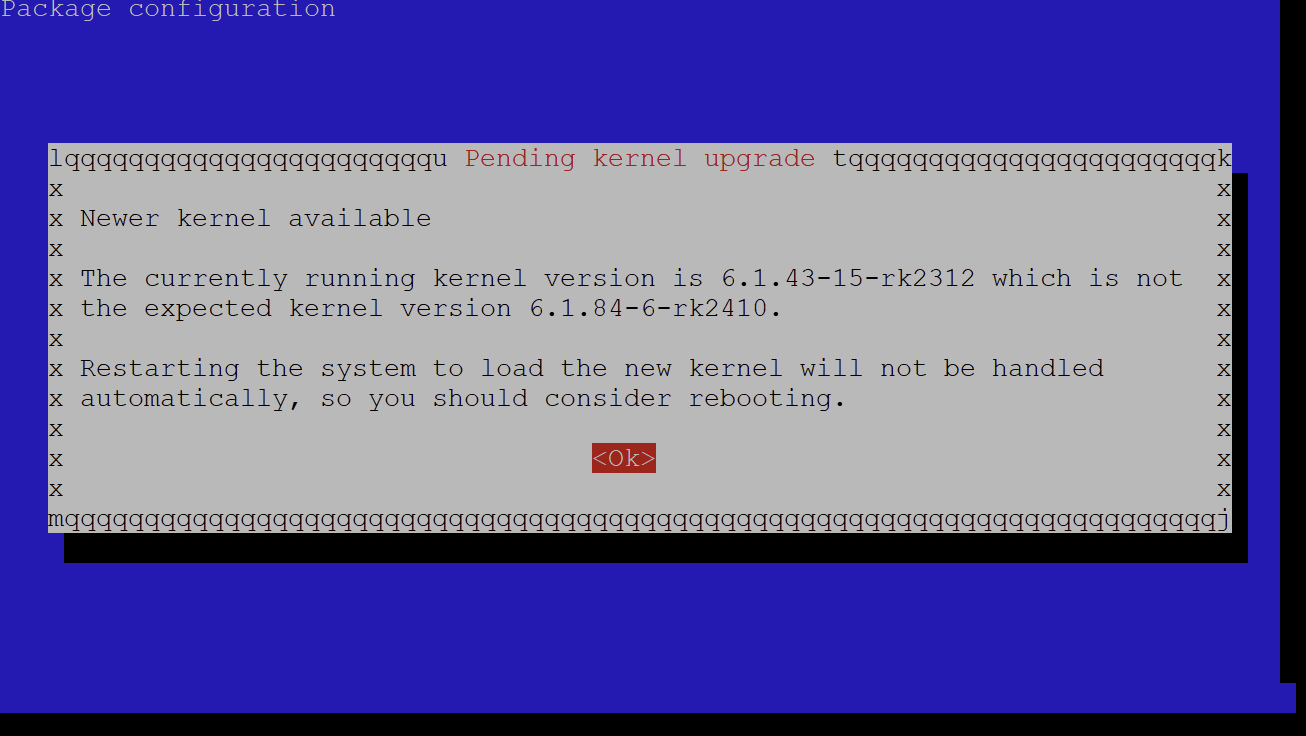
It also said some daemons are outdated. Just clicked Ok. And then ran reboot. Looks like all worked fine.