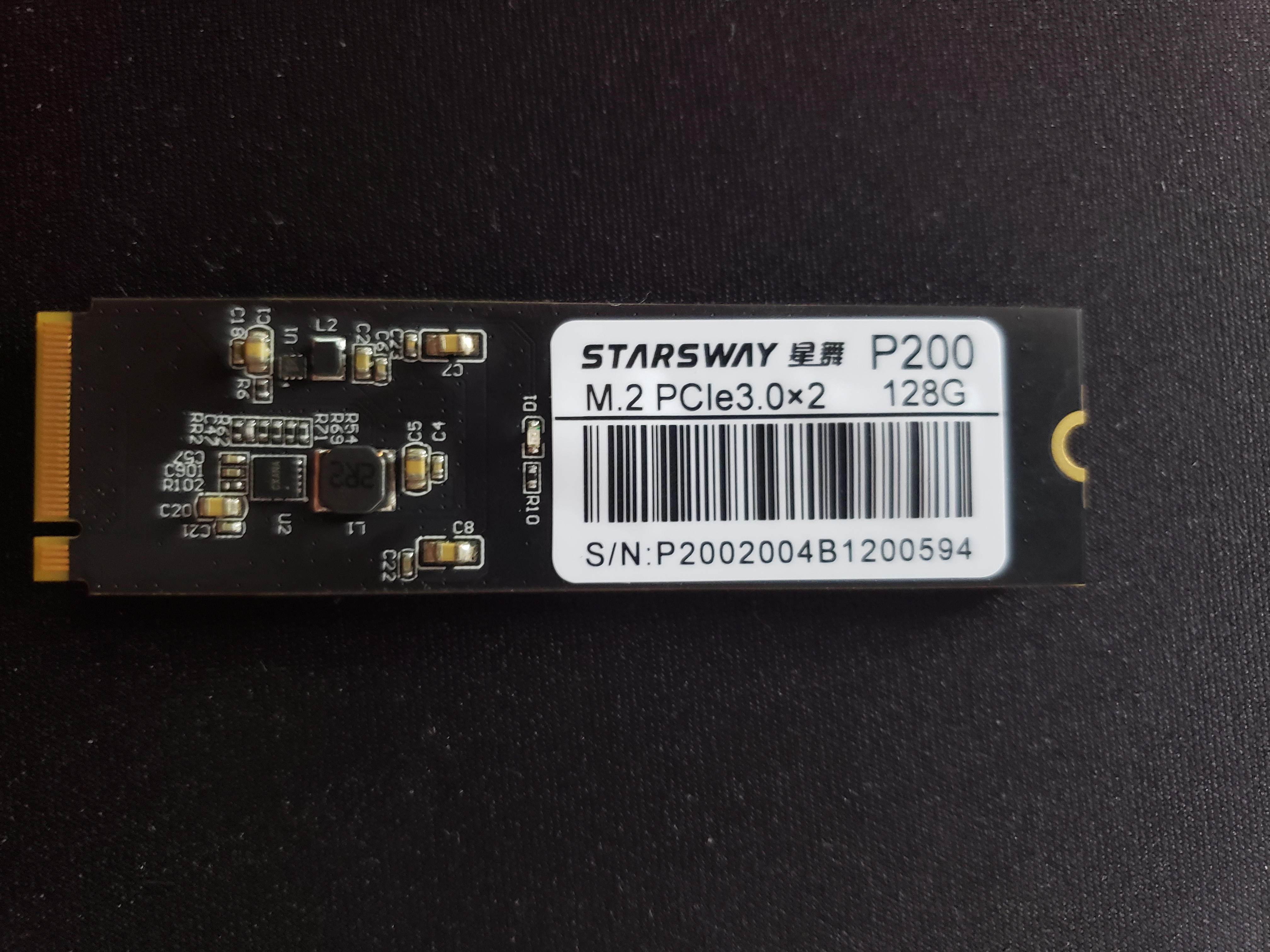
Hi, i tried booting my 128gb nvme ssd with the extension board and without it and i never got it working.
Heres what i get in dmesg using armbian @ 5.4.49
rockchip-pcie f8000000.pcie: no vpcie1v8 regulator found
rockchip-pcie f8000000.pcie: no vpcie0v9 regulator found
rockchip-pcie f8000000.pcie: PCIe link training gen1 timeout!
rockchip-pcie: probe of f8000000.pcie failed with error -110
And this is with libreelec @ 4.4
rockchip-pcie f8000000.pcie: Looking up vpcie3v3-supply from device tree
rockchip-pcie f8000000.pcie: Looking up vpcie3v3-supply property in node /pcie@f8000000 failed
rockchip-pcie f8000000.pcie: no vpcie3v3 regulator found
rockchip-pcie f8000000.pcie: Looking up vpcie1v8-supply from device tree
rockchip-pcie f8000000.pcie: Looking up vpcie1v8-supply property in node /pcie@f8000000 failed
rockchip-pcie f8000000.pcie: no vpcie1v8 regulator found
rockchip-pcie f8000000.pcie: Looking up vpcie0v9-supply from device tree
rockchip-pcie f8000000.pcie: Looking up vpcie0v9-supply property in node /pcie@f8000000 failed
rockchip-pcie f8000000.pcie: no vpcie0v9 regulator found
rockchip-pcie f8000000.pcie: PCIe link training gen1 timeout!
rockchip-pcie: probe of f8000000.pcie failed with error -110
The ssd booted just fine when i connected in the mobo of my pc.
Got it to show up in lsblk using the ubuntu image from here: https://wiki.radxa.com/Rockpi4/Linux_system_runs_on_M.2_NVME_SSD, when i changed from the official power supply to a samsung quick charge one. Still no luck with armbian even though my main purpose is to run Libreelec on the nvme.
In the course of my investigation I found out that I get this error regardless of whether the SSD is present or not, which leads me to believe that maybe this is a software issue rather than an incompatible SSD.
I would appreciate to know if you found the root cause of your issue.
Thank you for the link. I’m actually using a recent Armbian image, but still the ssd is not reported by lsblk and dmesg shows the errors above. Is not just that I cannot boot, also the ssd isn’t detected by the kernel.
Do you know a way to check which boot loader is installed? I don’t know how to equivocally check which boot loader is installed.
From what I read so far, I assume it is u-boot. Right now I’m using the Armbian Buster image for the rockpi 4b. But all the images I have successfully booted (Ubuntu, Debian, Manjaro and even FreeBSD) behave exactly the same way. The eMMC was cleared (I checked by reading back the first sectors of /dev/mmcblk2, /dev/mmcblk2boot0 /dev/mmcblk2boot1 and verifying it returns all zeros)
So, I believe the boot loader is the one installed in the microSD with these images.
Thanks for the suggestion, but my board doesn’t have a SPI flash installed. Also for me is not really important to be able to boot from the SSD because I can use the eMMC. It just so happens that the issue reported in this thread is very similar, if not identical, to the issue that prevents me to detect and use the SSD.
@igorp
It also occurred me. Although I could swear that I had this SSD working on the rock pi before. Anyway, I get the following error regardless whether the SSD is present or not. The message also seems to indicate something is wrong with the PCIE bus itself.
[ 3.708513] rockchip-pcie f8000000.pcie: PCIe link training gen1 timeout!
[ 3.709501] rockchip-pcie: probe of f8000000.pcie failed with error -110
I will keep trying and will check whether I have another SSD available, although I think everything else I have is SATA.