After spending the last few weeks exploring the QCS6490 AI stack, I finally managed to get Llama 3.2 1B running on the Hexagon NPU of the Radxa Dragon Q6A.
Like many others here, I initially went down the QAIRT/QNN/QAI Hub/ExecuTorch rabbit hole. I tried multiple SDK versions, compiled binaries, Qualcomm AI Hub, official documentation, and even spun up a cloud machine just to verify I wasn’t doing something wrong. It turned out the ecosystem is much trickier to navigate than it first appears.
The breakthrough came from TrailCurrent’s installation script:
Video (not mine, full credit to the creator and everyone who contributed to updating the binaries):
What worked
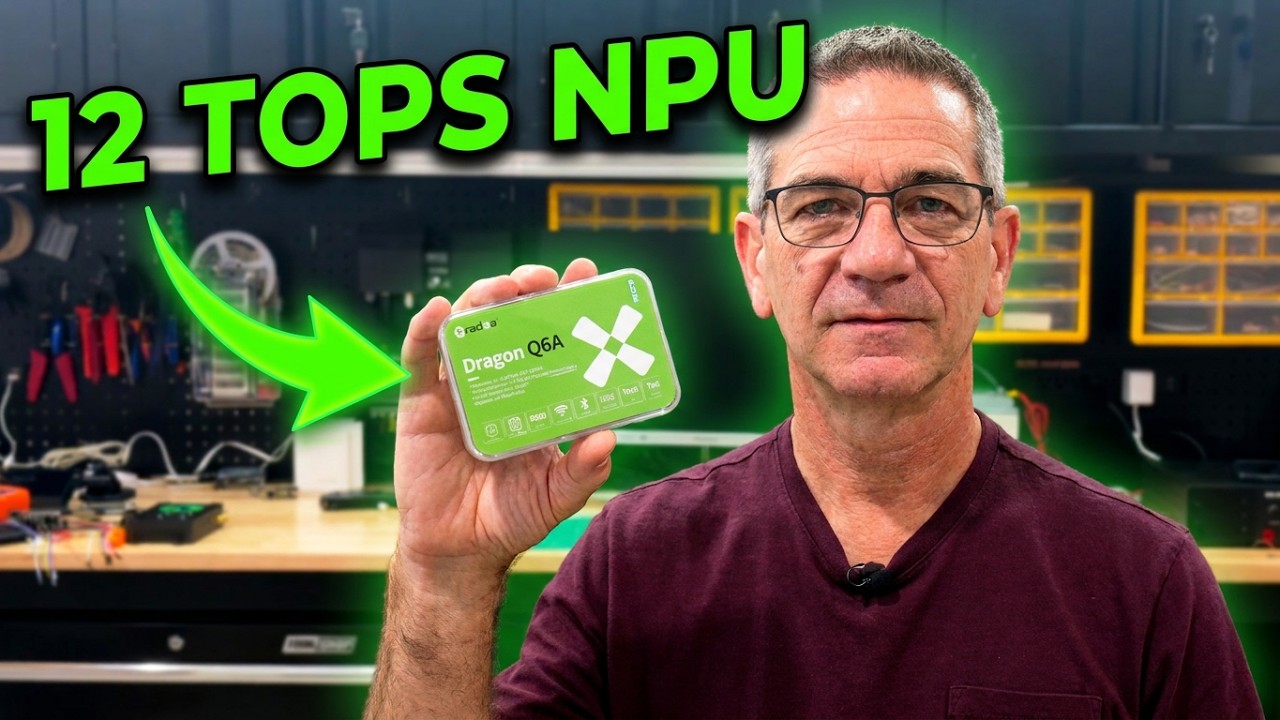
Radxa Dragon Q6A (QCS6490)
Armbian 26.2.4 (Ubuntu 24.04 LTS)
Kernel 6.18.2-current-qcs6490
Llama 3.2 1B running on the Hexagon NPU
Persistent Genie server exposed through an Ollama-compatible API
~12-13 tokens/sec generation
So this setup is not limited to the official Radxa OS. It also works on Armbian.
Remaining questions
Although the NPU inference works well, I noticed two apparent limitations:
Context window appears fixed at 1024 tokens
Generation appears limited to roughly 250 output tokens
If anyone has successfully built or run a 4K or 8K context version on the Q6A, I’d love to know how.
Also, has anyone managed to run any other LLM on the Hexagon NPU besides Llama 3.2 1B? Or perhaps a larger model (4B-9B)?
Could anyone successfully make the GPU work (through ROCm or Vulcan?) – I could now.
Hopefully this saves someone else a few weeks of trial and error.
From my experience Vulkan is slower than CPU when running Qwen_Qwen3.5-2B-Q8_0.gguf. I’ve used the MESA FreeAdreno drivers and the latest Radxa kernel.
Compiling llama.cpp following the instructions for Qualcomm Snapdragon hits a wall while trying to talk to the fastrpc driver. Qualcomm’s documentation and website is hard to navigate. Lllama.cpp points to some SDK provided as a docker image and the fact the SDK published by Qualcomm only offers a x86 docker image tells me not even them expect people to use their stuff.
Anyway I think I get around 6T/s on CPU with 8k context window on Qwen3.5-2B and a bit less (5.5ish) on Vulkan.
Were you able to leverage the NPU at all? With any other model?
Also, is there any Qairt compiled model (larger, 4-8B) that can run faster on the CPU, that you may be aware of?
Thats as far as I could go and while I’ve tested quants of other models including 8b it wasn’t very fast. Since it’s CPU you could try getting a better result by switching the CPU governor from the default schedutil to performance but I’m not sure how far it would help.
Should be easy to test. Any docker image for lamma-cpp made for raspberry pi 5 should work on the dragon since both are aarch64.
I was trying to build binaries that would leverage the NPU.
So far couldn’t get those to work.
But only one model: Qwen 2.5 1.7B model got successfully compiled…
Was giving close to 12-13 tokens per second… (Thought it was still falling back to the CPU)
But idk after some update it got corrupted again…
Now I am back with the gguf running at half the speed…
I was able to get both the NPU and GPU working on a fresh install of Armbian 26.2.4 Radxa-dragon-q6a. I can now run 2 local LLM models at the same time, one on the NPU with QAIRT(only 3 models from Radxa, including 1 with 4096 tokens) and the other on the GPU with Geniex(allows gguf models). It took me a few weeks to learn this process, but couldn’t have done it without the Radxa documentation, this posting and the users in the Radxa forum.
Here is my process starting with Armbian OS install and get QAIRT working:
### Armbian install
Install Armbian_26.2.4_Radxa-dragon-q6a_noble_current_6.18.2_minimal
Setup and enable ssh

### Radxa new armbian Ubuntu 24.04
sudo apt update
sudo apt upgrade -y
sudo apt install -y btop nvtop locate net-tools unzip sox build-essential python3-venv software-properties-common ppa-purge
sudo tee /etc/udev/rules.d/99-fastrpc.rules << 'EOF'
KERNEL=="fastrpc-*", MODE="0666"
SUBSYSTEM=="dma_heap", KERNEL=="system", MODE="0666"
EOF
sudo reboot

### Add Radxa and Qualcomm repos
curl https://radxa-repo.github.io/noble/install.sh | sudo sh
curl https://radxa-repo.github.io/qcs6490-noble/install.sh | sudo sh
sudo add-apt-repository ppa:ubuntu-qcom-iot/qcom-ppa
sudo apt update
sudo apt upgrade -y

### replace armbian-firmware-full
sudo apt install -y linux-firmware linux-firmware-dragonwing radxa-firmware-qcs6490

### install Radxa fastrpc and adsp/csdp libs
sudo apt install -y fastrpc fastrpc-test libcdsprpc1 libadsprpc1

### Download models
sudo apt install -y pipx
pipx install modelscope
export PATH="$HOME/.local/bin:$PATH"
cd ~
modelscope download --model radxa/Qwen2.5-0.5B-v68 --local-dir ./Qwen2.5-0.5B-v68
modelscope download --model radxa/Llama3.2-1B-4096-qairt-v68 --local-dir ./Llama3.2-1B-4096-qairt-v68

### link to libadsprpc.so and libcdsprpc.so for genie-t2t-run
sudo ln -s /usr/lib/aarch64-linux-gnu/libadsprpc.so.1.0.0 /usr/lib/aarch64-linux-gnu/libadsprpc.so
sudo ln -s /usr/lib/aarch64-linux-gnu/libcdsprpc.so.1.0.0 /usr/lib/aarch64-linux-gnu/libcdsprpc.so

### Test Prompts
# Qwen
cd ~/Qwen2.5-0.5B-v68
sudo chmod +x genie-t2t-run
LD_LIBRARY_PATH=$(pwd) ./genie-t2t-run -c ./qwen2.5-0.5B-1k-htp.json -p '<|begin_of_text|><|start_header_id|>system<|end_header_id|>\n\nYou are a helpful assistant.<|eot_id|><|start_header_id|>user<|end_header_id|>\n\nWhat is the fibonacci sequence?<|eot_id|>\n\n'

# Llama
cd ~/Llama3.2-1B-4096-qairt-v68
sudo chmod +x genie-t2t-run
LD_LIBRARY_PATH=$(pwd) ./genie-t2t-run -c htp-model-config-llama32-1b-gqa.json \
 -p "<|begin_of_text|><|start_header_id|>system<|end_header_id|>\n\nYou are a helpful assistant. Provide bullet points for every question asked.<|eot_id|><|start_header_id|>user<|end_header_id|>\n\nBreifly, what is the fibonacci sequence?<|eot_id|>\n\n"
Next, get Geniex installed to run the gguf on GPU:
### Geniex install - allows for Huggingface models with cpu/gpu, no npu support for v68
## https://geniex.aihub.qualcomm.com/en/get-started/what-is-geniex
## https://geniex.aihub.qualcomm.com/en/run/cli/install/#linux-arm64-native

### remove apt conflicts before installing Qualcomm packages
sudo apt remove  -y libadsprpc1 libcdsprpc1 fastrpc fastrpc-test

### install deps
sudo apt install -y libatomic1 libglib2.0-0 ocl-icd-libopencl1
sudo apt install -y qcom-adreno1 libqnn1 qcom-fastrpc1

### remove Qualcomm firmware and reinstall Radxa firmware
sudo apt remove -y qcom-fastrpc1
sudo apt install -y fastrpc fastrpc-test libcdsprpc1 libadsprpc1

### install Geniex at ~/.local/share/geniex/
curl -fsSL https://qaihub-public-assets.s3.us-west-2.amazonaws.com/qai-hub-geniex/install.sh | sh
echo 'export PATH="/home/armadmin/.local/bin:$PATH"' >> ~/.bashrc
source ~/.bashrc

### Check Geniex is working
geniex --help
geniex config get chipset

### Test Geniex with gpu, will download model, when prompt displays type "hello", /exit to quit
geniex infer --compute gpu unsloth/Qwen3.5-0.8B-GGUF:Q4_K_M

### Test  QAIRT again using genie-t2t-run, Prompts using NPU
# relink to libadsprpc.so and libcdsprpc.so for genie-t2t-run
sudo ln -s /usr/lib/aarch64-linux-gnu/libadsprpc.so.1.0.0 /usr/lib/aarch64-linux-gnu/libadsprpc.so
sudo ln -s /usr/lib/aarch64-linux-gnu/libcdsprpc.so.1.0.0 /usr/lib/aarch64-linux-gnu/libcdsprpc.so

# Qwen
cd ~/Qwen2.5-0.5B-v68
LD_LIBRARY_PATH=$(pwd) ./genie-t2t-run -c ./qwen2.5-0.5B-1k-htp.json -p '<|begin_of_text|><|start_header_id|>system<|end_header_id|>\n\nYou are a helpful assistant.<|eot_id|><|start_header_id|>user<|end_header_id|>\n\nWhat is the fibonacci sequence?<|eot_id|>\n\n'
I have other configurations to get the both the geniex and genie-t2t-run to work as a system services on different listening ports. @Rahul007 I followed a lot of your code to get the genie-t2t-run to run as a service, and your youtube video got me started on the Radxa Q6A for running local low powered LLMs. I have the 12GB version and are starting to tie this into my Home Assistant for Voice and local config management.
I hope this helps anyone trying to get NPU and GPU running on their Radxa Q6A!
 Radxa Dragon Q6A (QCS6490)