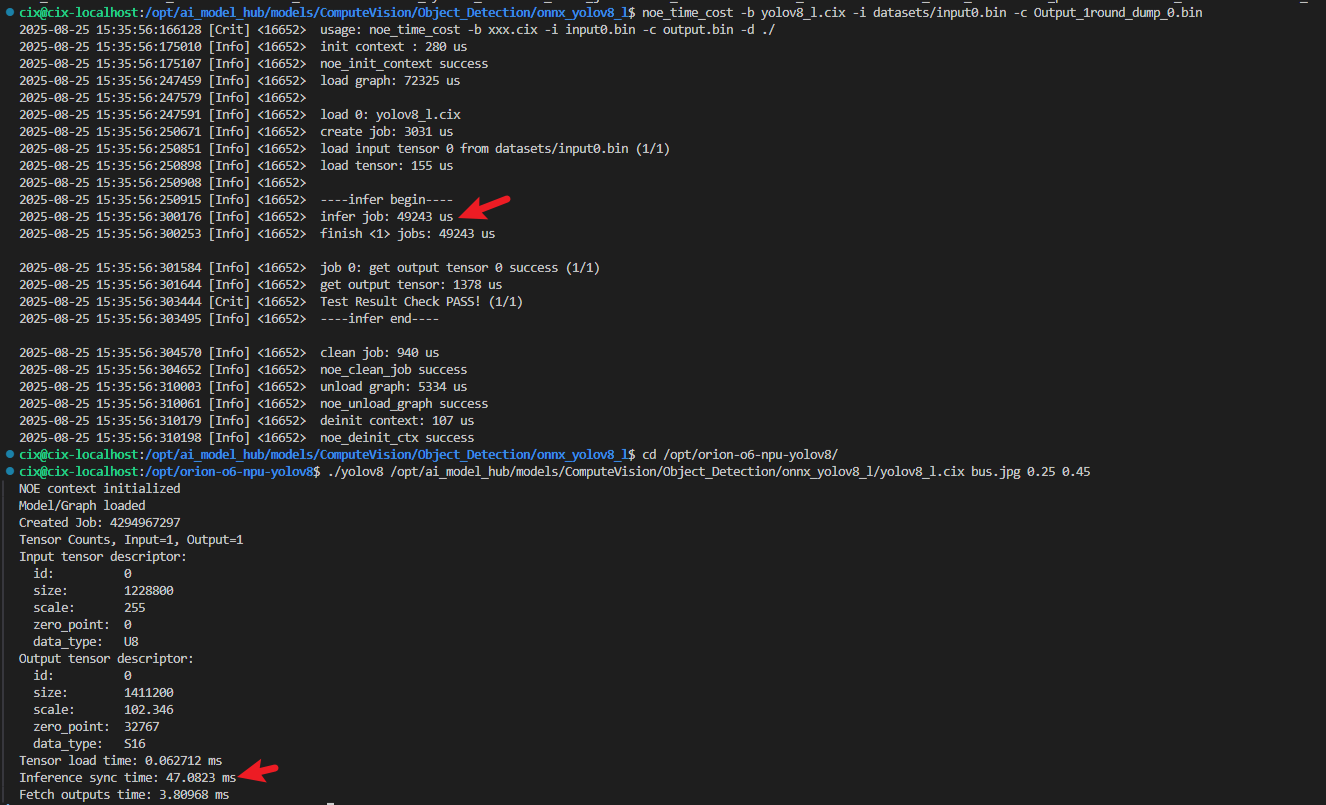
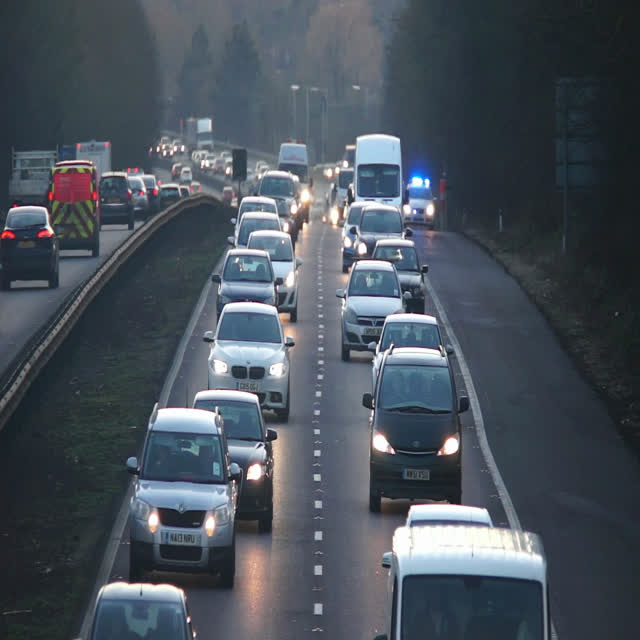
I have completed a C++ example running a YOLOv8 model on the NPU, it shows you the full process of how to achieve inference from the source pytorch model to end object detection results.
In comparison to CIX’s python code we get significant performance improvement.
Timing
Python
C++
Setting input tensors
17.22ms
3.07ms
Inference pass on NPU
55.22ms
55.54ms
Retrieving output tensors
42.57ms
6.72ms
Total time
115.01ms
65.33ms
I have also outlined how to work out what the magic numbers are for quantization with the CIX compiler so you can find them for other sized models.
It’s nice to share this. I’m always horrified to see that some companies invest money to develop NN accelerators, and to then waste all the hardware gains through numerous layers of python code that constantly copies and duplicates data till the total wasted time is higher than the hardware calculation time, to the point of making the whole solution worthless.
I noticed in your code you list the data types that NOE supports:
static const char* data_type_to_string(noe_data_type_t dt) {
    switch(dt) {
        case NOE_DATA_TYPE_NONE:  return "NONE";
        case NOE_DATA_TYPE_BOOL:  return "BOOL";
        case NOE_DATA_TYPE_U8:    return "U8";
        case NOE_DATA_TYPE_S8:    return "S8";
        case NOE_DATA_TYPE_U16:   return "U16";
        case NOE_DATA_TYPE_S16:   return "S16";
        case NOE_DATA_TYPE_U32:   return "U32";
        case NOE_DATA_TYPE_S32:   return "S32";
        case NOE_DATA_TYPE_U64:   return "U64";
        case NOE_DATA_TYPE_S64:   return "S64";
        case NOE_DATA_TYPE_F16:   return "F16";
        case NOE_DATA_TYPE_F32:   return "F32";
        case NOE_DATA_TYPE_F64:   return "F64";
        case NOE_DATA_TYPE_BF16:  return "BF16";
        default:                  return "UNKNOWN";
    }
}
Does the F32 support indicate that the NPU might be suitable for use with training models?
I imagine that’s probably far more pain than it’s worth with something like Pytorch (which I think only supports CUDA/ROCM) but just interested in the theoretical capabilities.
NPU’s are of no use for training as they are designed for inference (forward pass) only, where training requires forward and backward passes with large amounts of memory.
CIX provides binary files for C++inference, such as noe_time_cost, in/usr/share/cix/bin/.
I have tried this “noe_time_cost” C++inference API, and it can achieve the same effect as the C++ inference function you provided.
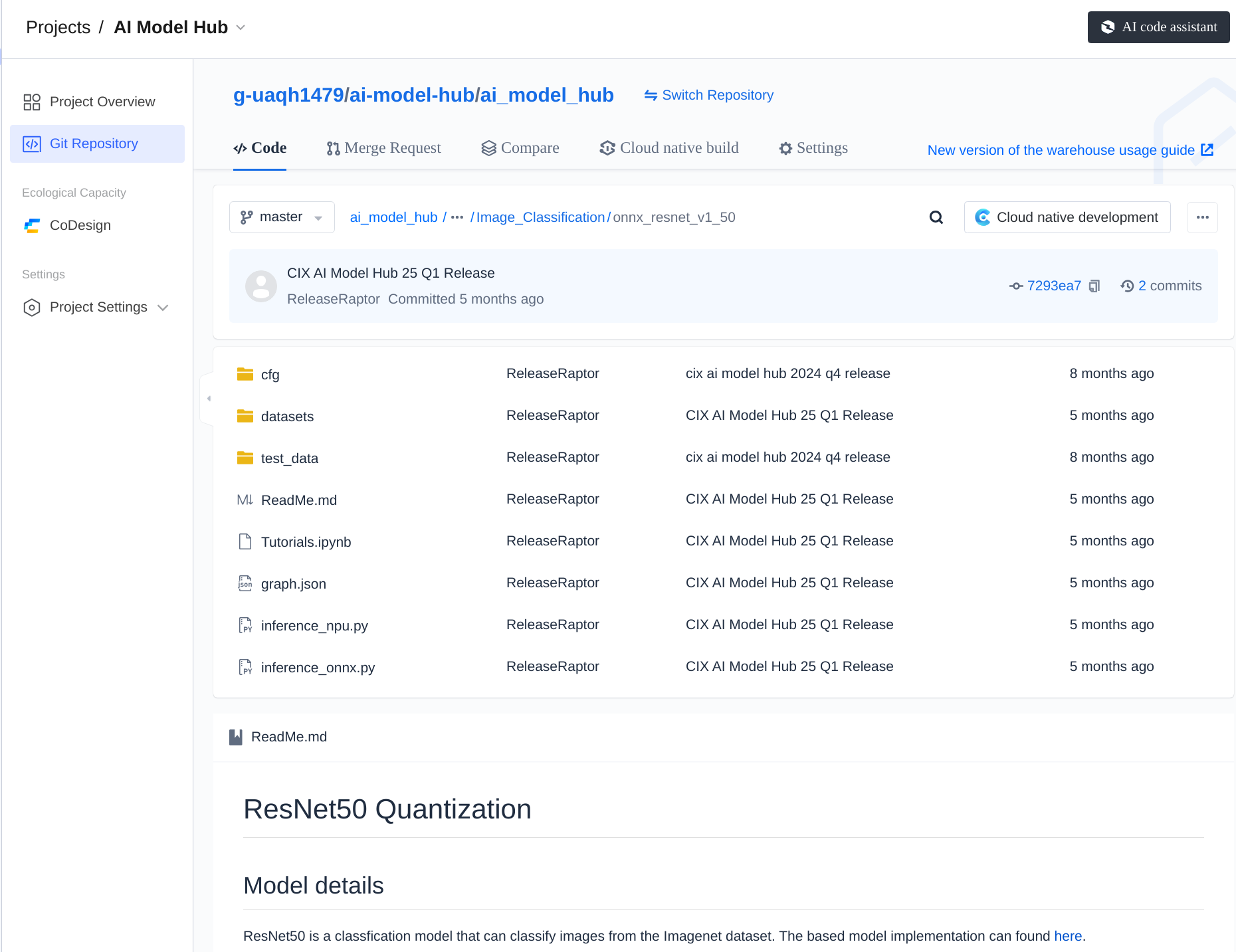
If you need better inference performance, you can also refer to the inference code of the cpp inference code of resent50 in the model hub. “model_hub/ComputeVision/Image_Classification/onnx_resnet_v1_50/main.cpp”
I’d really like to investigate the possibility of using the NPU for LLMs and Diffusion workloads, but am waiting for the libraries to mature before diving in.
I’ve been playing with NPU, and your code is the only reference i have.
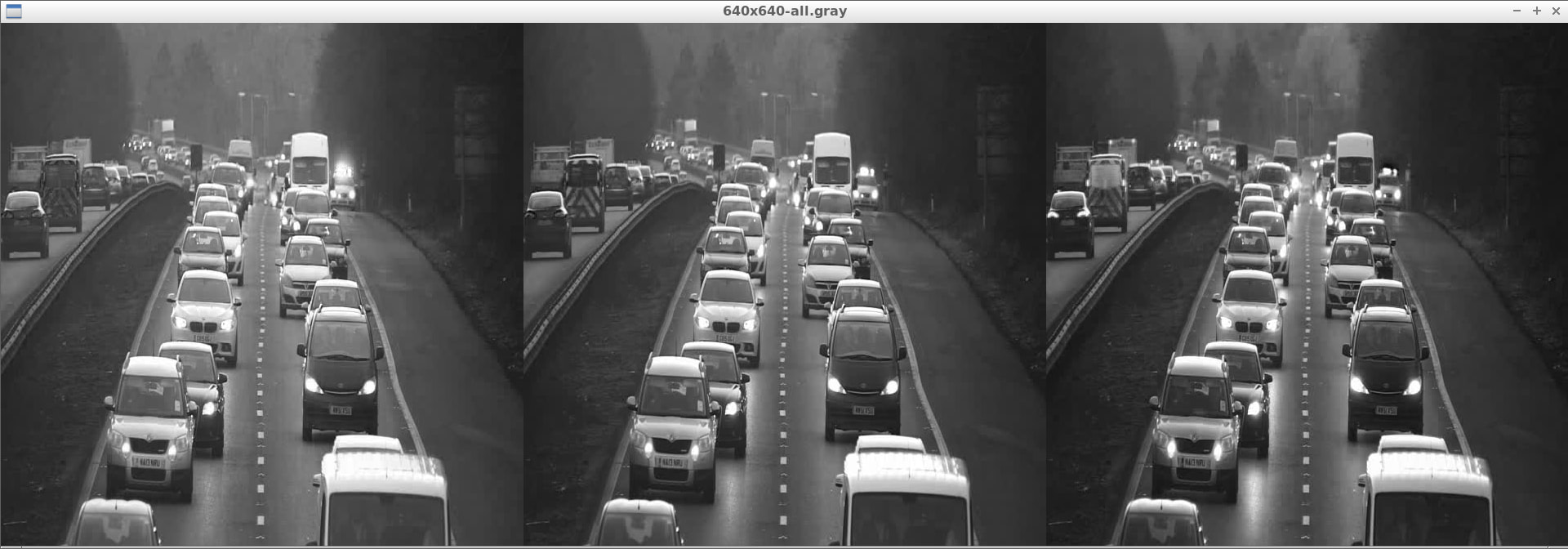
I tried some experiments with real-time feeds and without OpenCV, but I couldn’t find a suitable way to port the blobFromImage method from OpenCV ( orion-o6-npu-yolov8/yolov8.cpp at master · swdee/orion-o6-npu-yolov8 · GitHub ), so precision is compromised.What i noticed is the yolox is faster and don’t use blobFromImage, correct me if i’am wrong.
It seems to be 32-bit depth instead of 8-bit depth.
i expected CIX to be more open and expose the NPU interface with plenty of examples in C/C++, so i could learn from it. But thanks for your example.
If your precision is compromised in the YOLOX model it could be due to that model requiring different preprocessing steps. Some common reasons for this could be;
different resize algorithm
RGB/BGR mismatch
HWC vs CHW mismatch
float input instead of uint8 input
normalization added when model expects raw 0–255 bytes