What options have people used for cooling processor and LPDDR5 memory chips ??
Aliexpress did offer an active cooling solution in copper however this is no longer available.
What options have people used for cooling processor and LPDDR5 memory chips ??
Aliexpress did offer an active cooling solution in copper however this is no longer available.
I just bought the copper cooling model and installed it.I comes with a small thermal pad only big enough for one of the chips and some thermal paste as well. It seems to work fine but don’t think it sits correctly on the DDR5 memory. Will install another thermal pad on top of it to make sure.I bought mine here https://www.aliexpress.com/item/1005010333340740.html
Dave
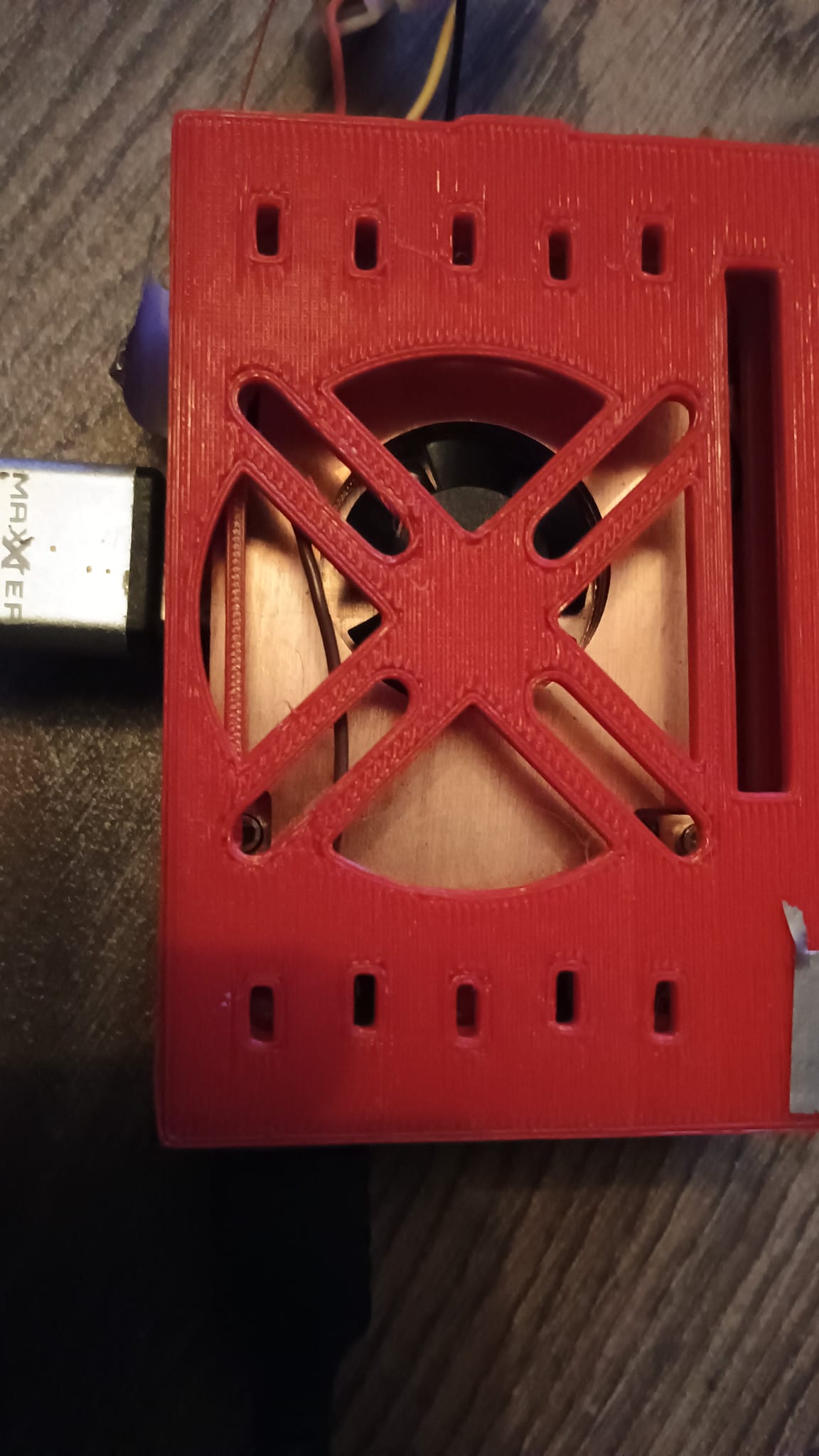
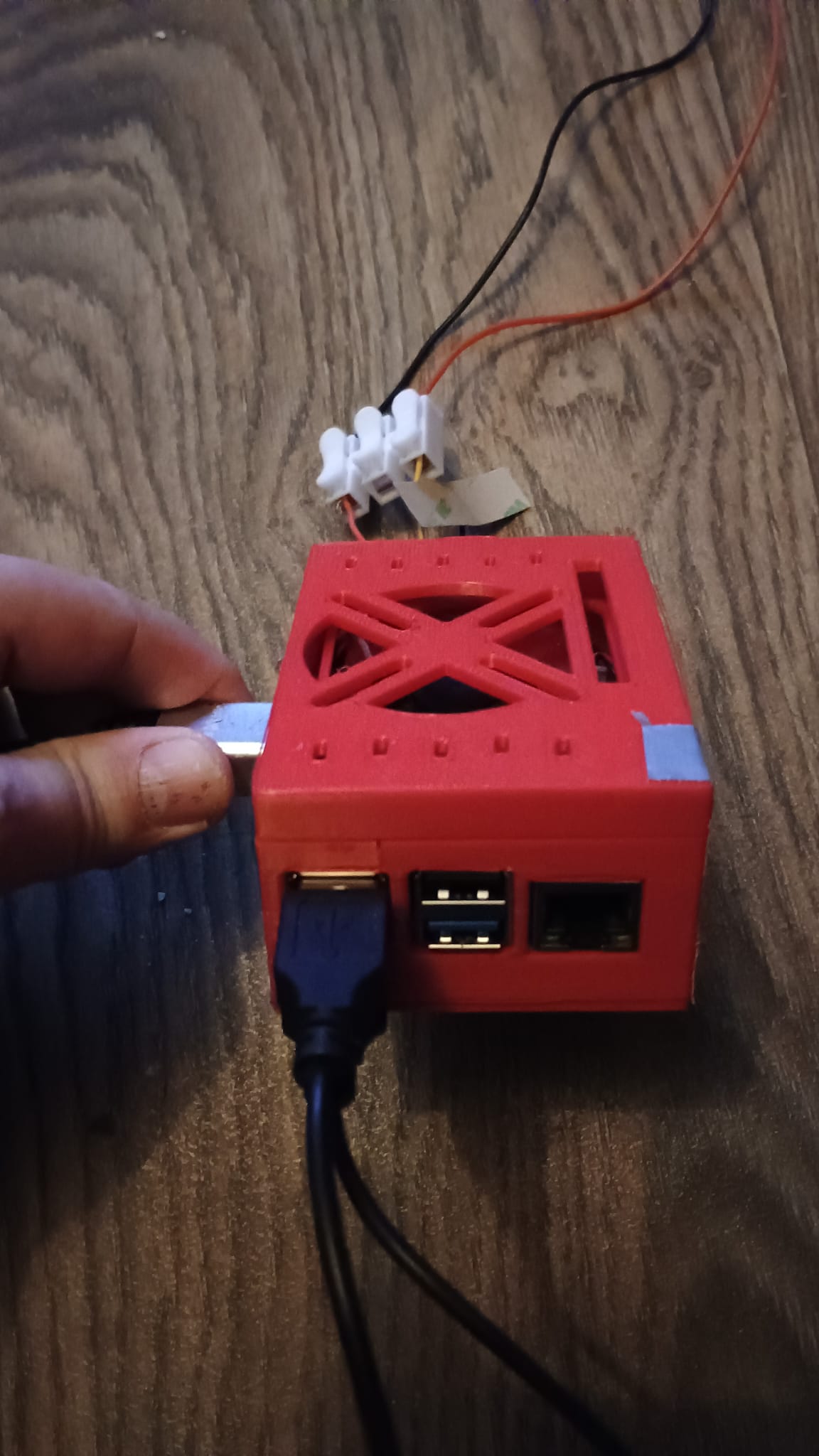
i also bought the alie active cooler, i am very satisfied, stressed 55 degrees. I monitor with btop. Latest bios and t7. Printed the case with 0.6 nozzle @ 0.28. Case is developed by a other forum member here. It really stays cool and with the extra space in the case i even have space for a filter. IMHO it is available @ alie.
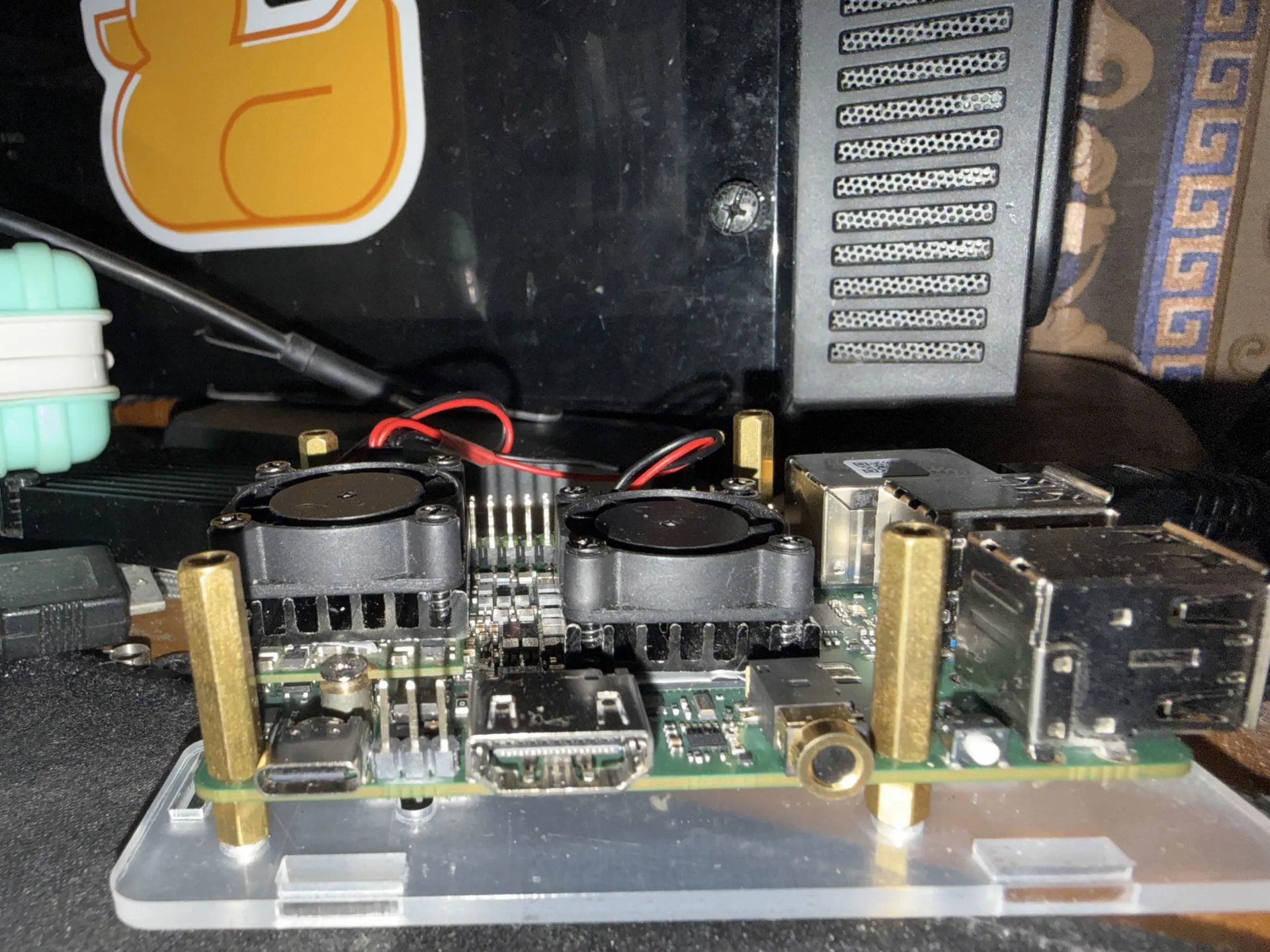
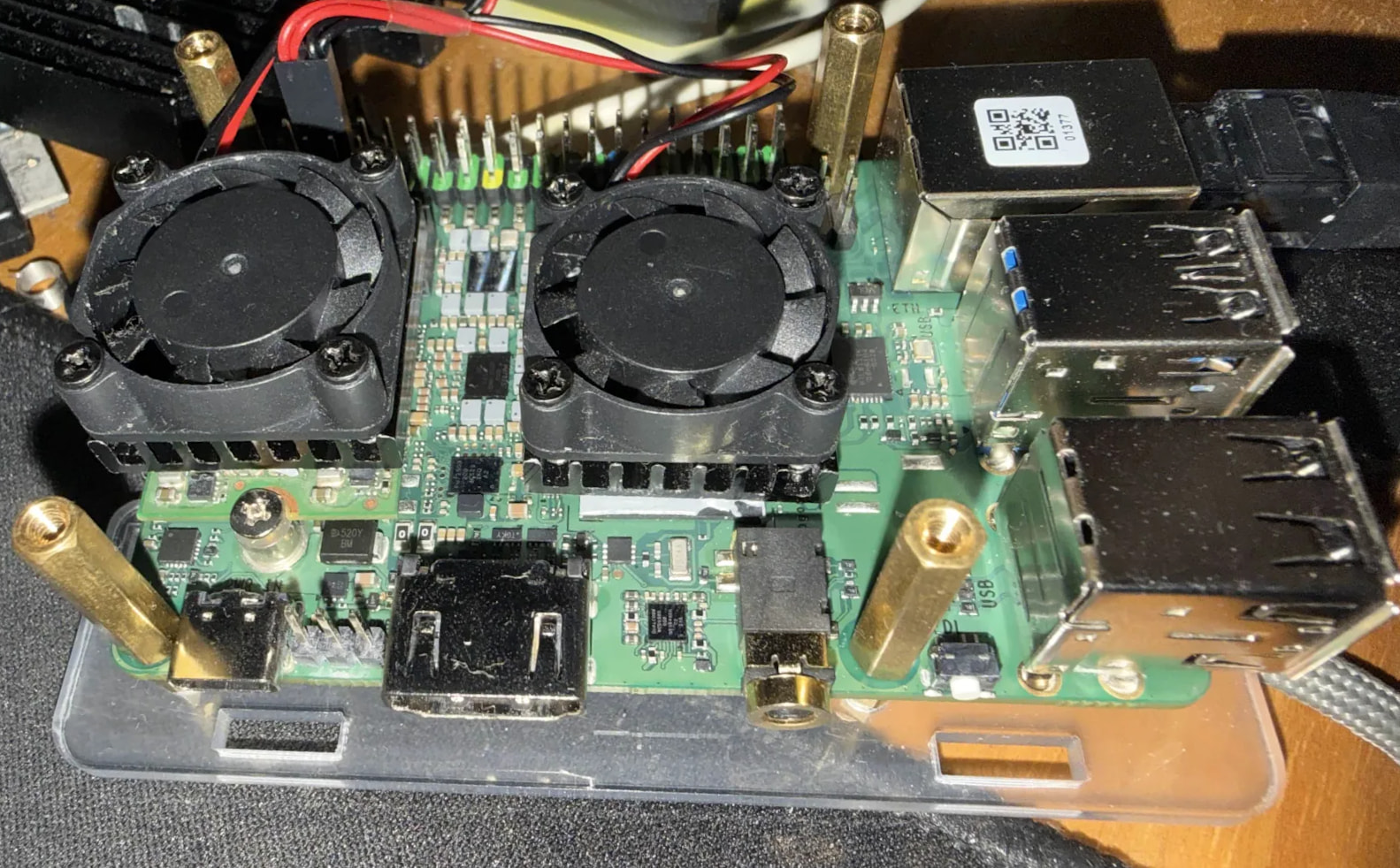
I don’t know if its the best but I use a pair of single heatsink blocks with the fans from a dual fan cooler, I’m using PTM2750, which holds it in place after a few thermal cycles but is removable. Machine seems to never heat up under load, and its pretty quiet.
Can you let me know about the kind of spacer and standoffs I should use with the Q6A? Should I get M3.5 thread size for the standoffs? Also, what should be the size of the heatsink I should use on this thing? Should I try to get two different heatsinks for the CPU and RAM or a single heatsink that covers both? What is the specification of the fans that you got?
The standoffs came with the case - but m2.5 should work - that case used a pair of ‘short’ standoffs, and a pair of pillars. I switched over to this later Radxa Metal Case for ROCK 5C
I use a pair of fans meant for a twin heatsink with a pair of single heatsinks - and they’re held in place by thermal compound - PTM2750 works well if its flat under load. There might be better options. Seperate heatsinks for ram and CPU would be tiny IMO - mine almost covers both.
For fans - a 25mm 5v fan meant for a raspberry pi is what I’m using. I got them wired together from a double sized heatsink, and you can power them off the header. Your options would vary - I was debating a bigger fan on the outside but mounting it would be a pain.
Hmm, I’m a bit confused about what ϕ 3.5 means in the dimension diagram of the Q6A if M2.5 is what I should get.
@ayushnix i use the stock parts that came with the cooler, modified the case and placed all at the bottom plate. Be aware that if you buy the active cooler you watch carefully how to build, With wrong placed standoffs, the cooler doesn’t fit properly and stays above the parts that needed cooling. Shorter stands on the pcb longer below. With the parts i ordered came 2,5 standoffs, screws etc
Unfortunately, I can’t get stuff from AliExpress in the country I live in. The best I can think about doing at this point, until an offficial case+cooler is sold by Radxa for the Q6A, is getting standoffs, spacers, copper heatsinks, thermal pads, and maybe getting that case 3D printed. I’m not sure if that case provides any option for attaching a cooler.
try to contact the seller, maybe he/she has an option for you to get it.
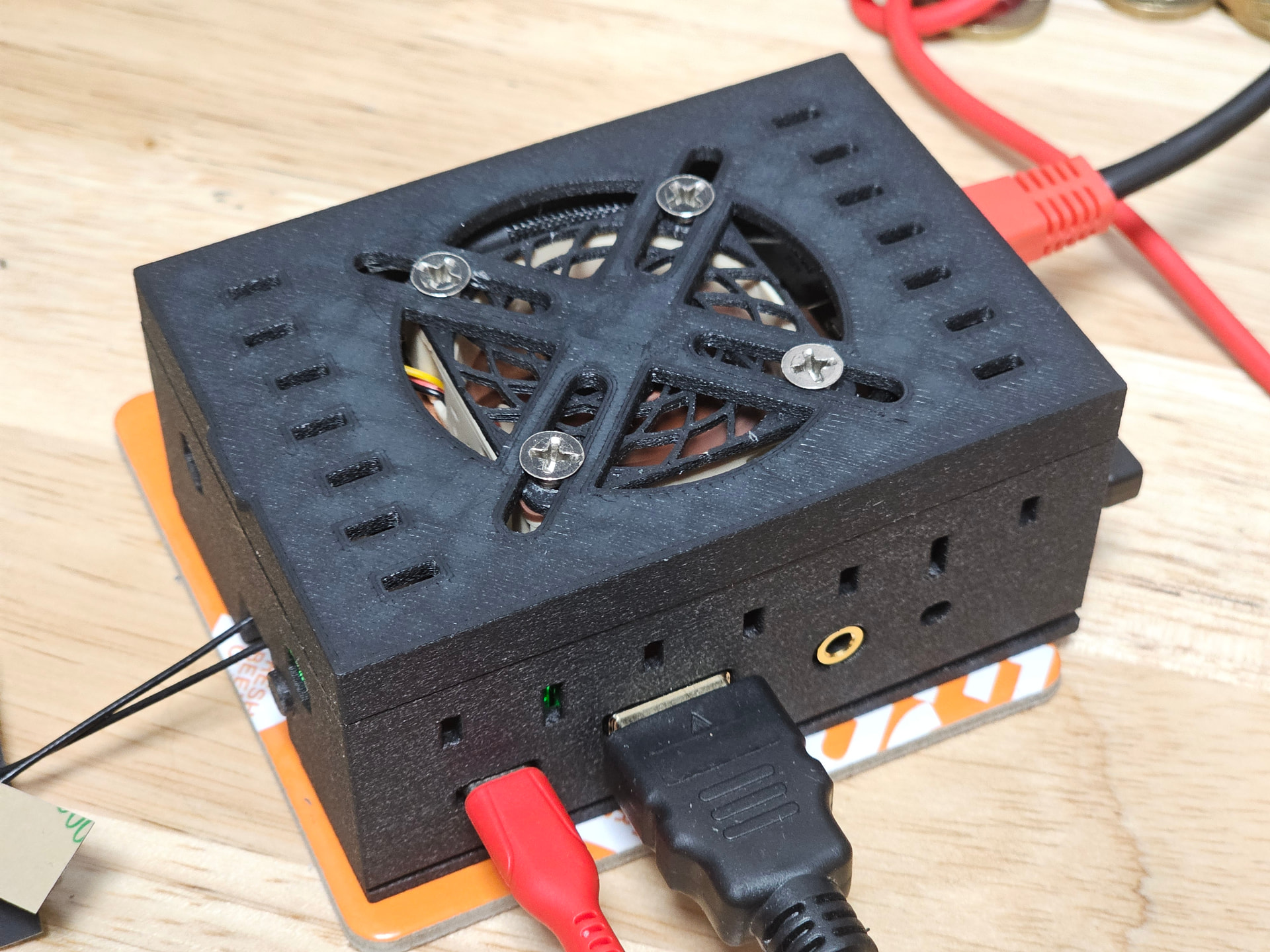
Ended up with this.
The usual copper heatsink from Ali, thickness 4 (I could probably fit 5), the usual case from Printables (lid XL), Noctua 40x40x10 5v fan (I’ve removed the stock one, as it’s way too loud and high-pitched), High Efficiency Fan Grill for 40mm from Printables, and a 3-pin fan speed reduction cable.
It is finally quiet enough, and works pretty well in a stress test.
Nice work, you have also chosen the same case, btw all credits for the case are for el_sattchmo.
He made/developed this case. Also forum member. https://forum.radxa.com/u/el_sattchmo
If i am not mistaken Radxa Dragon Q6A Case V4 by El_Sattchmo | Download free STL model | Printables.com
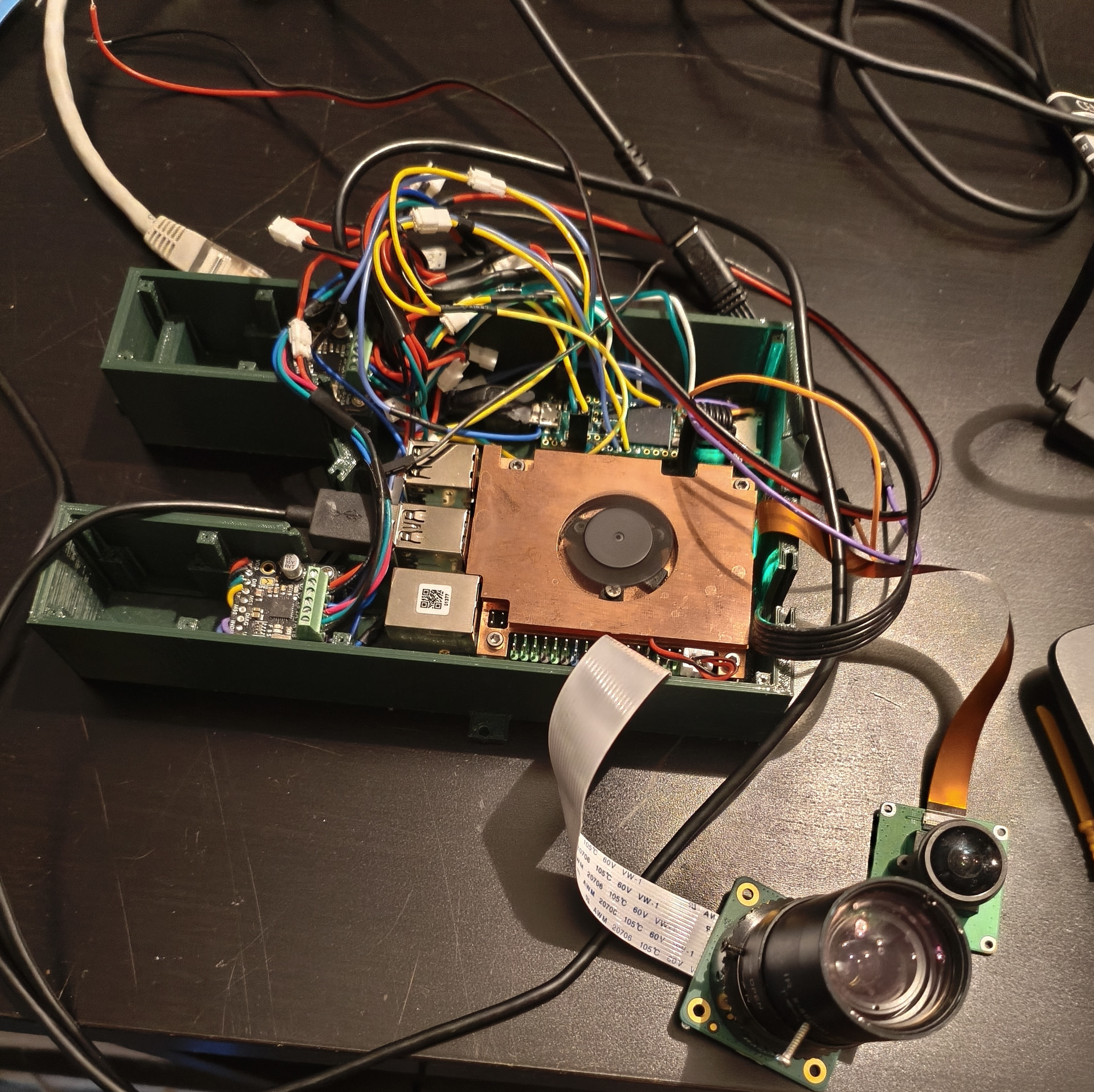
Here’s my version. designed for my project and I’m using the same copper heatsink.
The enclosure isn’t shown in the photo because I needed to shorten the wires between the TMC2209 and the Teensy.
The heatsink has two levels. The piece jutting out the furthest is the MPU (use thermal paste on it) and the shorter one is over the memory and use the pad they included.
The “4 X” means there are 4. The “ϕ 3.5” means the hole is 3.5mm which is a bit bigger than the 2.5mm hardware you are mounting it with. That gives you a bit of leeway in mounting.
I’m using the Radxa Dragon Q6A primarily as a headless edge AI inference server and to host my personal project with multiple Docker containers running continuously.
I stay in a fairly hot region where summer ambient temperatures can reach 35-40°C, so under sustained CPU + GPU workloads the official armor heatsink case alone still became extremely hot.
Previously, during continuous inference/testing:
CPU/GPU thermals would exceed 90°C.
Thermal throttling would kick in.
Sustained performance became inconsistent.
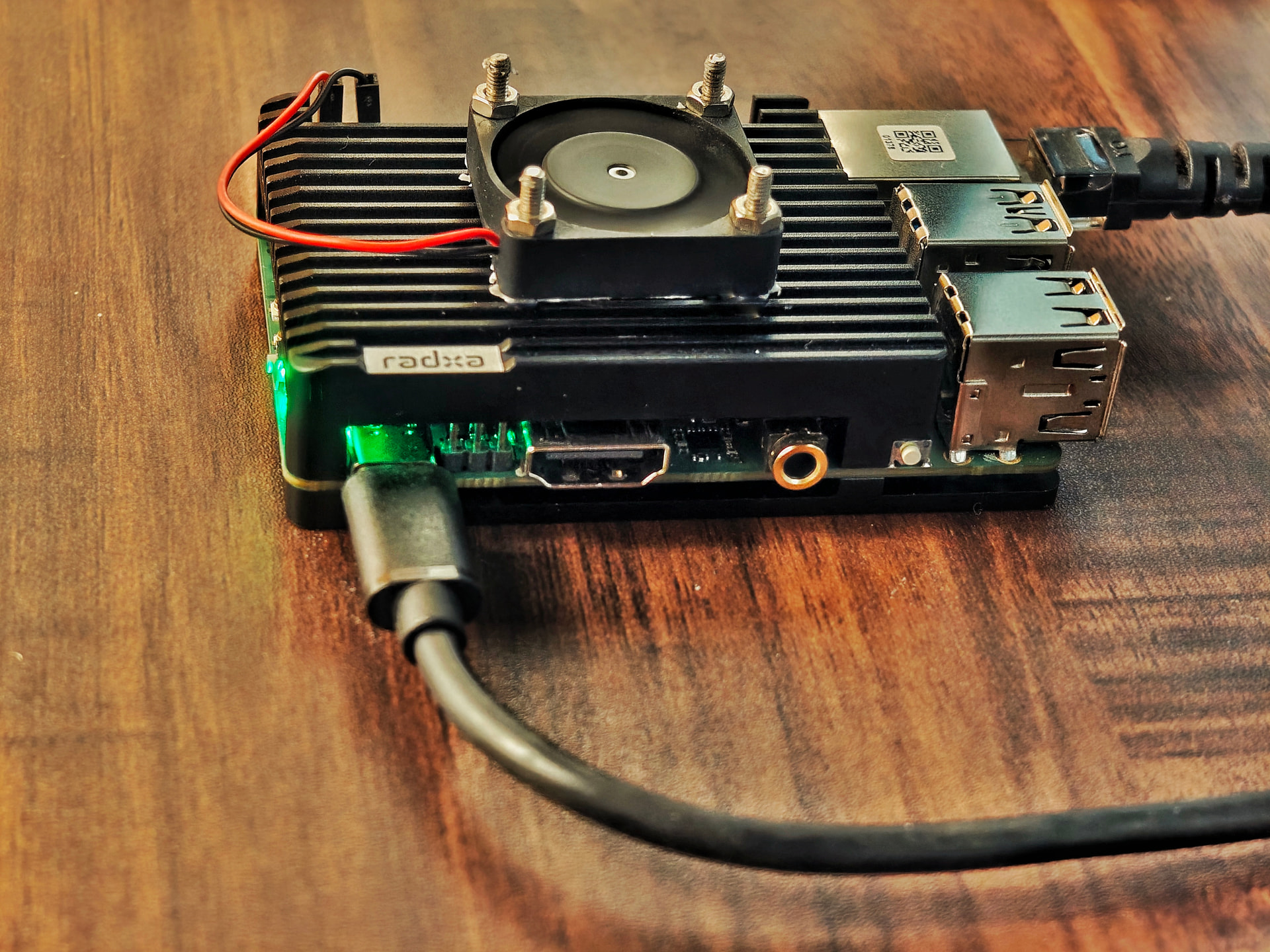
I added a small recycled 5V fan directly on top using a tiny amount of thermal glue.
No drilling, no permanent modifications, almost zero added cost, and the mod can still be removed easily if needed. Airflow increased.
Thermal performance improved dramatically:
throttling is now eliminated
sustained workloads remain stable even under full CPU load
CPU/GPU/NPU temperatures are noticeably stable during heavy workloads
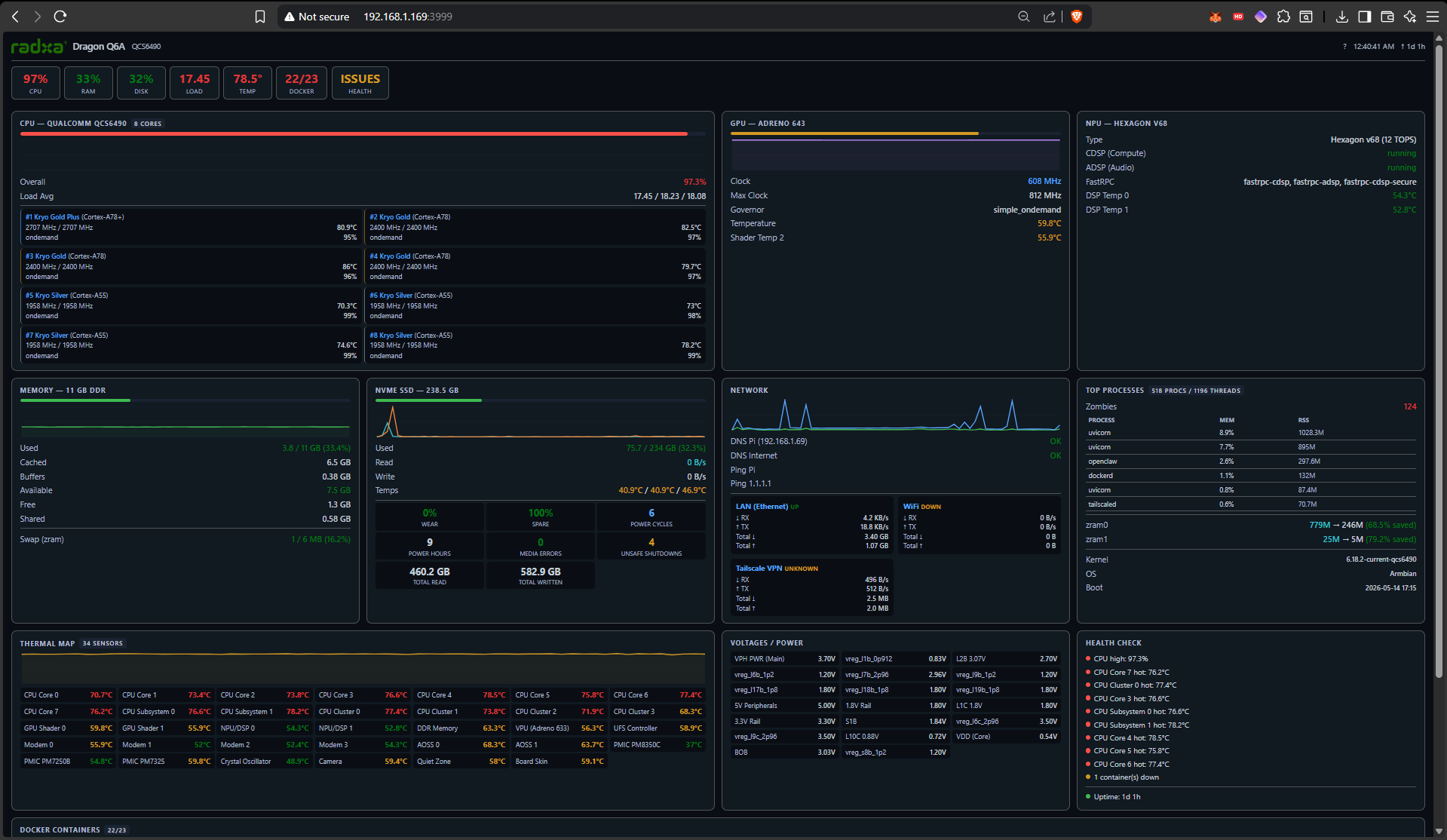
Sharing a screenshot from my custom monitoring dashboard during sustained heavy active workloads.
Github link for the thermals if you want to monitor:
(Disclaimer: Not an official tool. There may be bugs. Developed for the Q6A community.)