I did some general benchmarks of phoronix tests against raspberry pi, it was closer to a Pi4 than I expected.
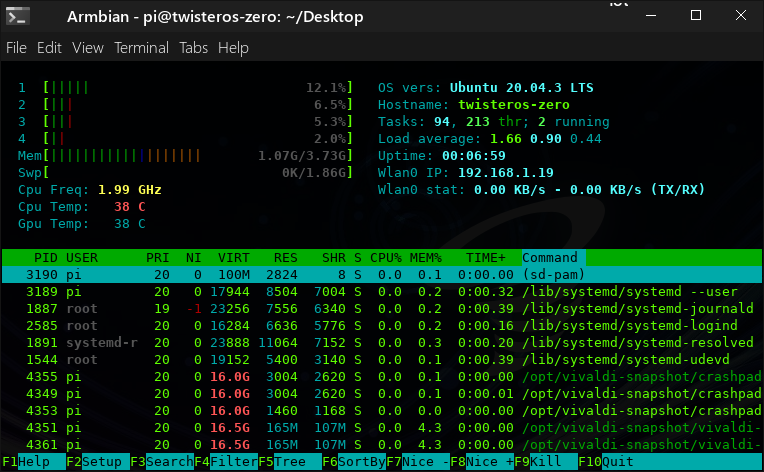
1st 2 I did on Twister and did not notice frequitils was installed and maxing cpu to 1.5Ghz
The later tests run at 1.8 and a OC of 2.0Ghz
I guess we could set it in dongle mode and create a ram drive and copy over a file to test the USB3.0 I have a hunch because it was primarily a set top box dongle in a range of set top boxes that it will be somewhere near full USB3.0 bandwidth.
The usb3.0 is the OTG & power though and the one you might use is usb2.0. Prob so you get the 900ma but means the spare ports has less bandwidth ( 1920x1080 images at 24fps max)
Thanks for clarifications. Interesting that 2280 is required, i would have thought so long as the storage device was m.2 nvme 22mm wide interface the 30, 42 or 80mm length of the card makes no difference.
Is 4GB of ram going to be all you really need for twister os desktop browser mostly use case vs the 8GB suggested by skus available with rp4 offering?
Reading https://rockpi.org/rockpi4 page it says this device gets a geekbench 5 single core of 1347 and multicore of 3024. Is that for real with standard issue device setup or am i overlooking something? I ask because my lenovo laptops with Intel Core i7-8650U 2.1GHz and Intel Core i5-8365U 1.9GHz don’t get those numbers.
4Gb of RAM is enough to run TwisterOS Armbian. If you need 8Gb of RAM on an ARM SBC, you should look for Rock 3A, Rock3B or upcoming RockPi5(RK3588). it will take a few more months to have TwisterOS ready for RK3566/RK3568.
Thanks for the input on the 4GB ram and details of higher memory alternatives and upcoming releases. Wondering if we’ll see one of these upcoming sbc offerings deliver a thunderbolt 4 port so you can single cable power device and connect display and usb hub in display. In terms of what is currently available is the rock pi 4b+ a newer / better offering than the rock pi 4c?
I think Intel/Apple are keeping Thunderbolt to themselves even AMD systems don’t have thunderbolt so unlikely to see it on a non Apple Arm device.
I think that is right as you see thunderbolt on Intel Nucs but not on the AMD ones and think is all due to licencing.
Its confusing but if it will be USB4, what it can do and if its capable.
When will it be available to the public? myusrn asked this a little while ago but I don’t think they got an answer.
I am a big fan of using g_ether and OTG capability to ssh into SBCs and share internet to them that way. There’s great guides of doing this with the RPI 0, RPI 4, and on numerous Armbian platforms but has anyone managed it with the Radxa Zero? What worries me more than anything is it’s power consumption which might preclude it from being powered via a single USB C port at all (though I could always use something like a PiSugar2 in that case since I believe the Radxa’s GPIO pinout is equivalent to the Pi’s and simply use the USB for the ethernet gadget functionality).
Haven’t tried the kernel g_ether OTG yet but presume it works as by pressing usb boot when applying power from a usb3.0 port you can access the device.
As in
USB 3.0 is 4.5 watt (5v * 0.9 amp) the TDP is 5watt so its close but that is a max
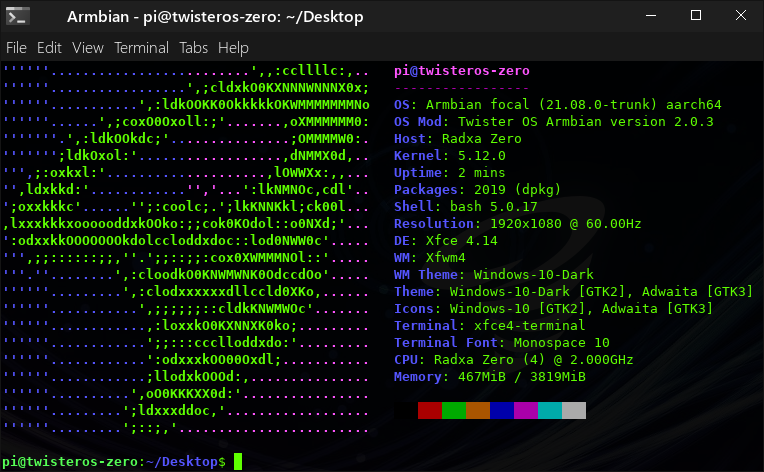
I noticed you have 2.0Ghz there but standard DTB is 1.8 with cpufrequtils default to 1.5
Did I hit the silicon lottery or did you find it not stable?
Also still playing with emuelec but the panfrost drivers seem faster as if you watch the ETA Prime he uses ‘crazy taxi 2’ as an example a game struggling with FPS whilst its mainly 60+ with a few dips below on twister os with the oibas ppa panfrost drivers.
The ap6256 drivers do work its the ap6236 drivers of the 512mb/1gb that we are short of working drivers.
They do in TwisterOS anyway and thought that was common of Armbian.
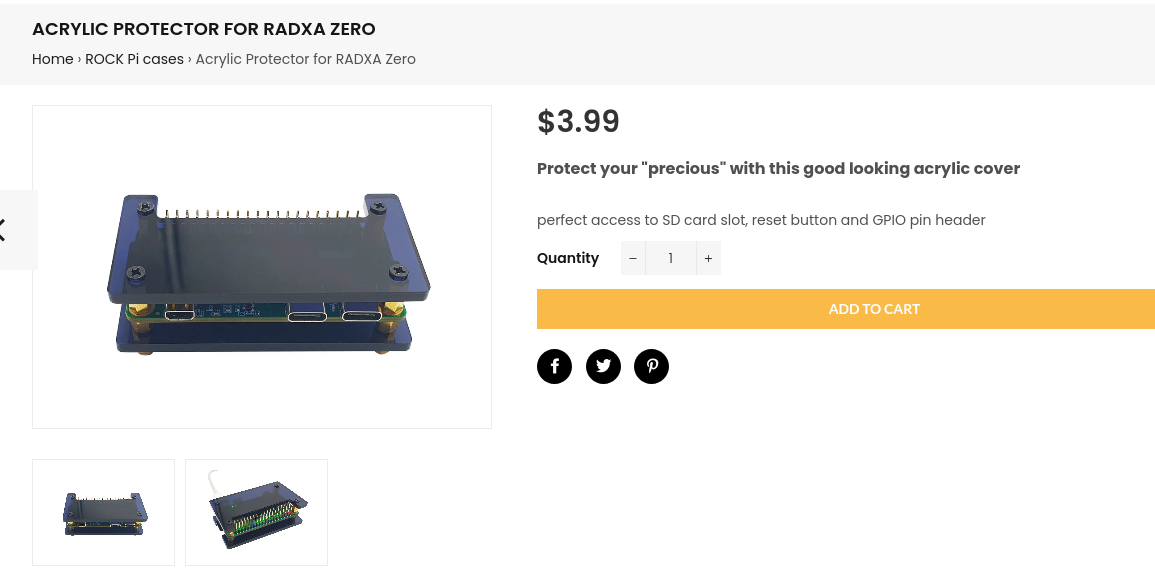
Certainly a good start, but I really hope we get to see a case which actually protects the Radxa Zero from dust, comes with a heatsink, and also covers the GPIO pins when unused like the Flirc Raspberry Pi Zero Case in the near future so that we can order both the SBC and its case at the same time. Given that the Radxa Zero is much more performant but also less cheap than the Raspberry Pi Zero, investing a couple of bucks more for one (or a few of them) shouldn’t be out of proportion…