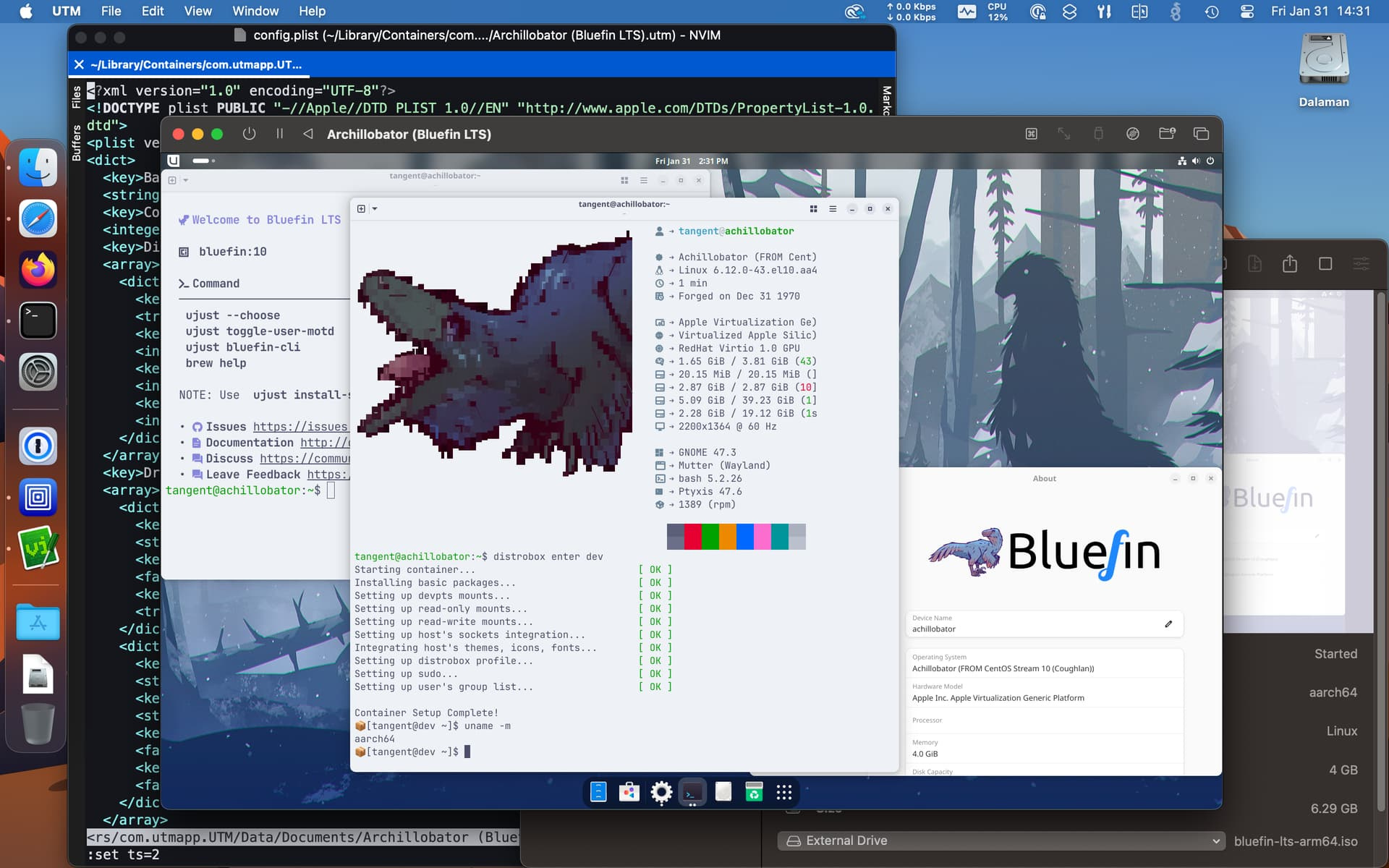
Bluefin LTS for ARM - Forum - Larger, more lethal Bluefin. bluefin:lts is built on CentOS Stream10.
1 Like
Homework for myself: https://sbcwiki.com/news/articles/we-ve-got-vulkan-running-minecraft-java-edition-on-arm-before-gta6/
libmalis Blob
1 Like
That guide can now be further simplified, you don’t need to checkout the vulkan-wsi-layer anymore, just get the .deb file: https://github.com/ginkage/vulkan-wsi-layer/releases/latest
2 Likes
You should be the one making dummy steps for us all noobs trying to figure this mess out ehehe.
Thank you Ginkage.
Well, in this case it’s pretty straightforward: start with Armbian 25.2 / Noble / GNOME / vendor, make sure the gpu-panthor overlay is disabled (and you don’t have mesa stuff installed, especially mesa-vulkan-drivers), then install libmali and WSI and reboot. That’s it, vkcube-wayland and various emulators should work.
2 Likes
After 3 years! Has landed !
2 Likes
Live Wallpapers
Magical command to install the system into the emmc from the SD Card:
sudo dd if=/dev/mmcblk0 of=/dev/mmcblk1 bs=4M status=progress conv=fsync
Wipe disks:
for i in /dev/sd*; do wipefs -a $i; done
for i in /dev/nvme*; do wipefs -a $i; done
The commands you pasted at the bottom are incredibly dangerous
Care to elaborate?
They will wipe any drives connected to the system without asking for confirmation.
Thats the idea to wipe and nvme u plug in
I know, but looping wipefsover all devices in an uncontrolled way is a recipe for disaster. It will wipe a pendrive if installed. Just don’t do this, wipe one specific drive after triple checking
1 Like
Ok noted thanks!